
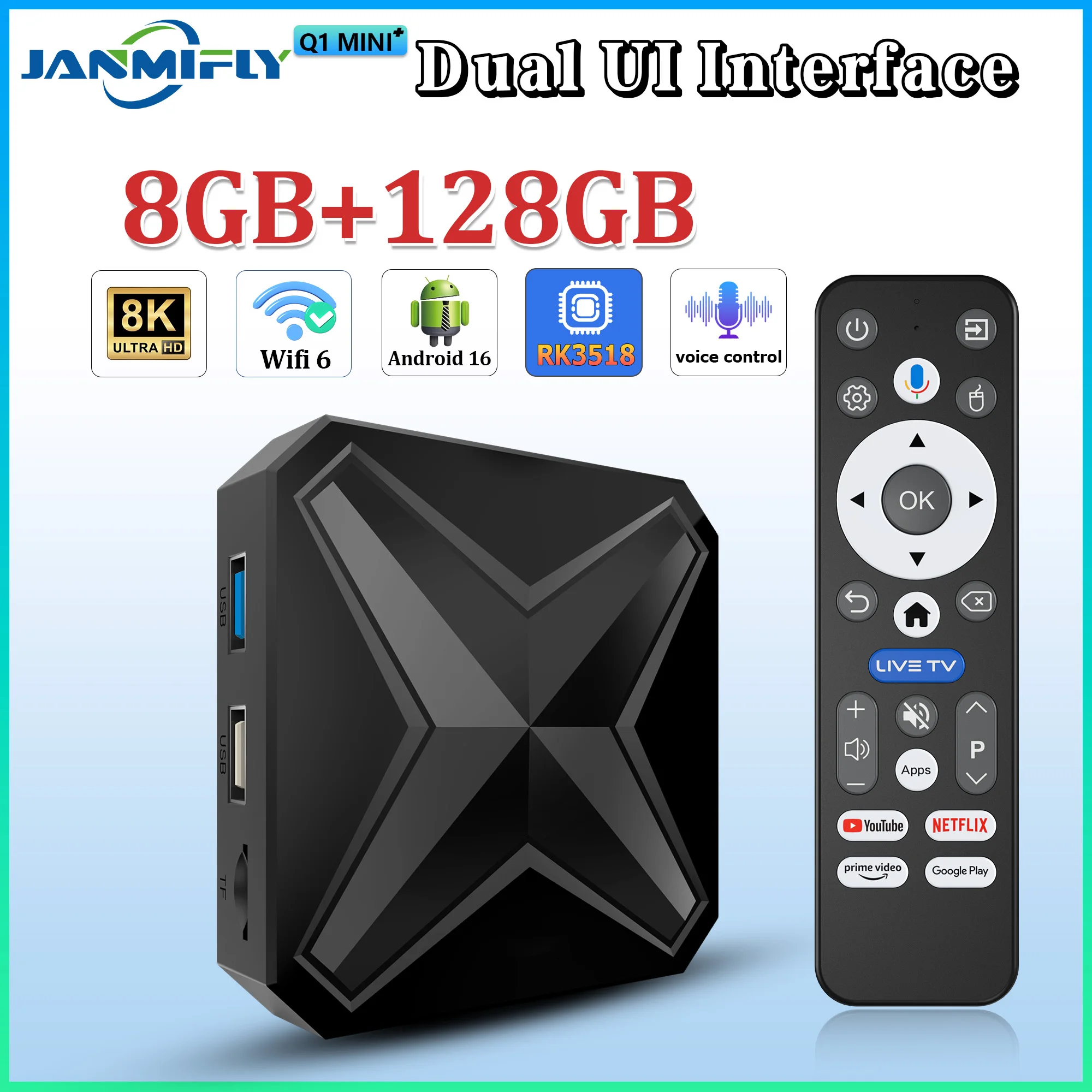

Description
- Voltage range: USB (5-20V DC)
- High-concerned chemical: None
- Supported Internet Services: Prime video,NETFLIX,Hulu Plus,BROWSER,Google TV,hulu,YouTube,PANDORA,Other,Free Sat/Free View,Explore 3D
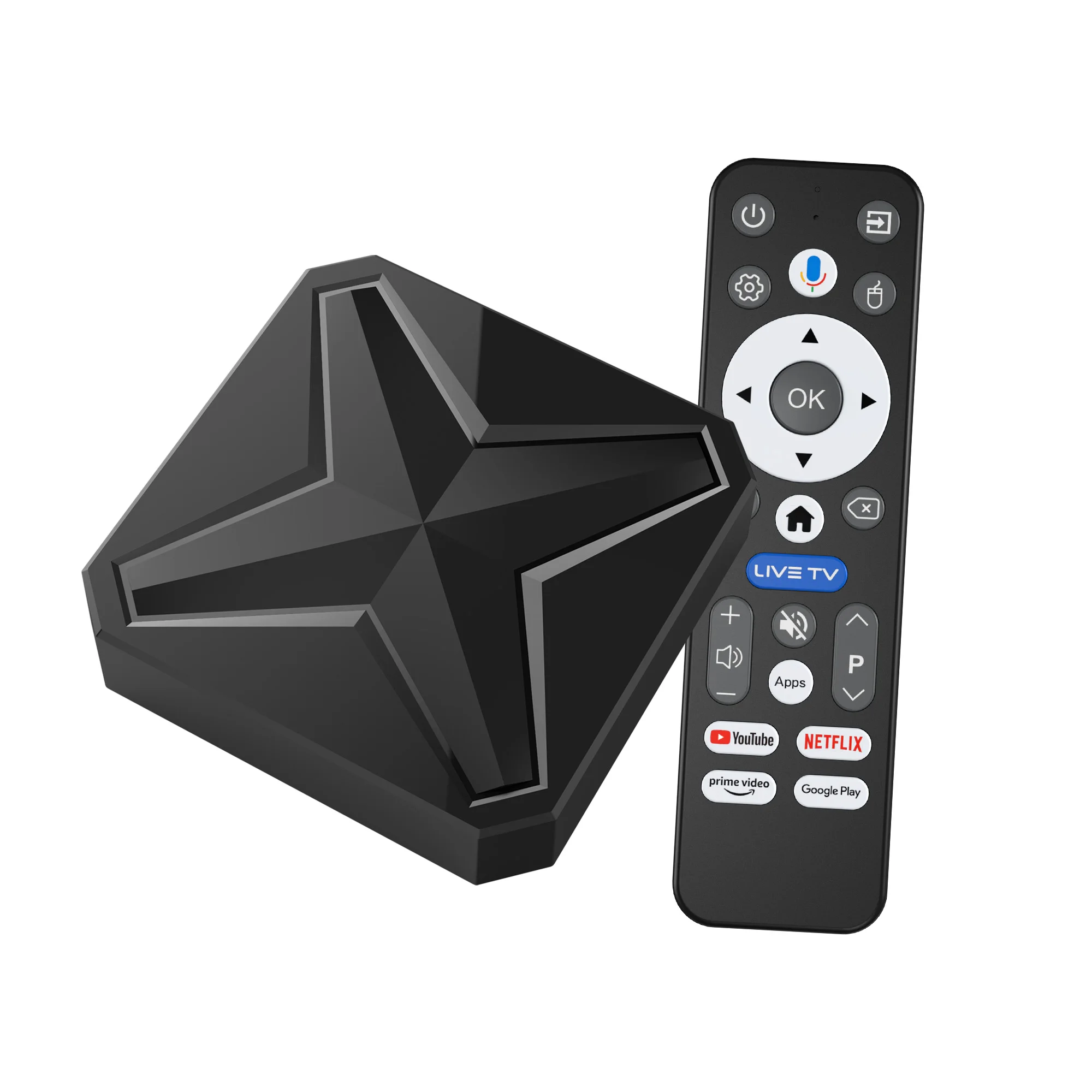
- Remote controller included: Yes
- Voice assistant built-in: Yes
- Category: Set Top Box
- HDR Standards: HDR10+,HDR10
- Max Output: 8K @ 60 Hz
- Audio: Dolby Digital,DTS,DTS:X,Dolby TrueHD
- Video Code: H.264/AVC,H.265/HEVC
- Audio Output: Audio line out
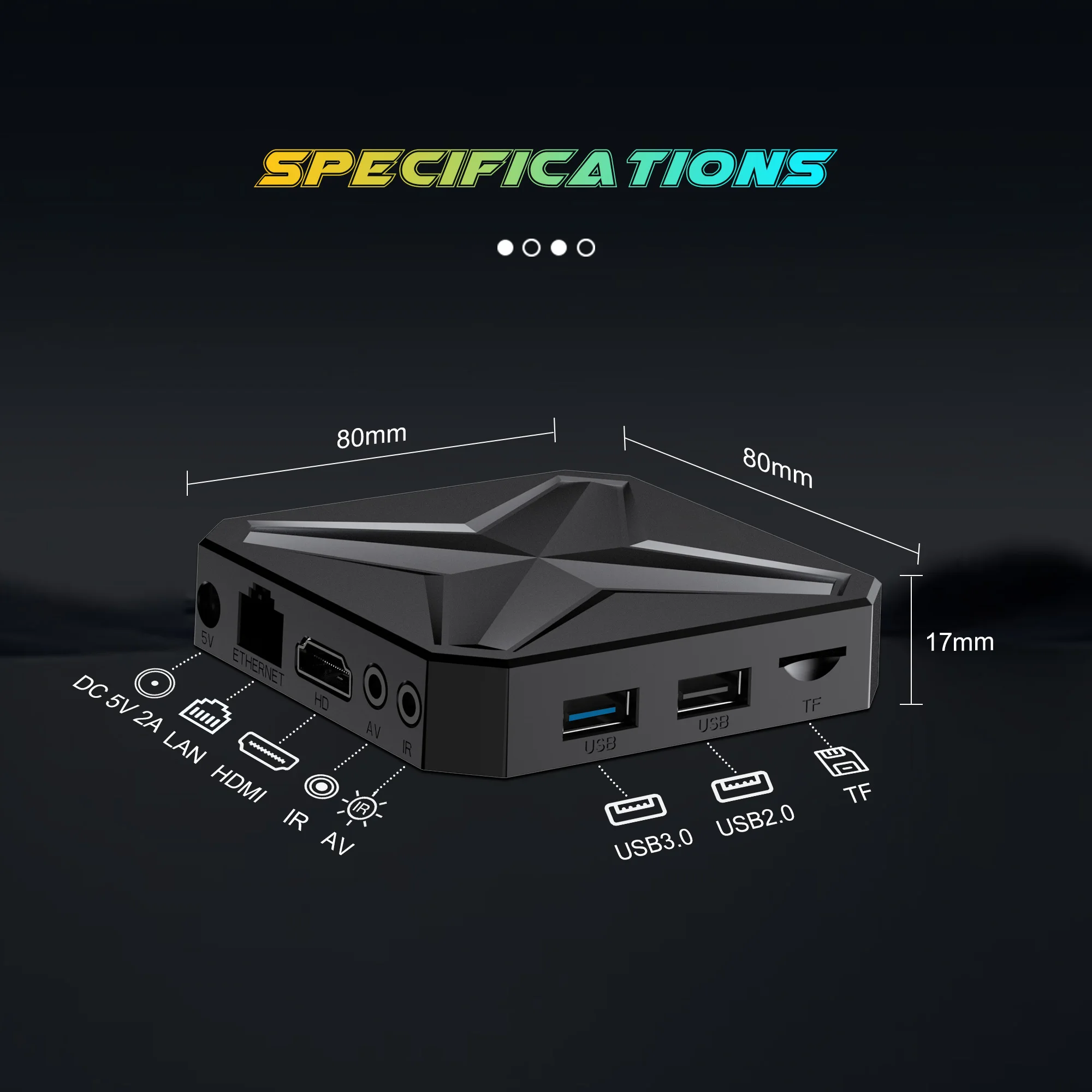
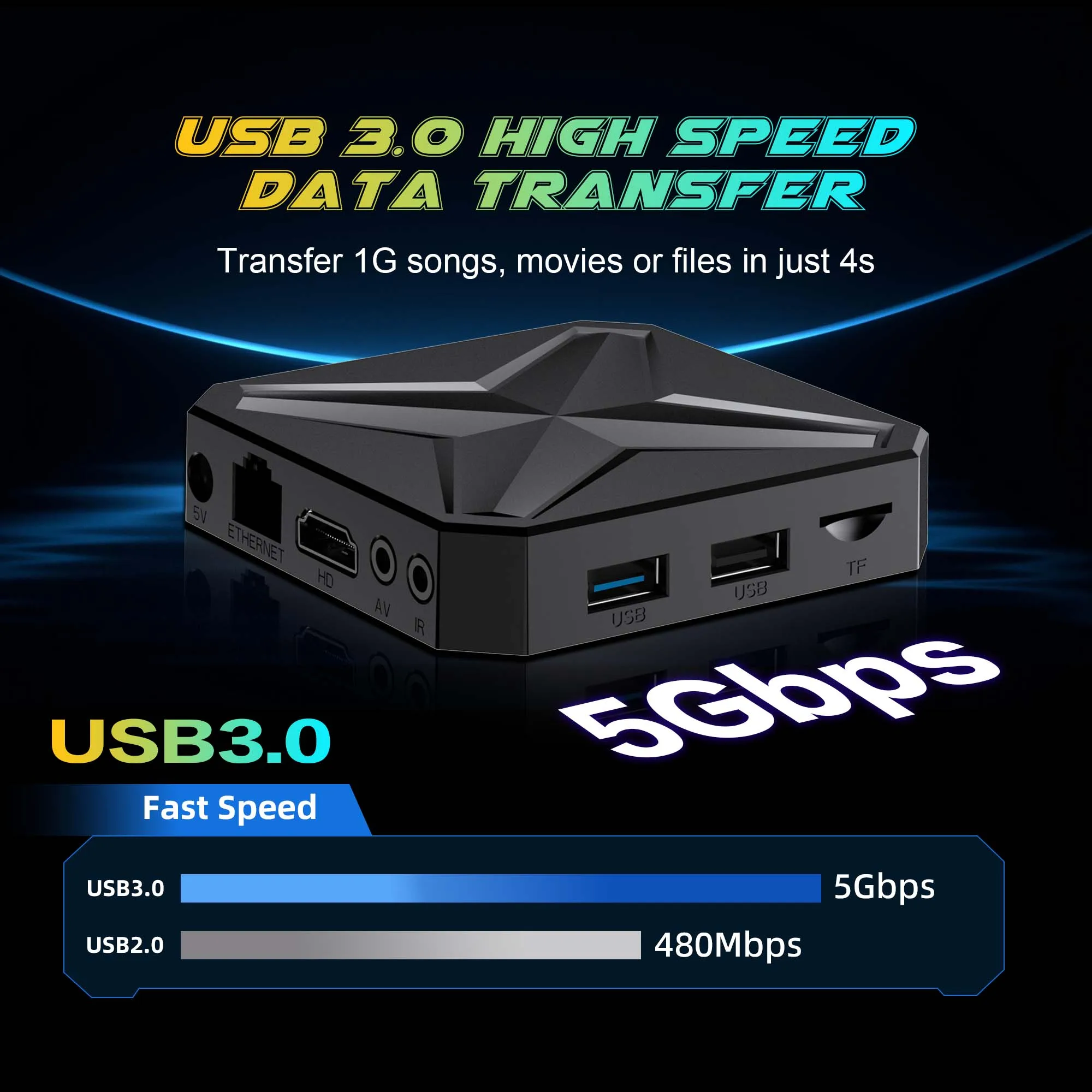
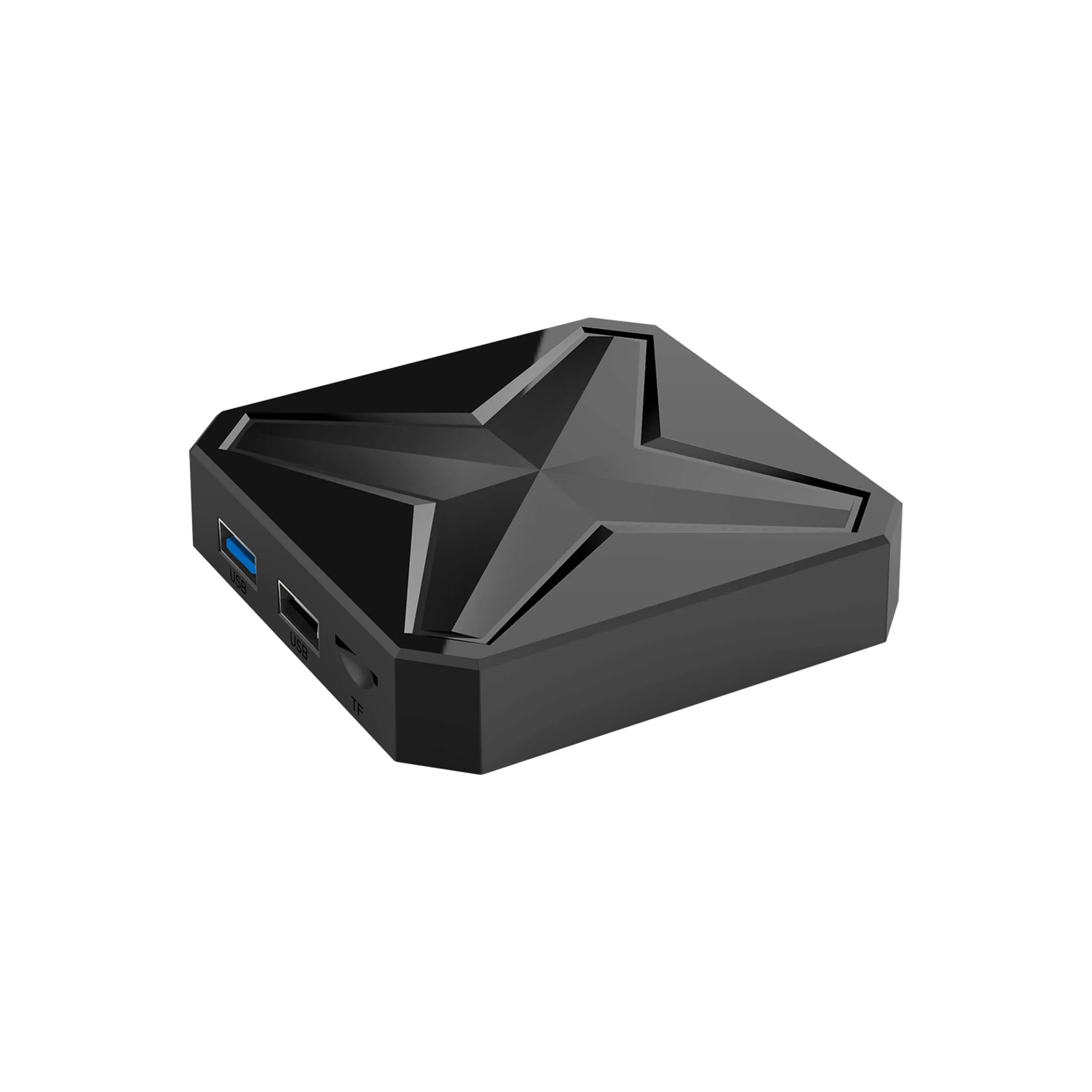
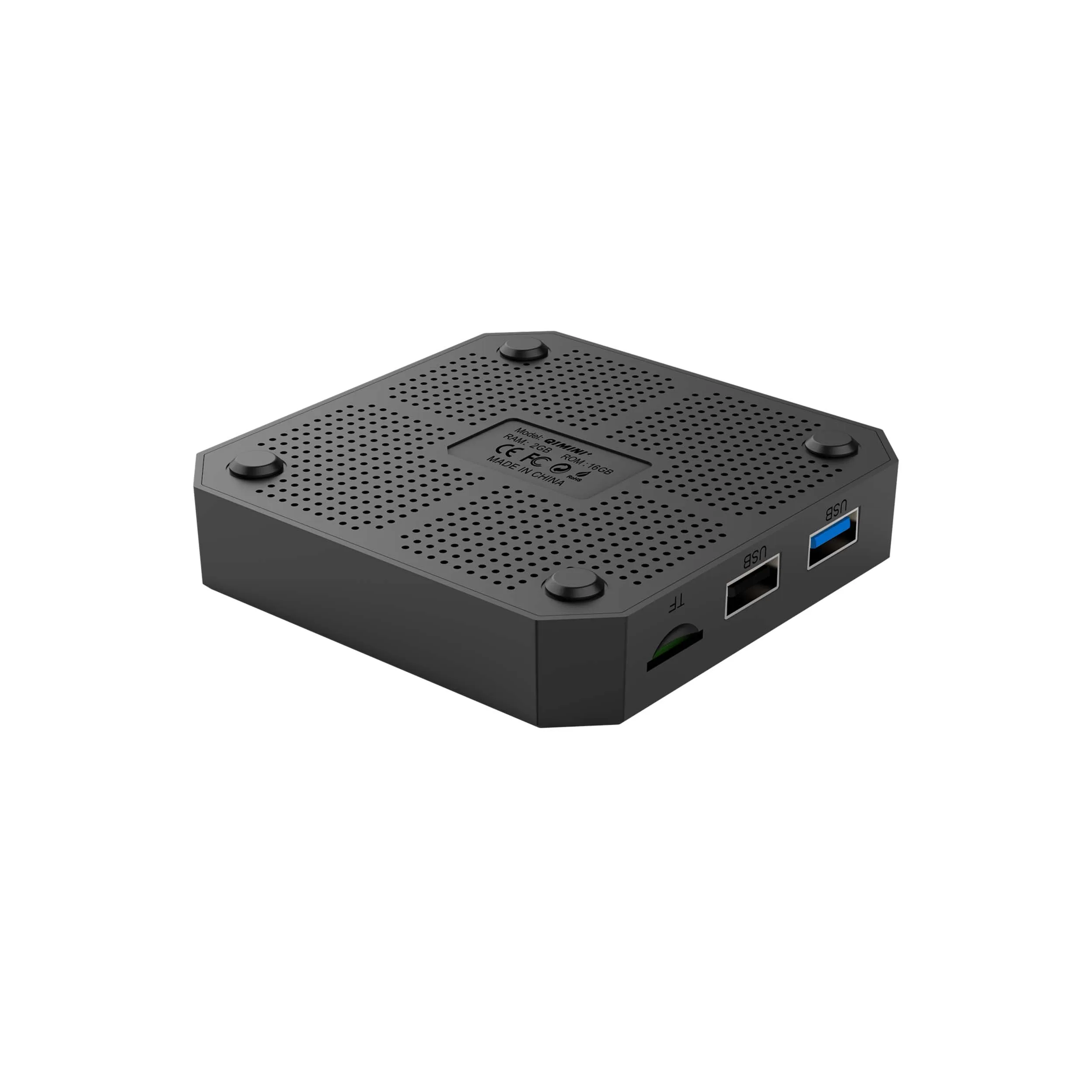
- USB Ports: 1x USB 2.0,1x USB 3.0
- Wi-Fi Transmission Standard: 802.11ax,802.11ac,802.11n 2.4GHz/5 GHz,802.11n 2.4 GHz,802.11b/g,802.11a
- Function: Video Playback
- Max. Extended Capacity: TF Card Up To 128GB
- System Upgrade: Yes
- OTA Update: Yes
- Power Source: DC
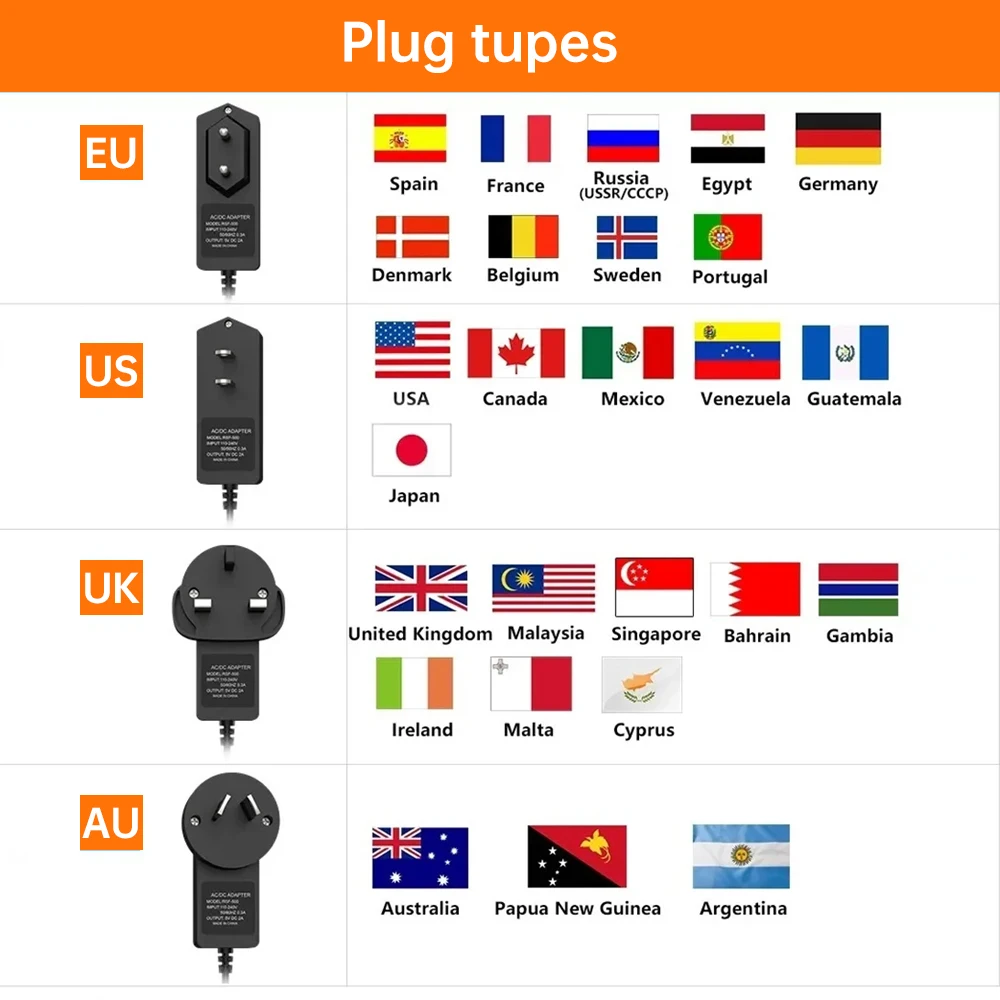
- Inbox adaptor: Yes
- Weight: 0.33
- Ethernet: 100M
- Wireless: Yes
- Internal Storage: 16GB eMMC
- Memory: 2 G DDR3
- Bluetooth: 5.0
- Video Output: HDMI-Compatible 2.0
- OS: Android
- GPU: Mali 450 MP2
- Brand Name: Janmifly
- CPU: RK3518 Quad Core Cores-A53
- Origin: Mainland China
- Power Source: DC
- Power (W): DC 5V,2A
- Certification: CE
- Remote Control: Included
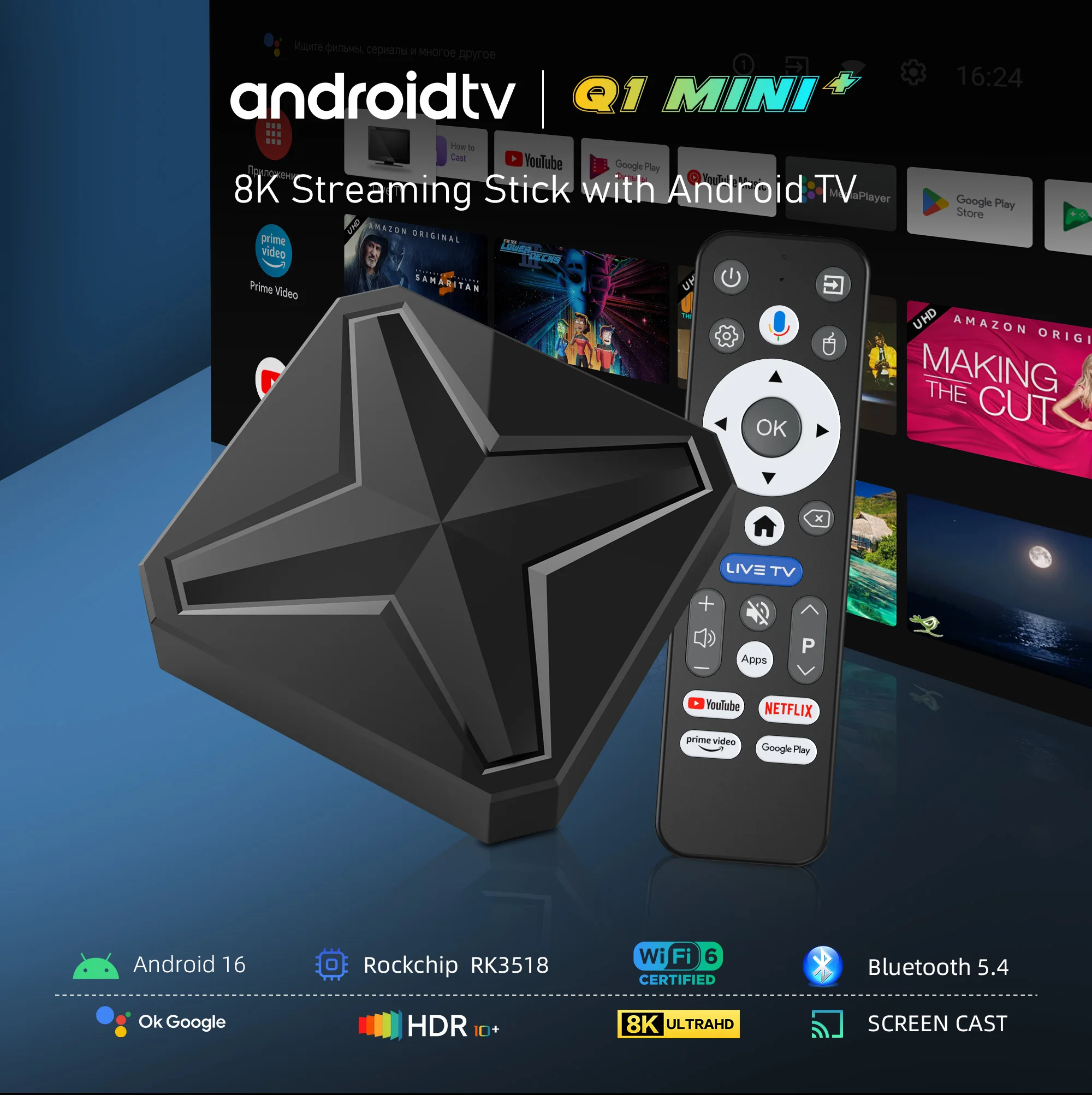
Pain Points of Traditional Set-Top Boxes Next-Generation Solutions
✅1.Slow response and lag → WiFi 6 + Bluetooth 5.4 high-speed
transmission
✅2.Complex interface difficult to operate → Dual UI interface + voice
remote control
✅3.Poor expandability → USB 3.0 high-speed port
✅4.Monotonous visual experience → 8K dynamic video wallpapers
✅5.Outdated system unable to update → OTA lifetime online upgrades
【Say Goodbye to Lag and Delays · Redefining the Traditional Experience】
The all-new generation smart set-top box features six major technological upgrades, completely eliminating the four major pain points of outdated set-top boxes: slow response, cumbersome operation, poor expandability, and outdated functionality!
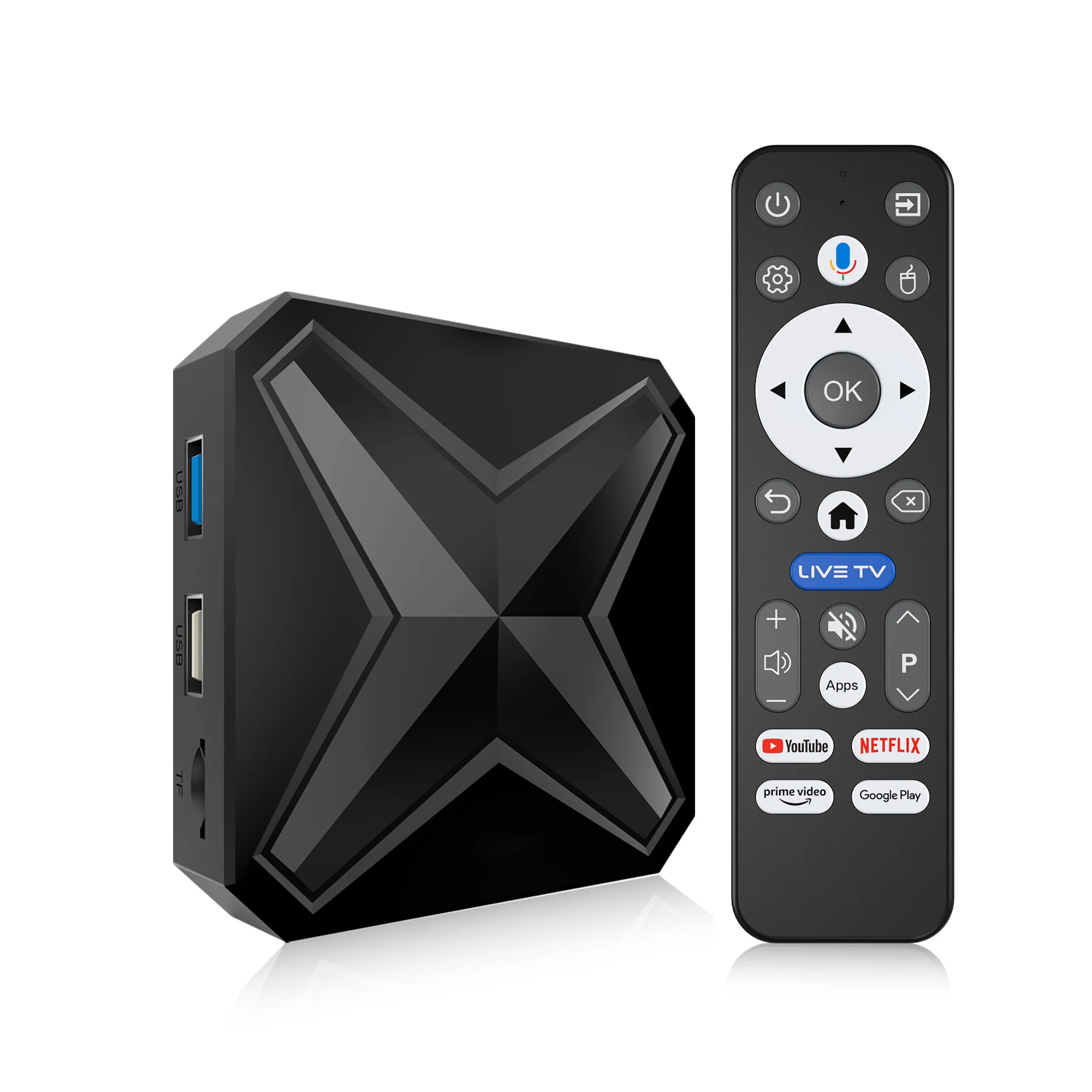
Product Information
➧Product name: Q1MINI+ TV box
➧Operating system: Android 16
➧Processor chip: RK3518 Quad Core ARM Cortex A53
➧Graphics processor: Mali-450
➧Running memory: 4GB
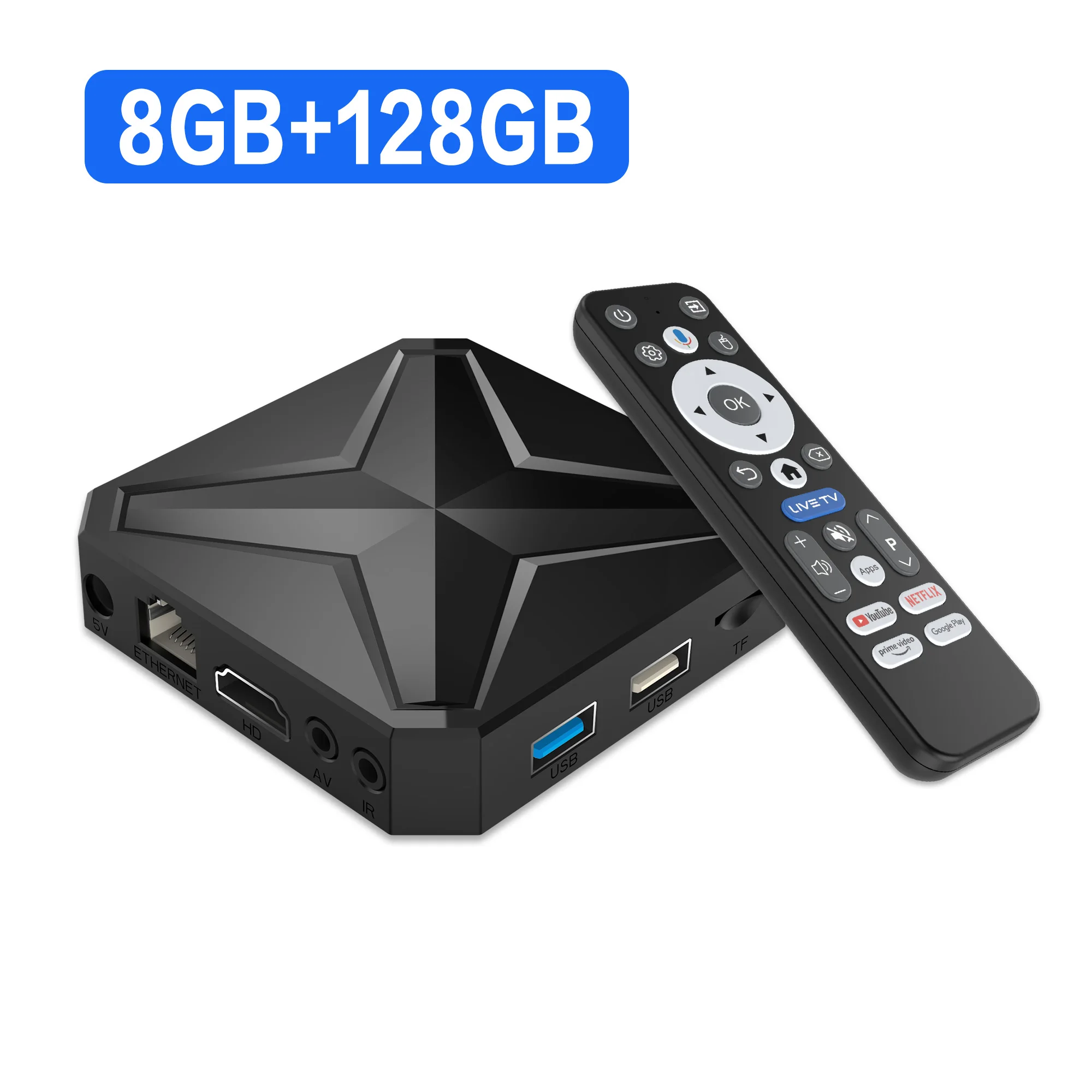
➧Storage space:128GB
➧WiFi support: WIFI 6
➧Bluetooth version: 5.4
➧HDMI version: HDMI 2.0
➧Power supply: DC 5V/2A
➧Support local media playback, support HDD, USB flash drive, TF card.
➧Application: Support Hulu, YouTube, Google and other applications
➧Supported languages: Chinese, English, German, Japanese, Korean, Russian, French, Spanish and other languages
Product Selling Points Showcase
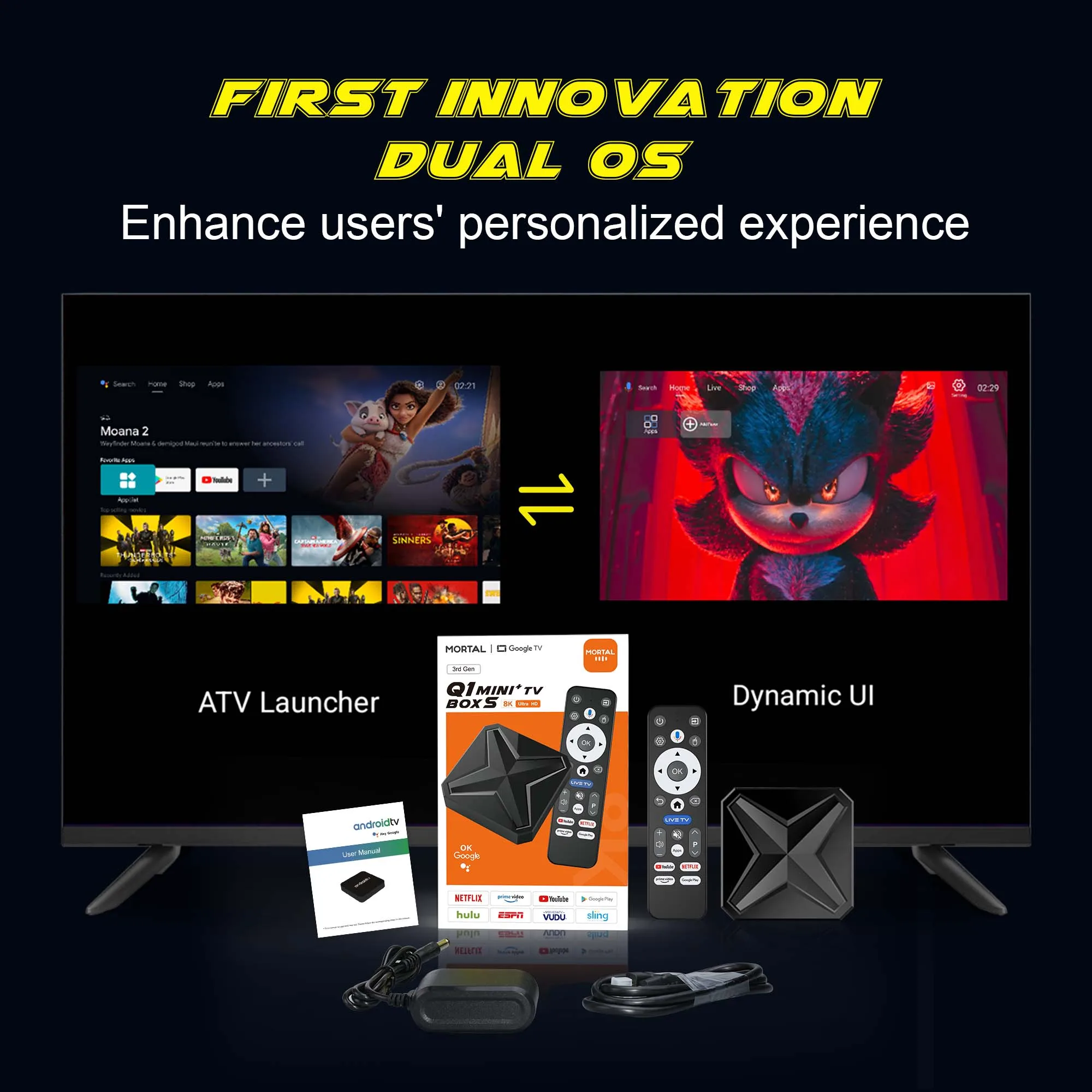
Say goodbye to cookie-cutter designs—dual UI design gives every
family member their own personalized portal.
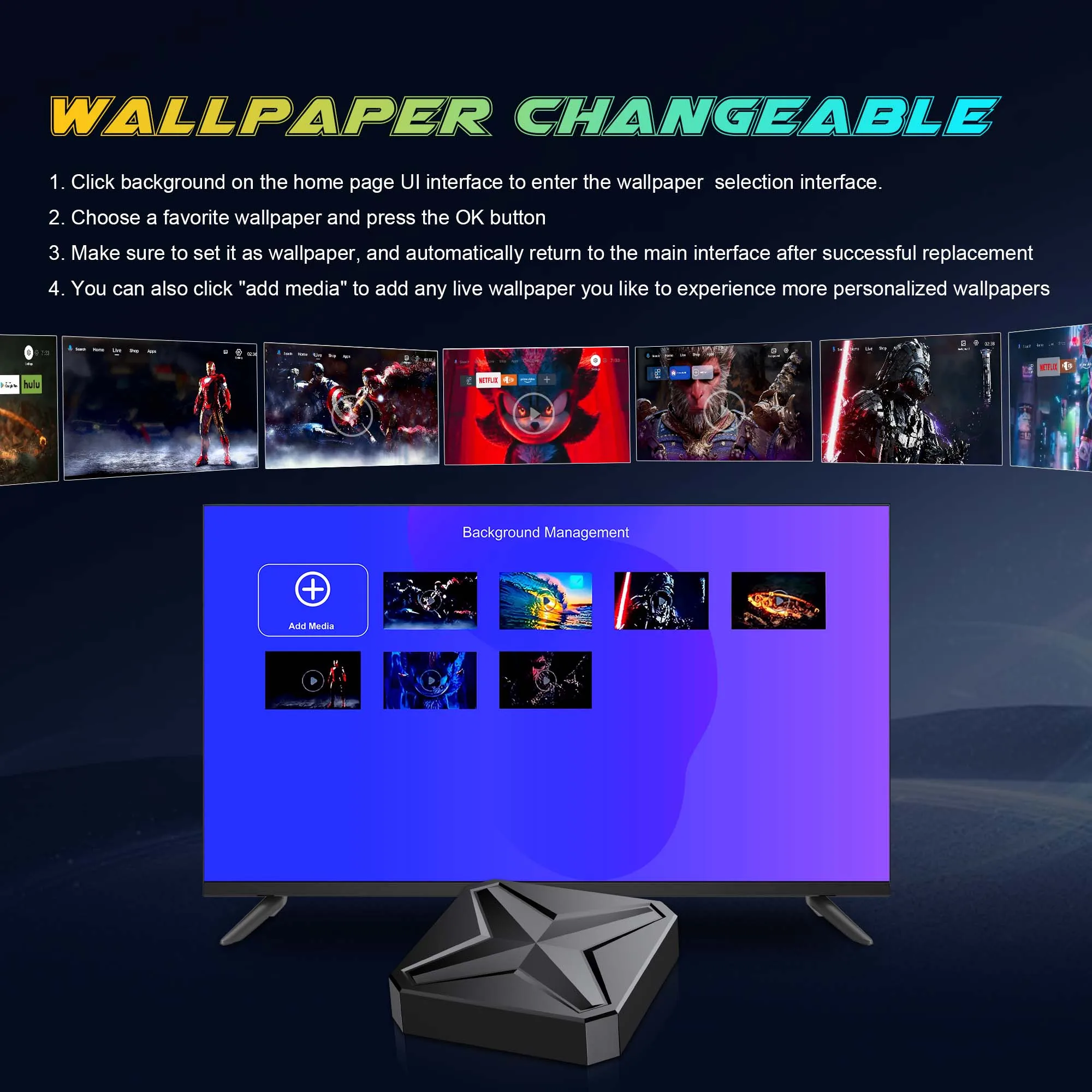
Supports custom dynamic video wallpapers in 8K ultra-high
definition.
Say goodbye to monotonous interfaces and instantly elevate your
living room with a touch of sophistication!
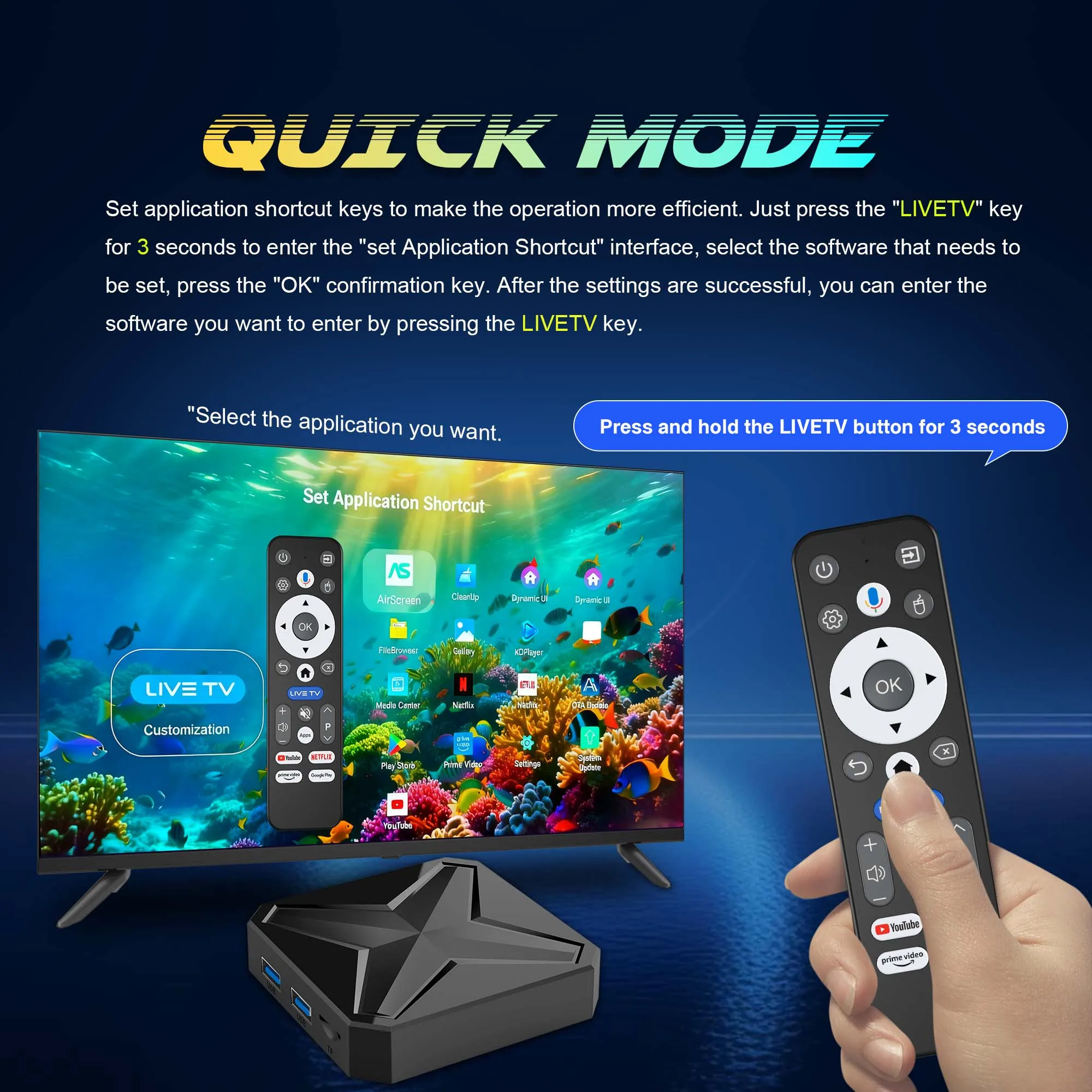
One-click setup for desktop shortcuts to your frequently used apps.
Launch software and tools instantly—as easy as using your phone!
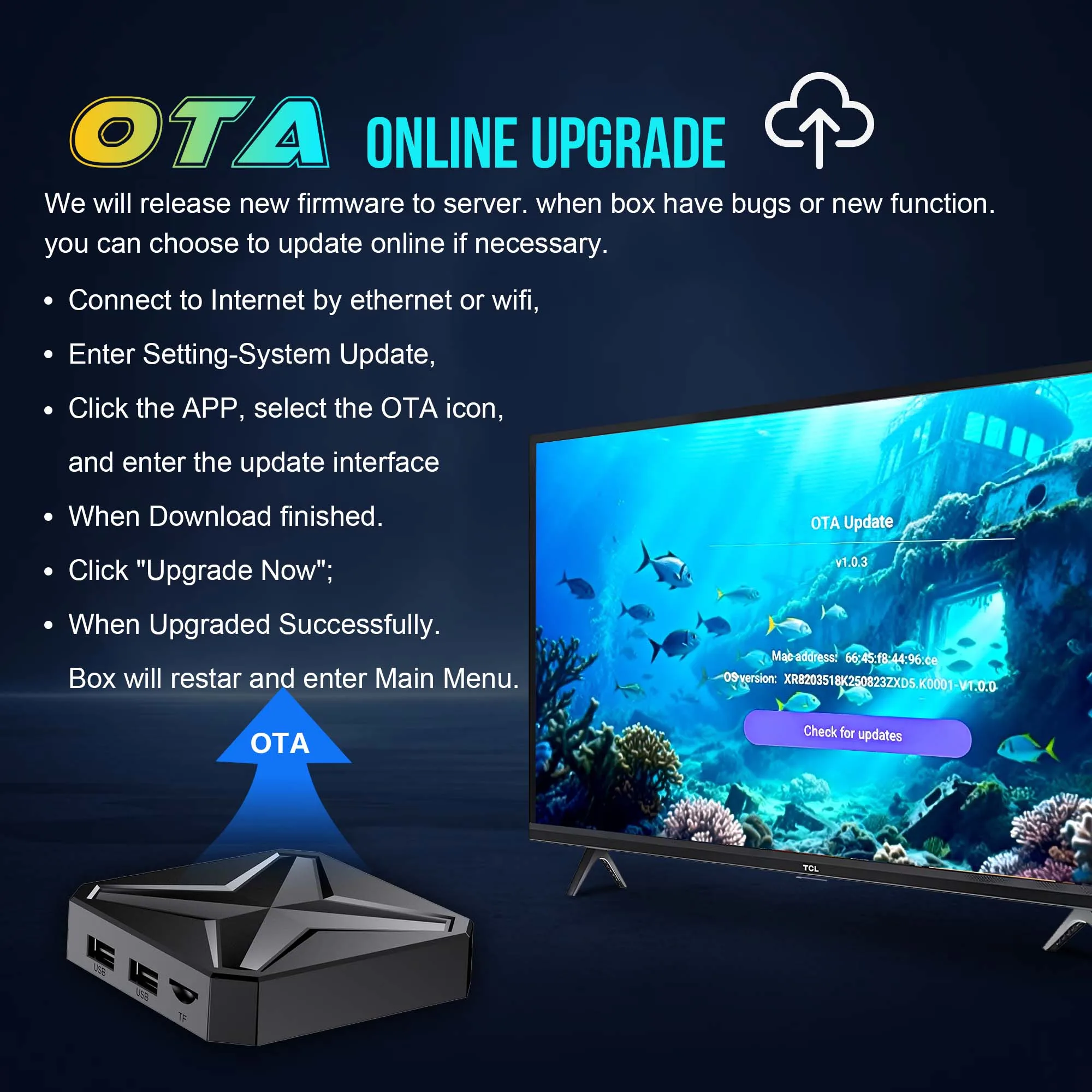
Upgrade your box like a smartphone—always enjoy the experience
of a “new” box.
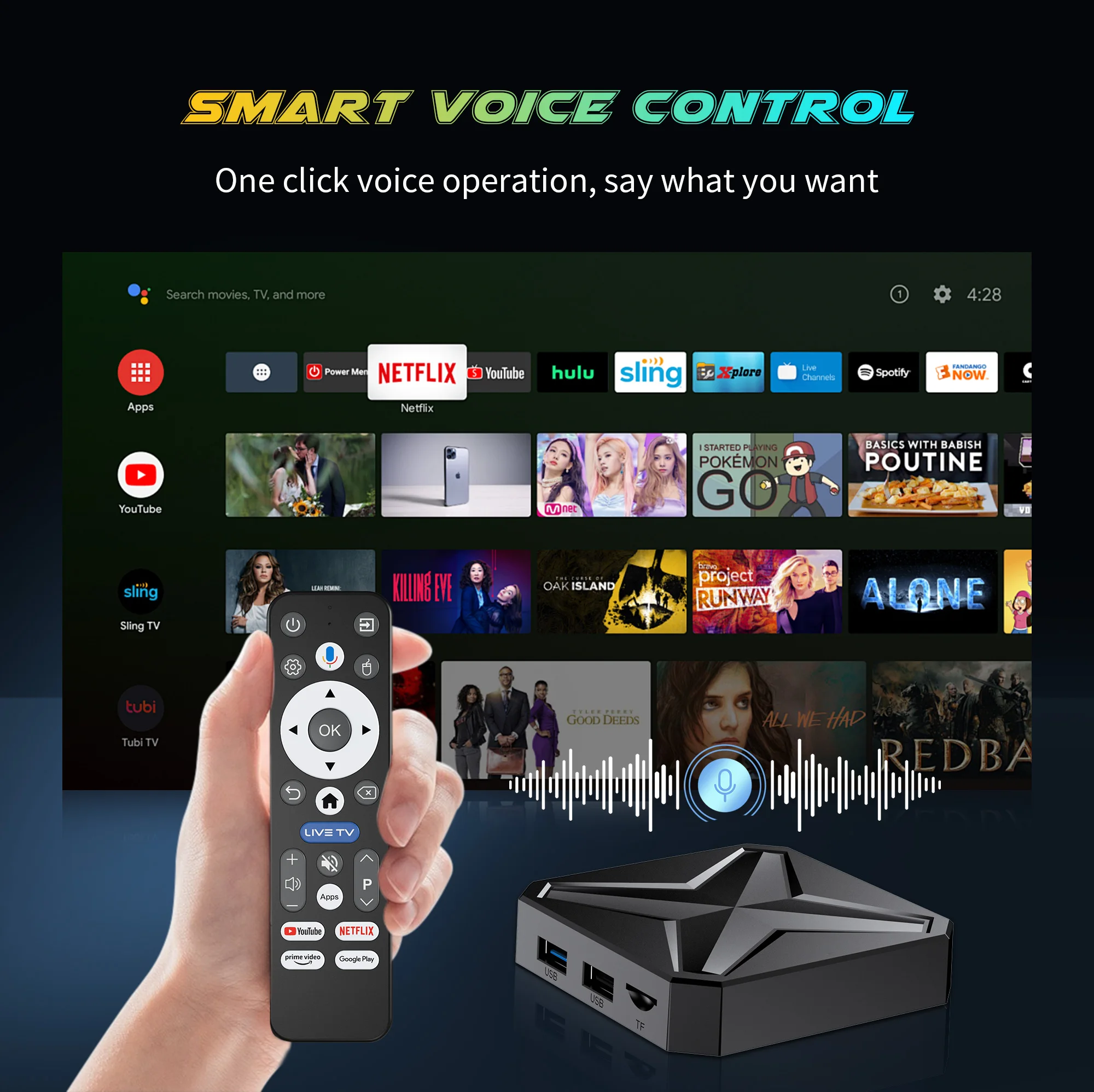
📺 Smart voice control
One-touch voice remote control—just say what you want to play, and it happens instantly. Easy for seniors and kids alike, helping you find content faster than ever!
1.Click the voice button to display the pairing prompt interface.
2. Press and hold the button according to the prompt interface until the TV screen. automatically exits the pairing prompt interface before releasing the button. At this time, the Google Assistant is paired successfully.
3. Click the voice button. At this time, a voice bar prompt will appear on the screen below the TV. Then long press the voice button and say what you want to say to the remote control. You can release your hand until the TV displays the command you want to say. After releasing your hand the Google Assistant will execute your command.
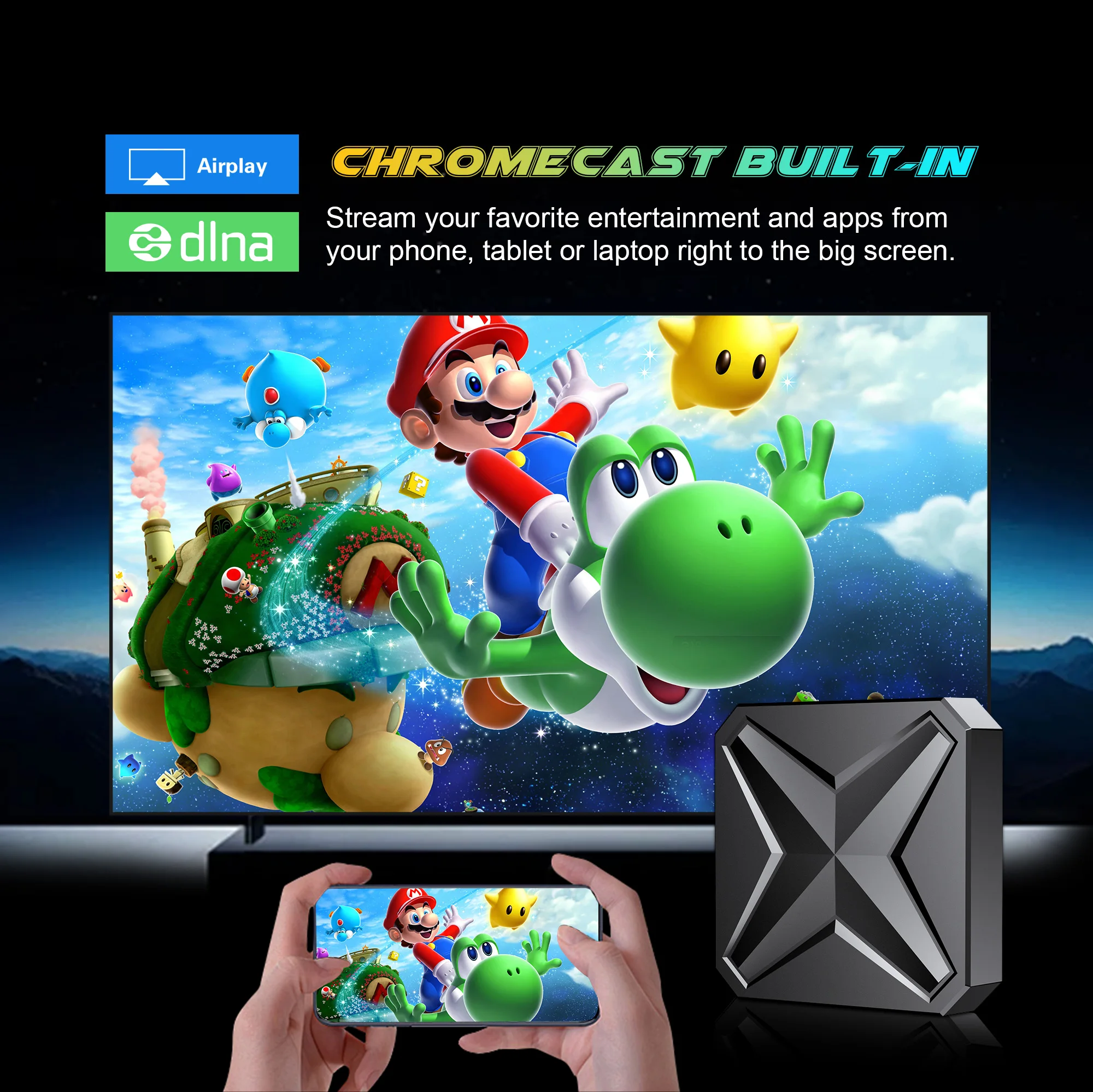
📺Wonderful Multi-Screen
Support cell phones, tablets and other devices to play on the big TV screen.
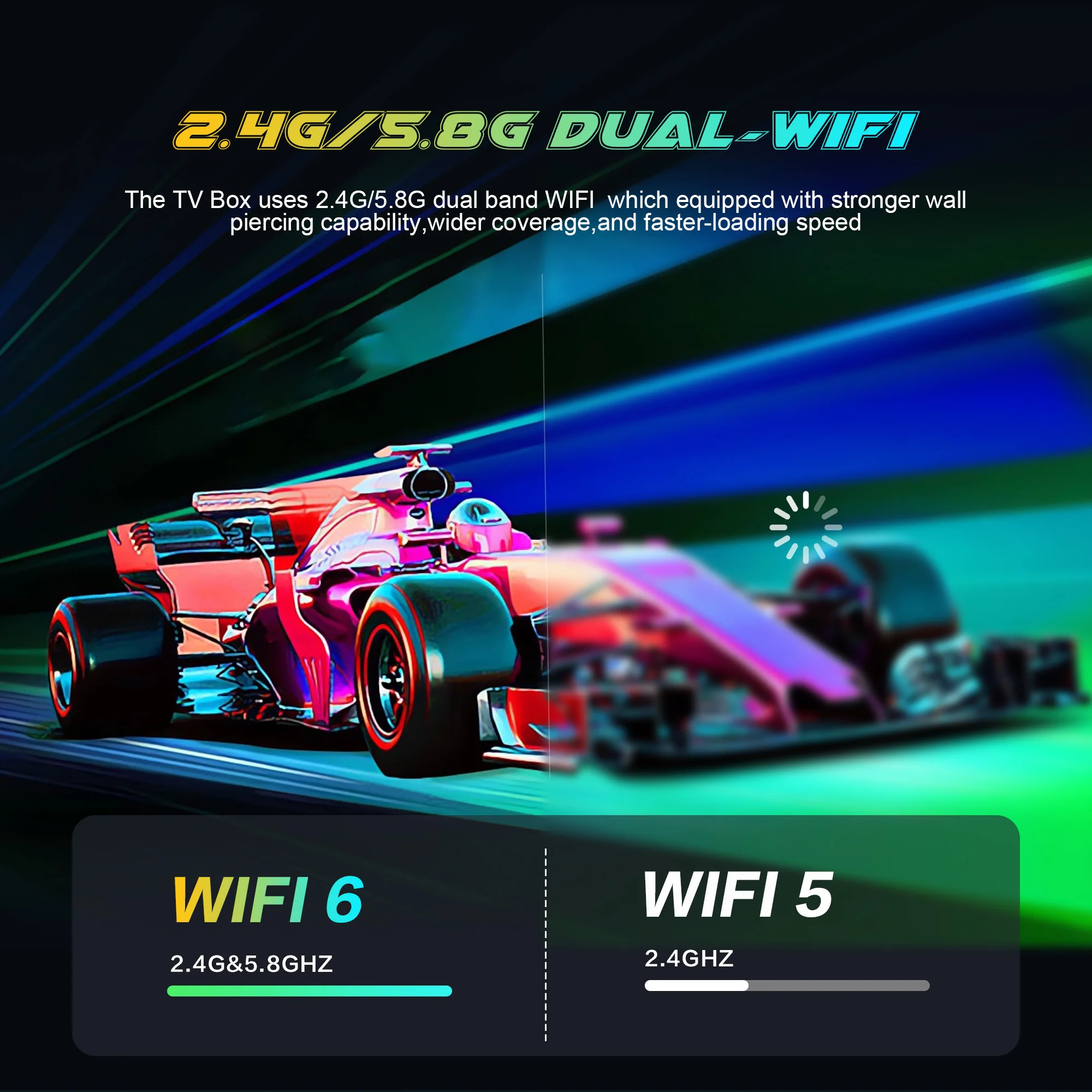
📺WIFI 6
Ensure stronger and more stable WiFi signal with faster transmission speed.
Never worry about disconnect from WIFI.
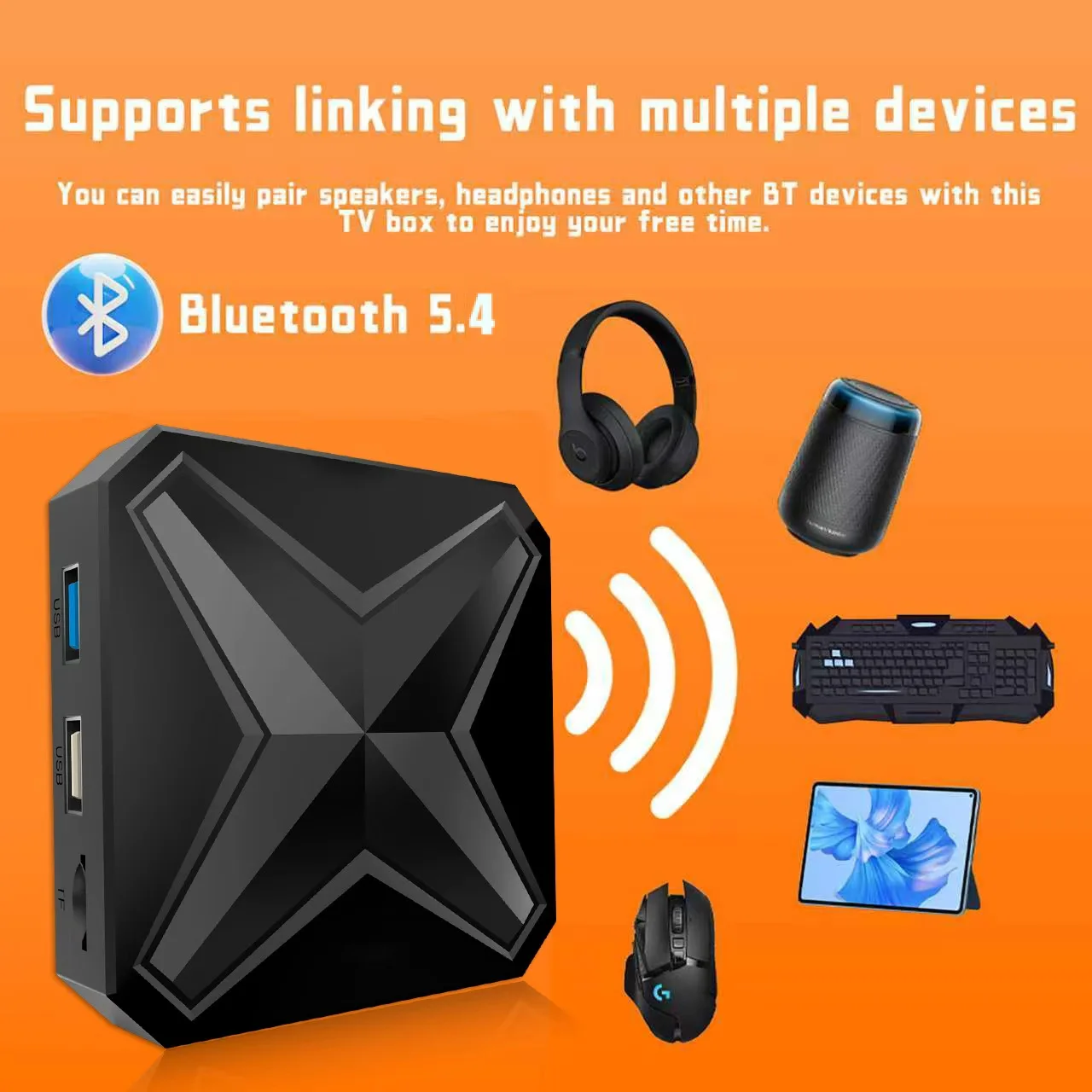
Bluetooth 5.4
This is a multi-functional host which can be connected to Bluetooth speakers, keyboard and mouse, handles, to enjoy multimedia life.
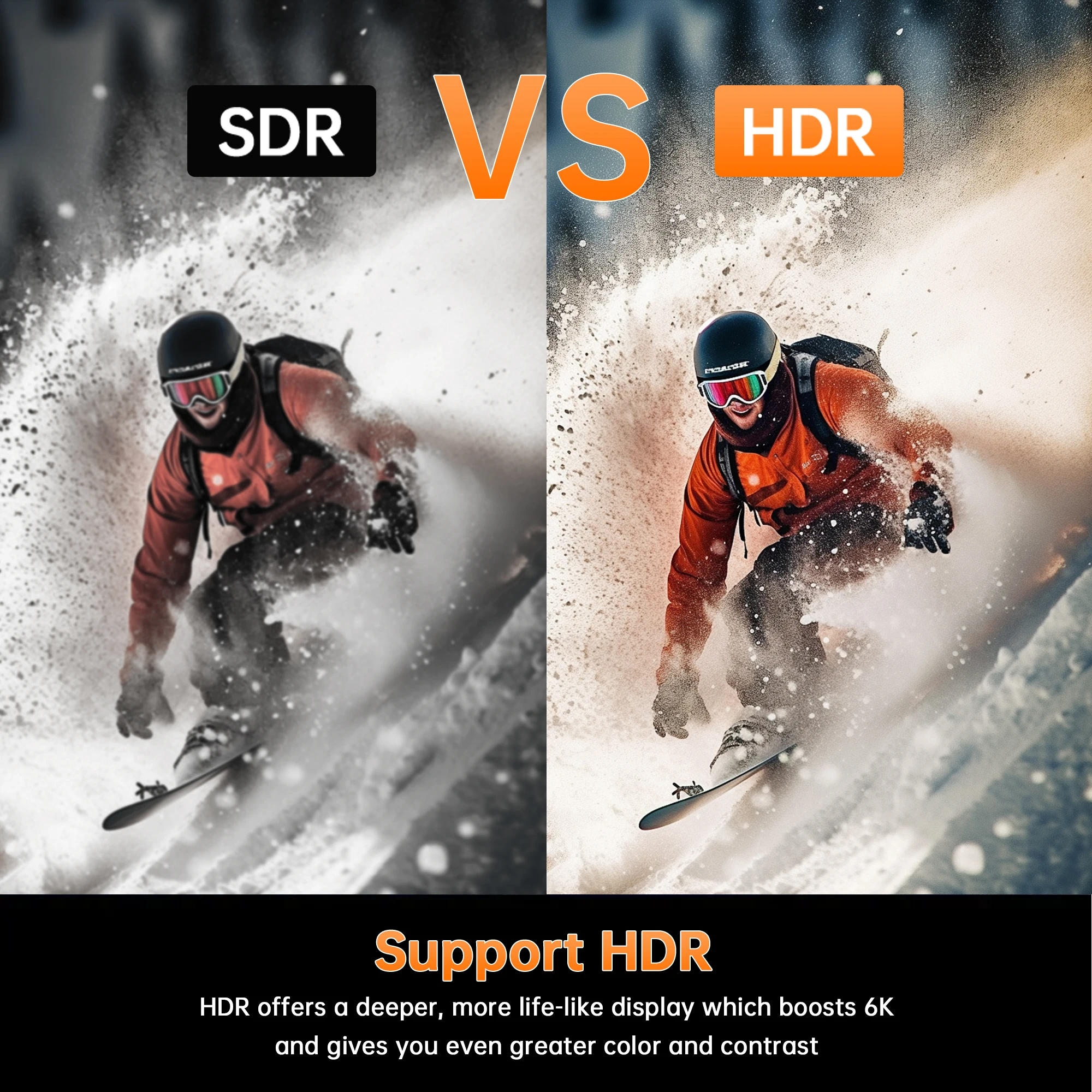
📺High Dynamic Range 10
Make the picture display more vivid and beautiful.
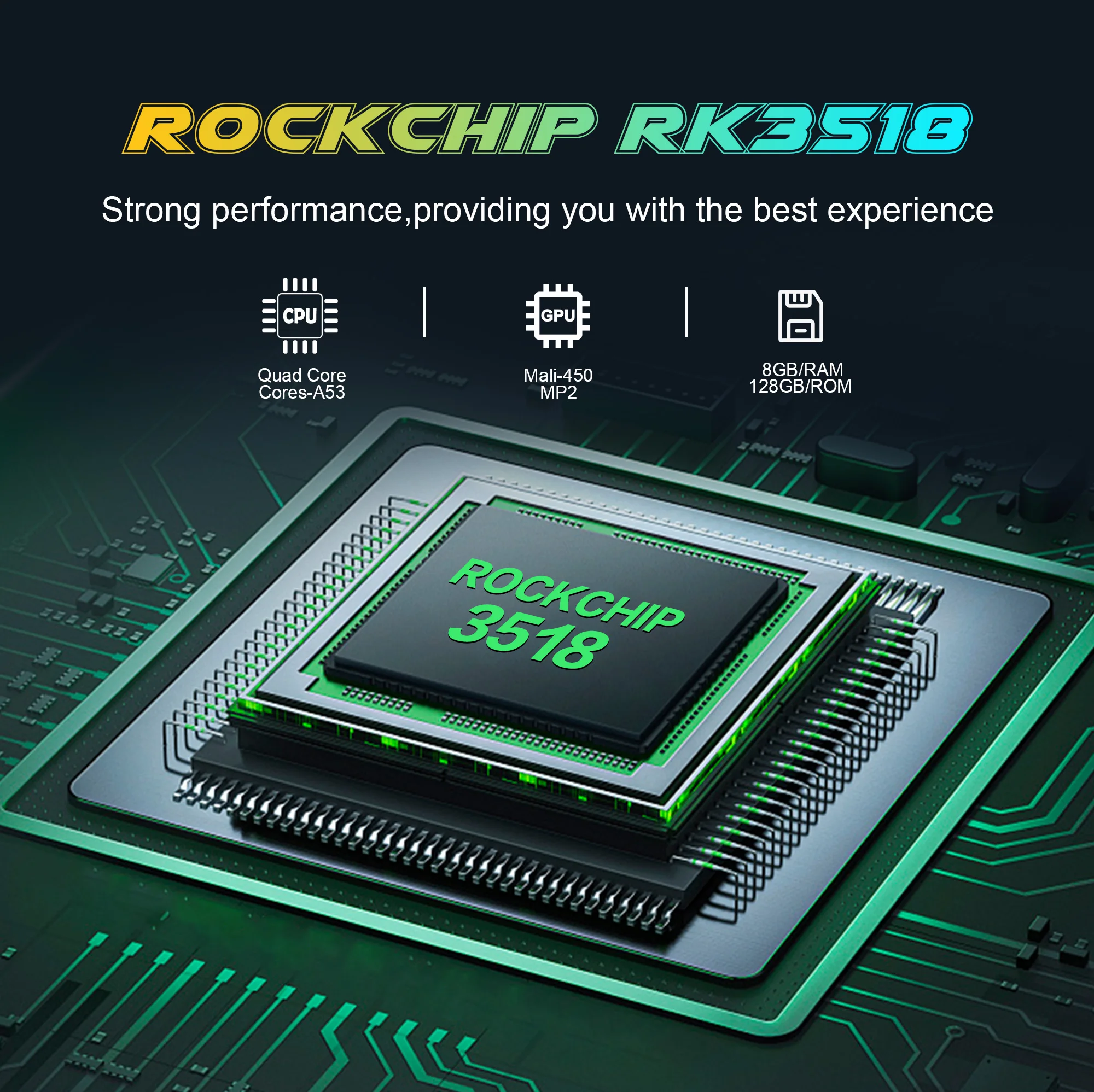
📺RK 3518
Strong performance, providing you with the best experience
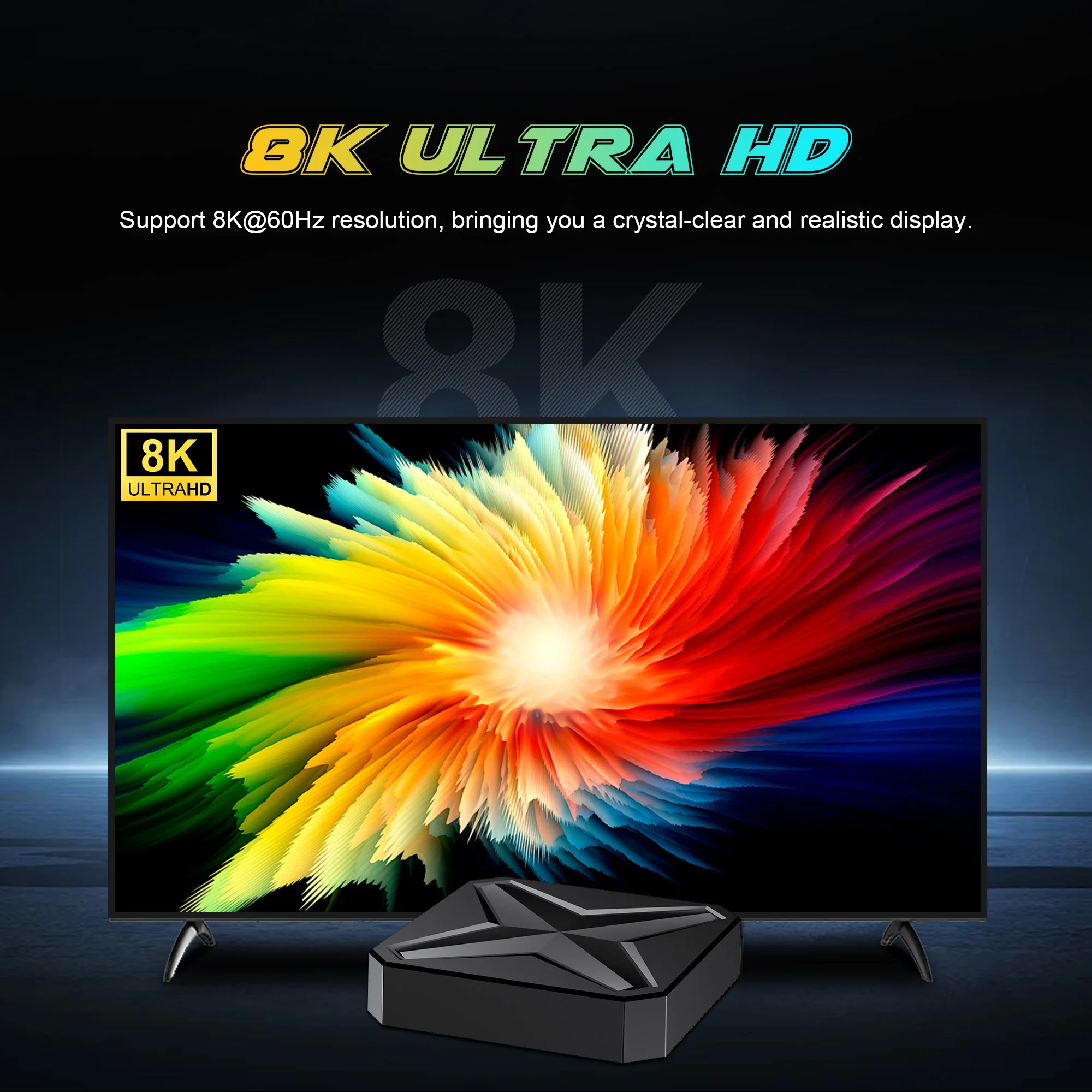
📺Support 8K Video Decoding
Incredibly clear and smooth playback of videos and images.
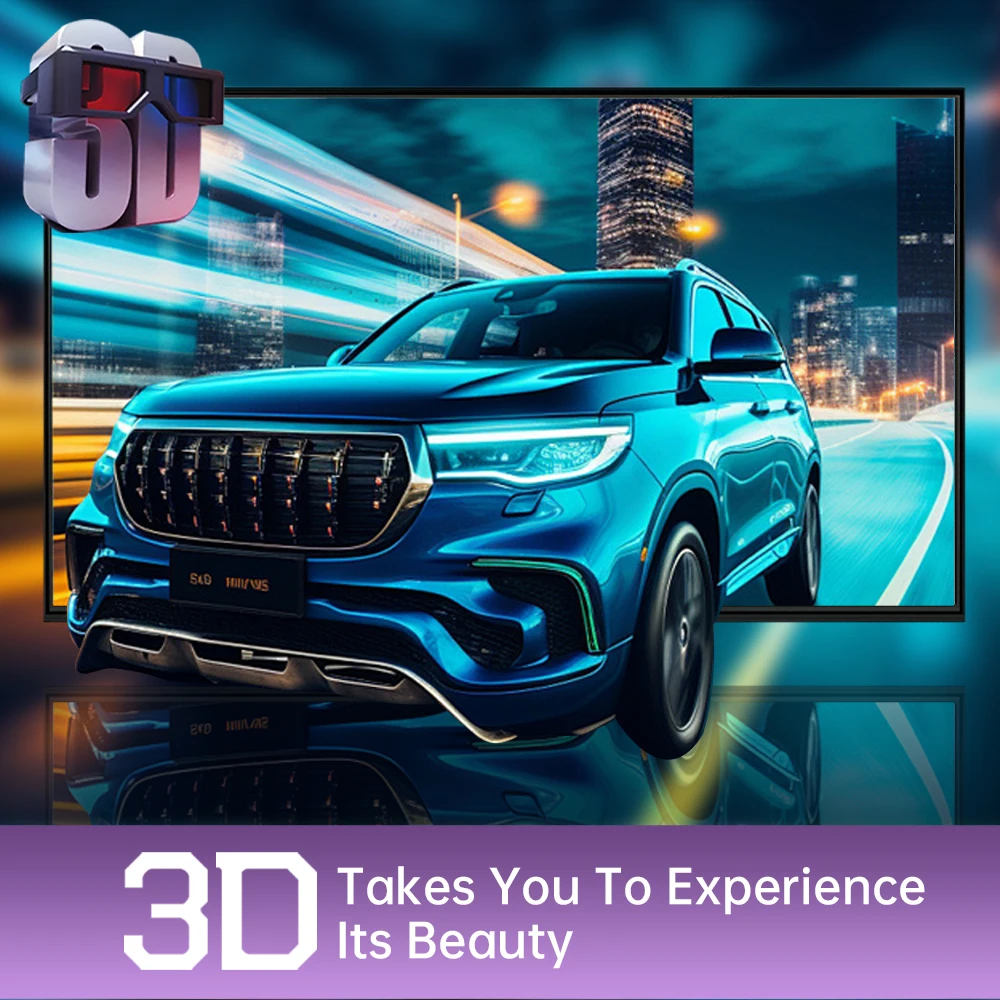
📺3D Visual Effects
Powerful 3D display brings you a smooth and shocking experience.
📺USB 3.0
Transfer 1G songs, movies or files in just 4s
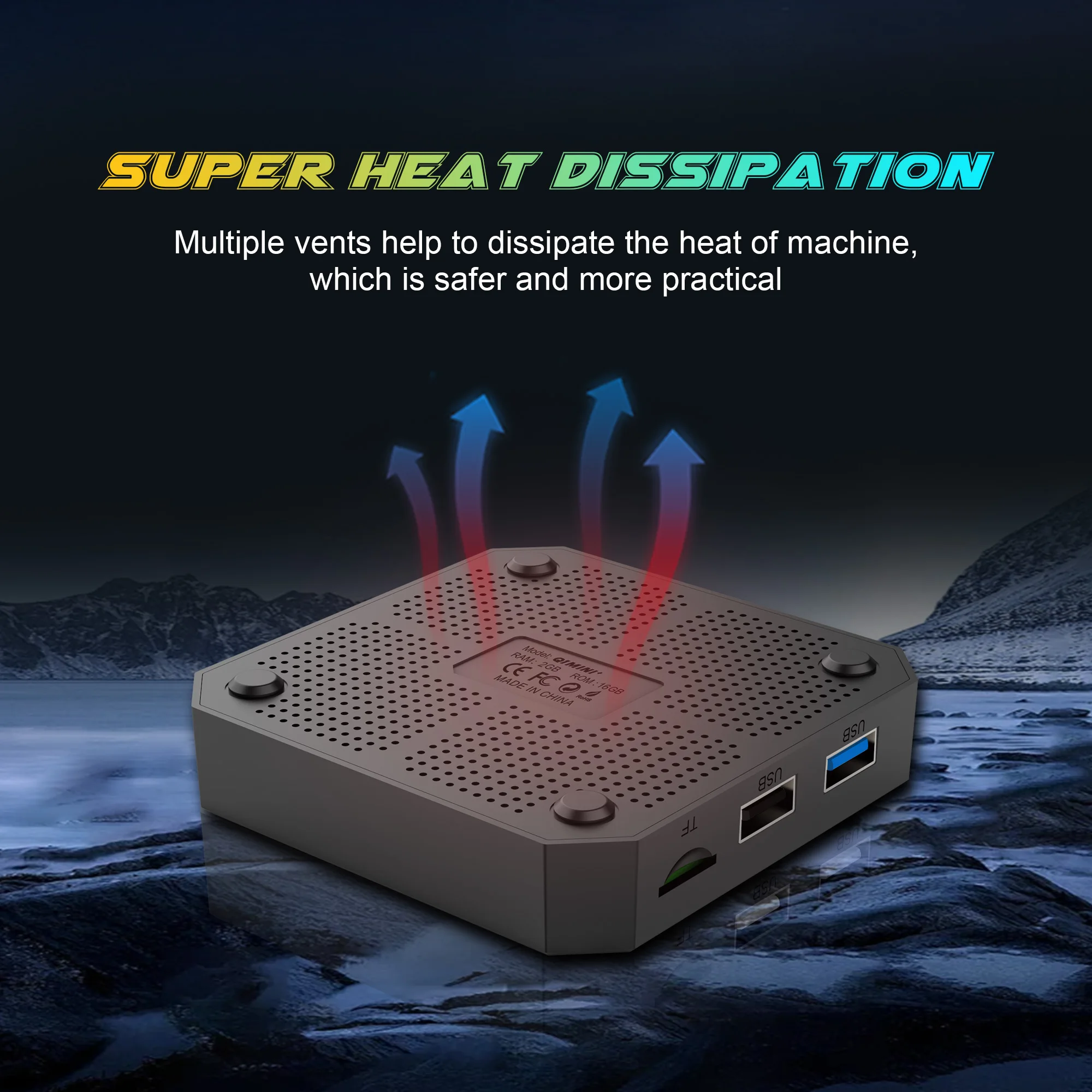
📺SUPER HEAT DISSIPATION
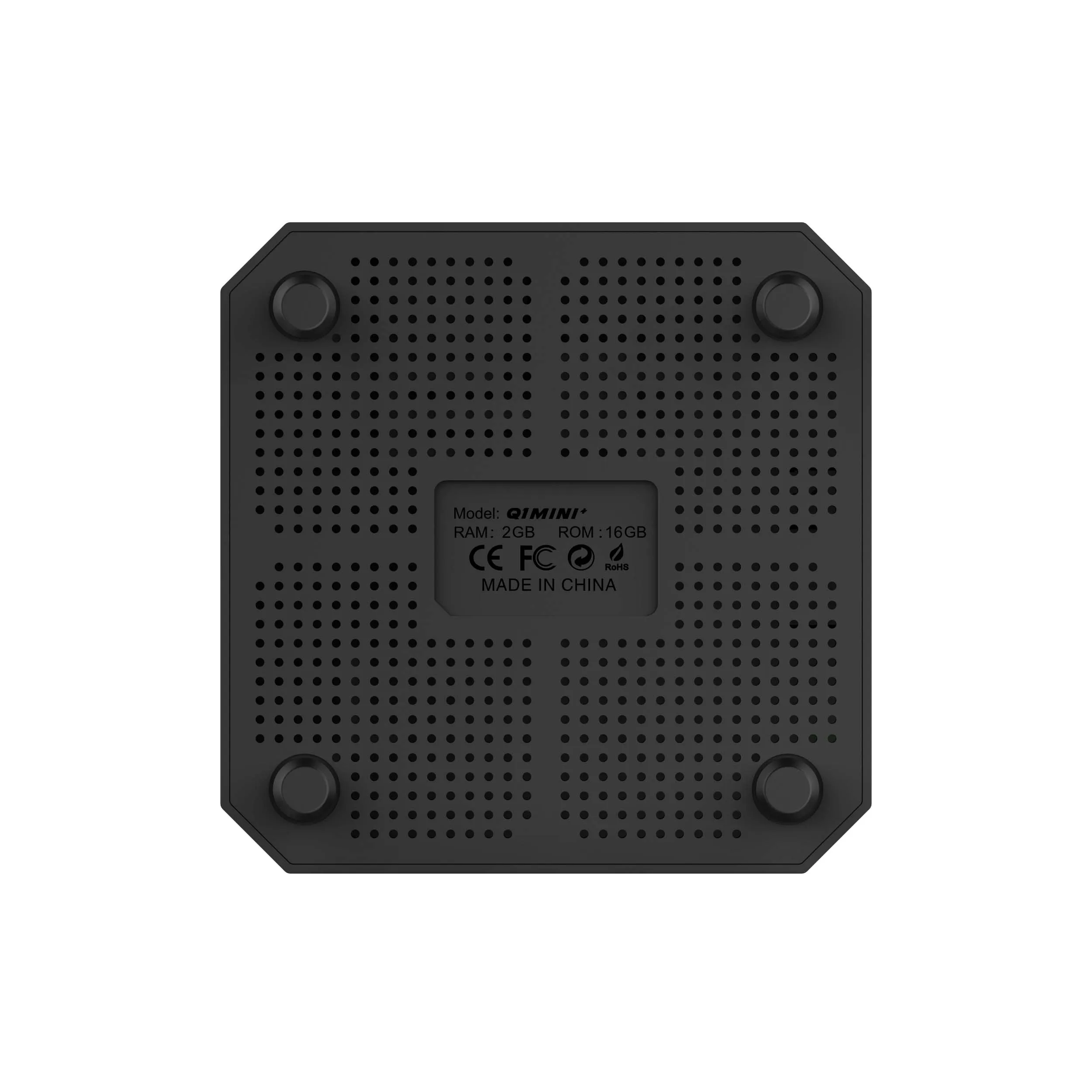
Multiple vents help to dissipate the heat of machine, which is safer and more practical.
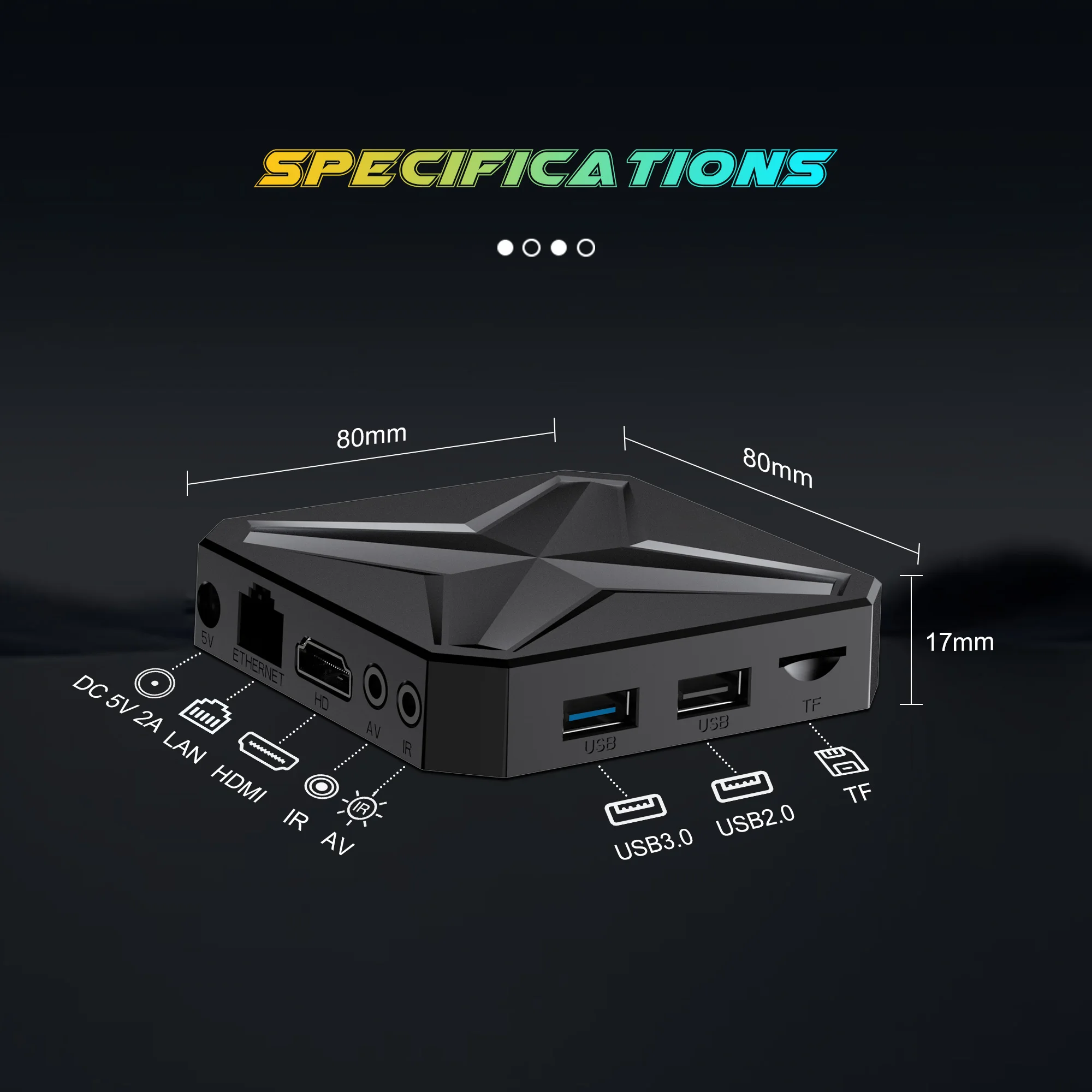
📺Rich interface simple connection
Small interface big effect, can meet various entertainment needs.
📺Complete Accessories
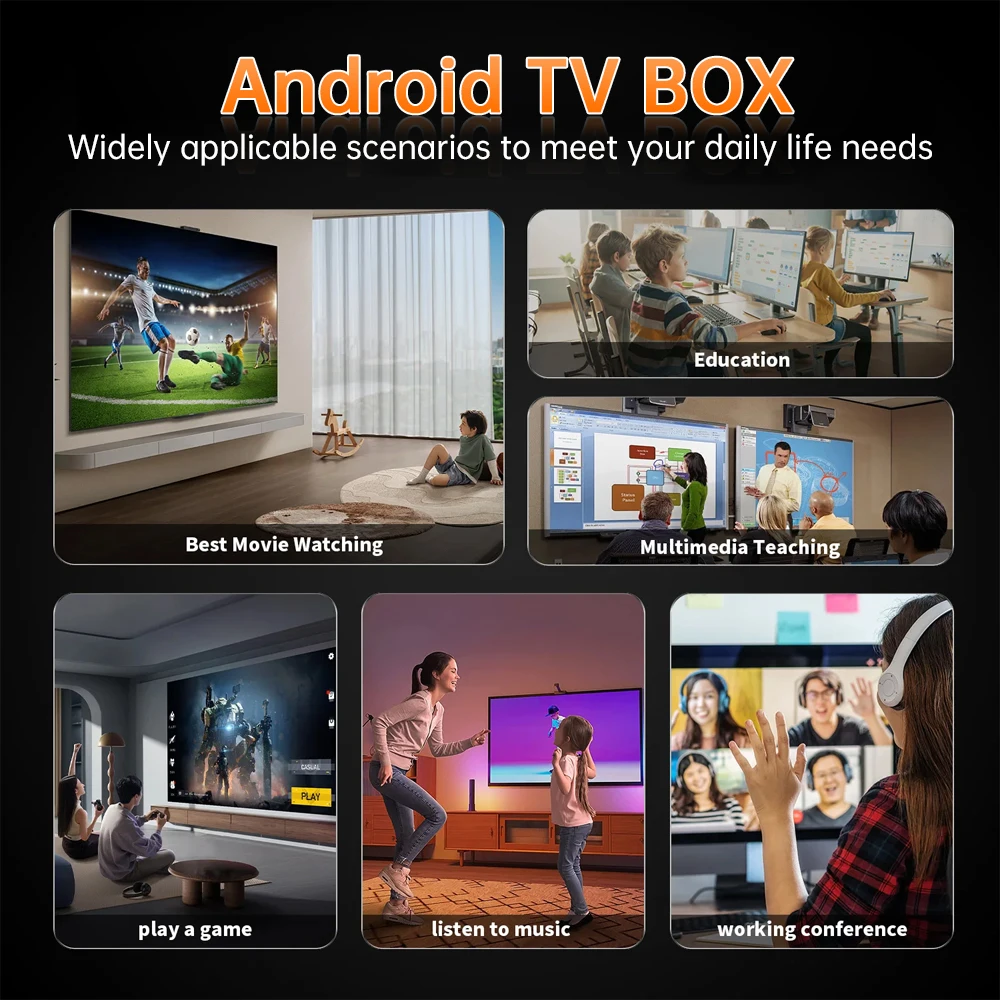
Android TV Box comes with all accessories: Android TV box , power adapter, Remote control, HDMI cable, User manual.
8GB+128GB
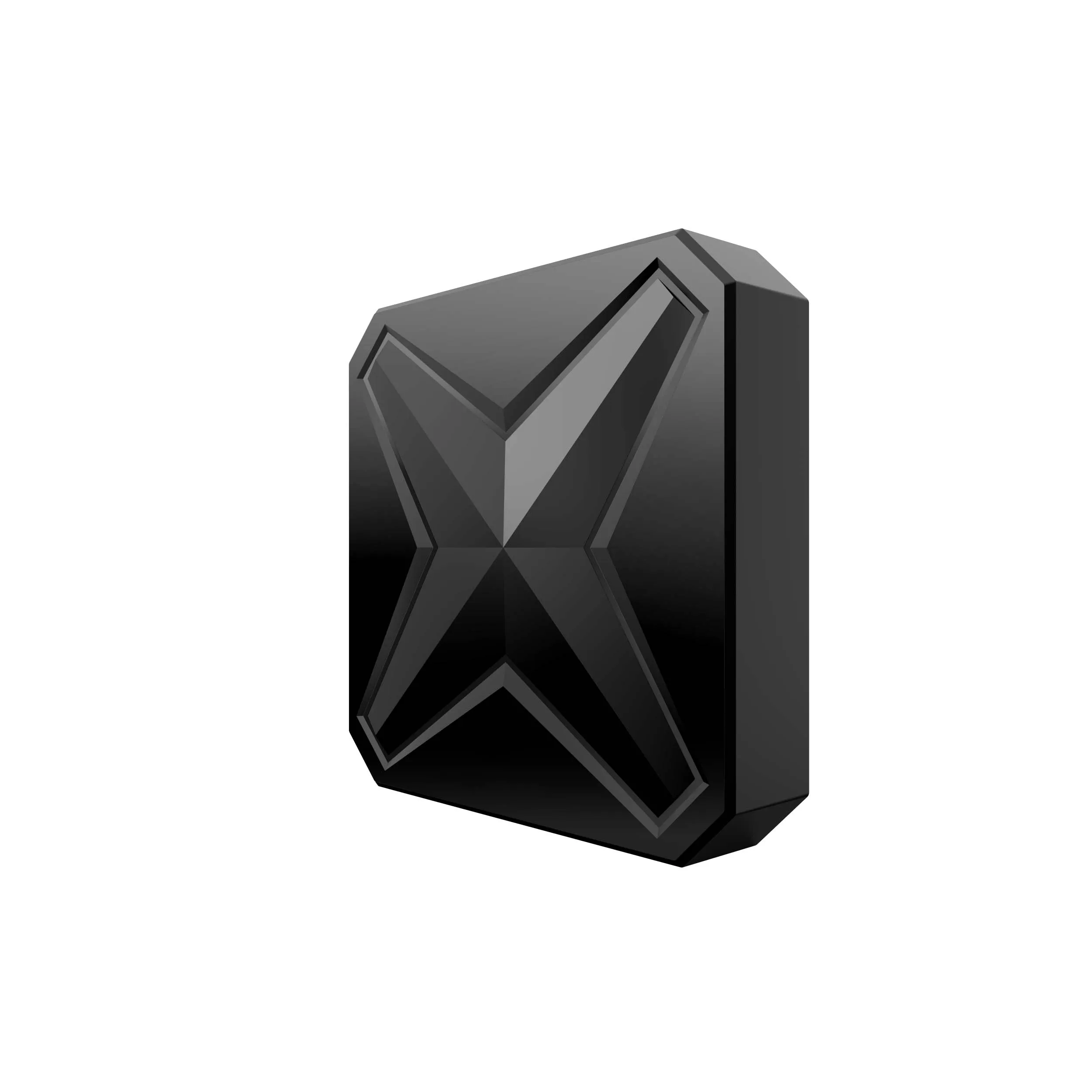
Multi-angle display of products


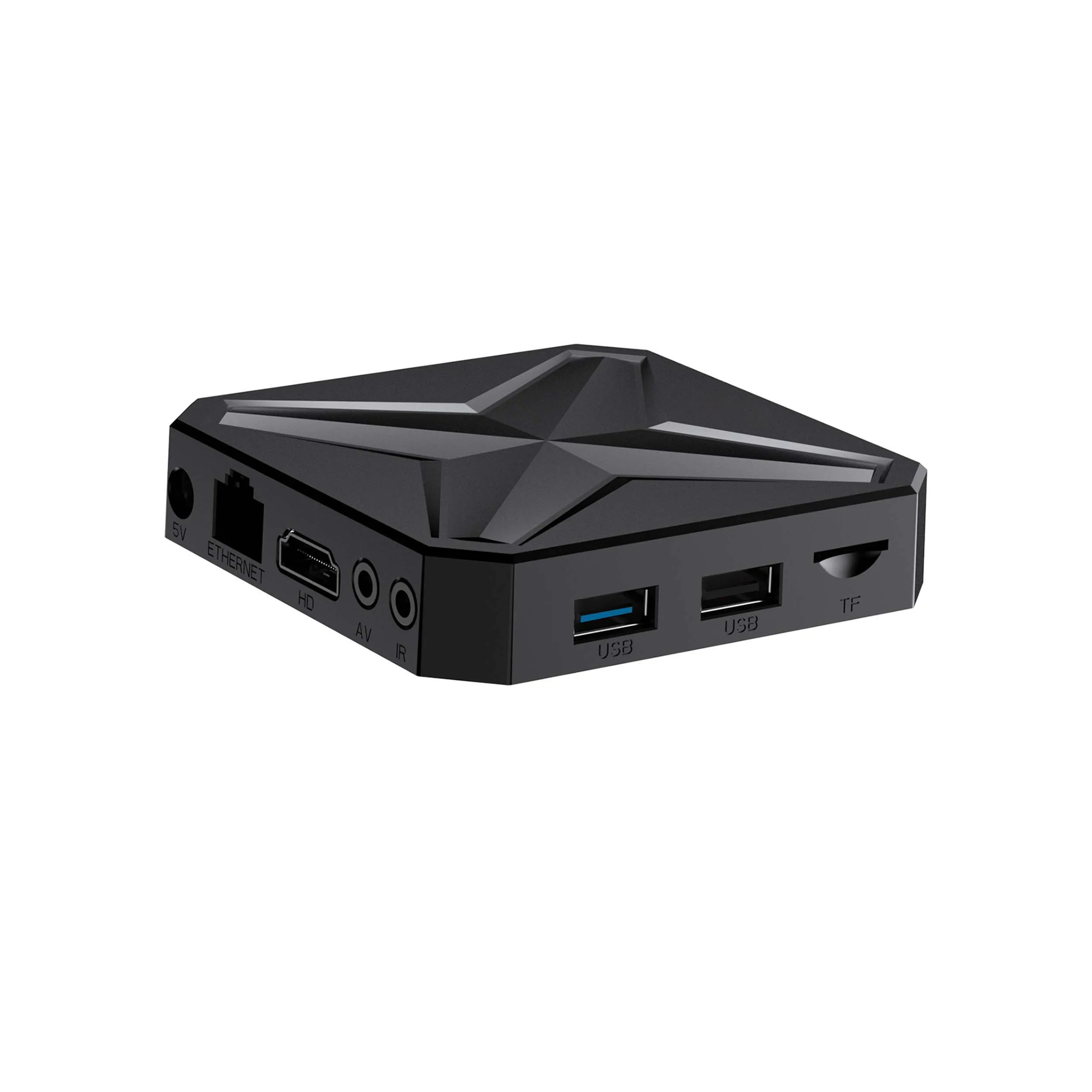
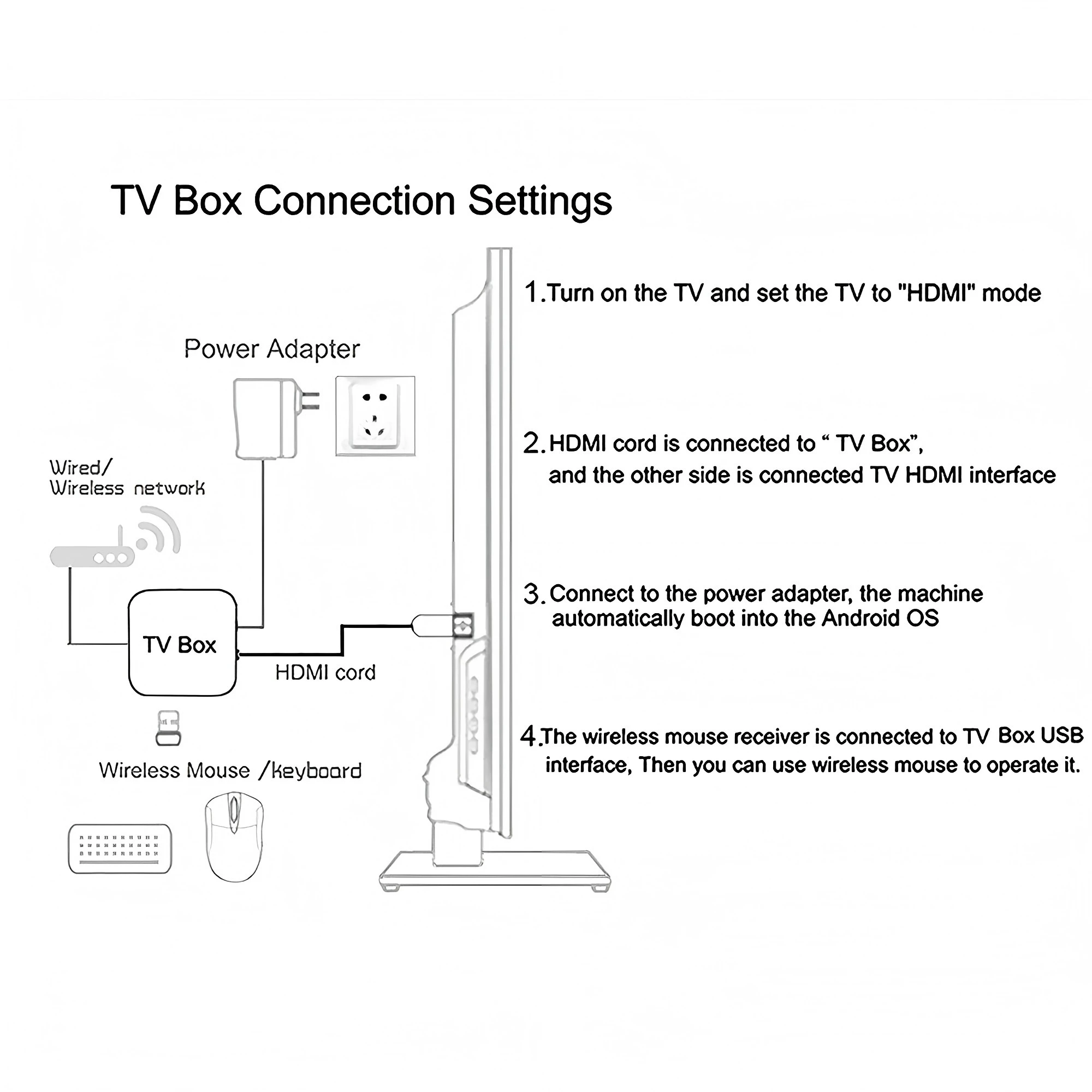
TV Box Connection Settings
Kind Tips
How to use Netflix?
1. After connecting to WiFi, open the APP, find the black Netflix software, and click to open
2. After clicking to open Netflix, the login interface will appear. Click the mouse switch button on the remote control to switch the remote control to mouse mode, and click the login button of the software
3. Click the mouse button again to switch the remote control to remote control mode, enter the account password to log in
4. Use the mouse mode of the remote control to click the video to be played
If you are experiencing slow WiFi speed
Please check whether your router is WiFi 6 and if it is compatible with WiFi 5. Our box supports WiFi 5, and some WiFi 6 routers only operate in the ax mode on the 5GHz frequency, without supporting the compatible WiFi 5 AC mode. This may result in slower speeds.
Remote can’t navigate on some Apps
It is a common issue for most of android tv box that hard to navigate on some Apps with the remote, as these Apps are mainly provided for tablets and phones that have touch screen settings or mouse. You can connect a mouse or a wireless keyboard to control it.Or click the mouse button on the remote control to switch the remote control mode to the mouse mode.
If your TV box needs to be restarted after a period of using
It may be that some apps you installed are not compatible or some data is damaged. It is recommended that you “factory data recovery” in the settings.
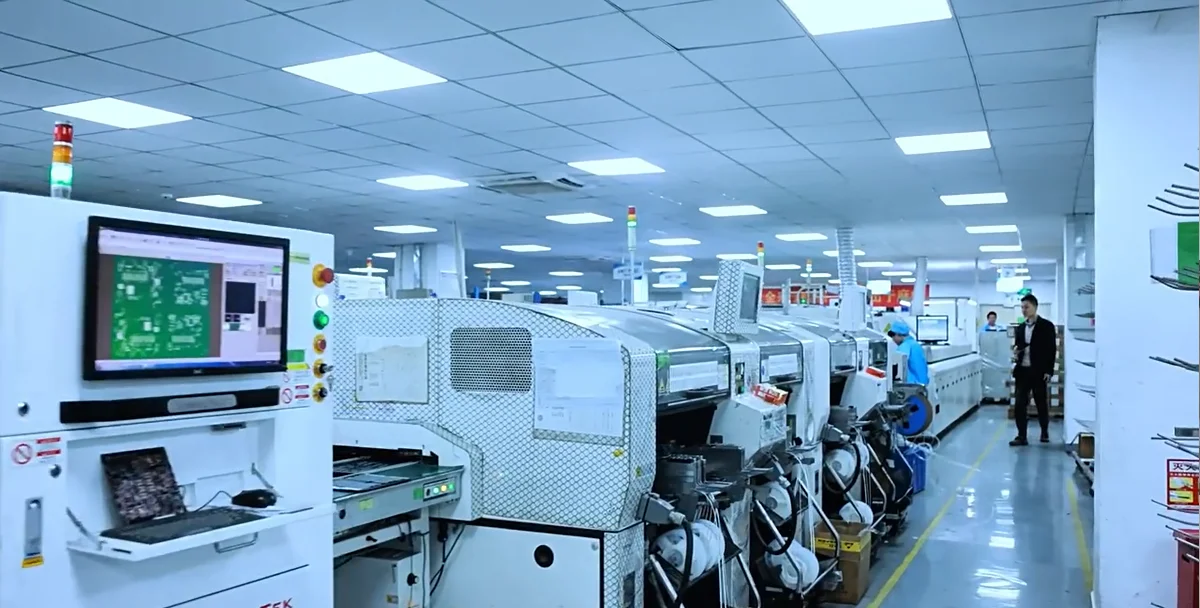
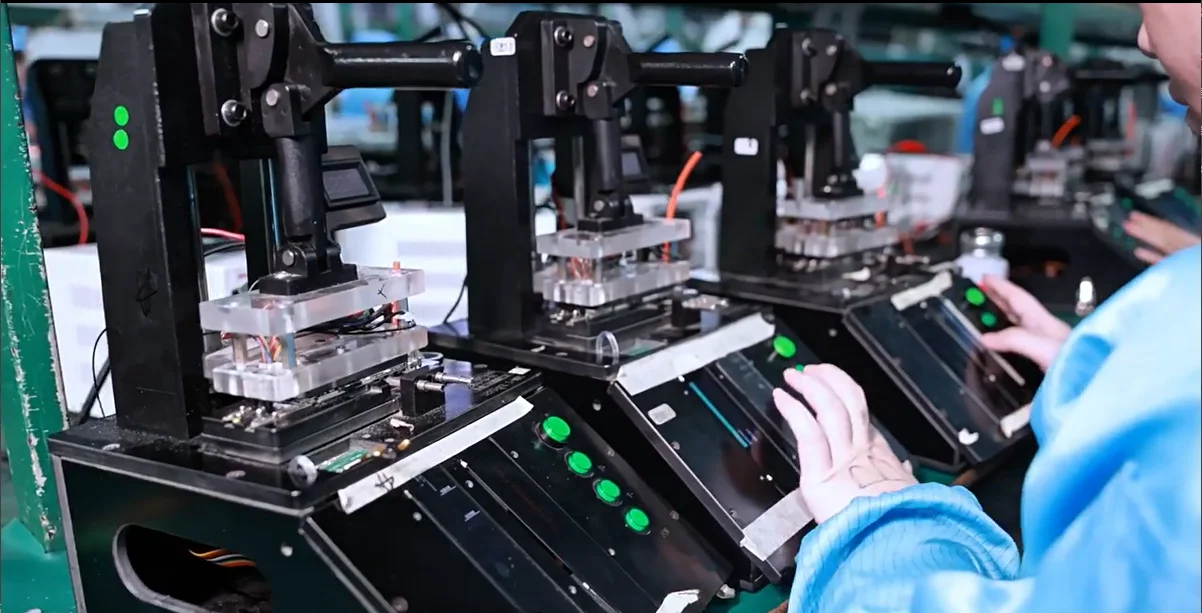
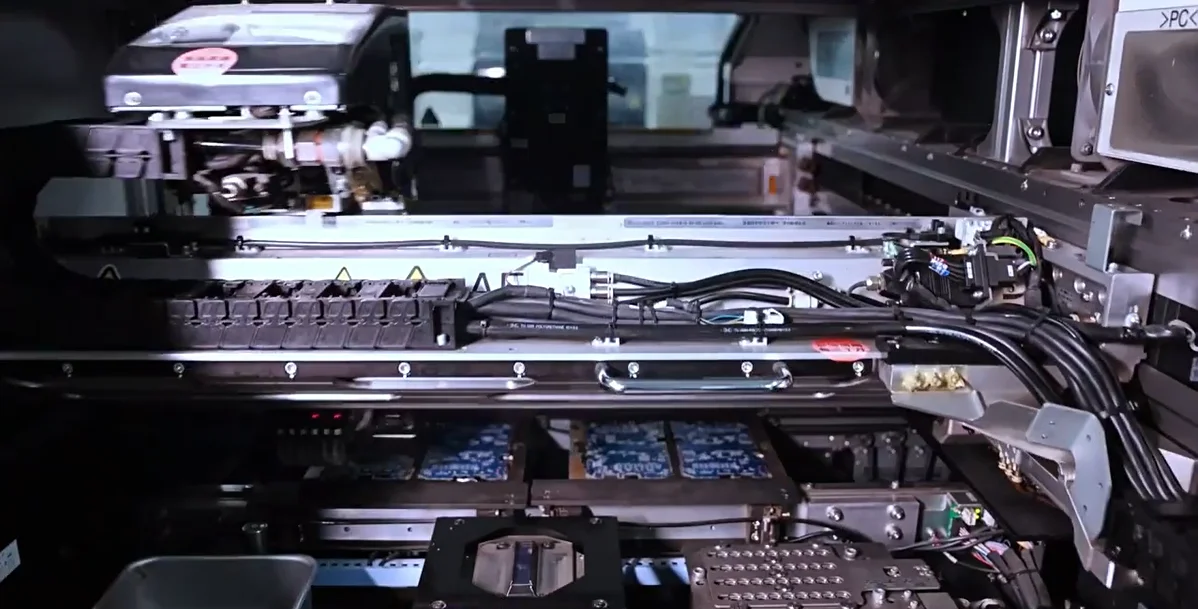
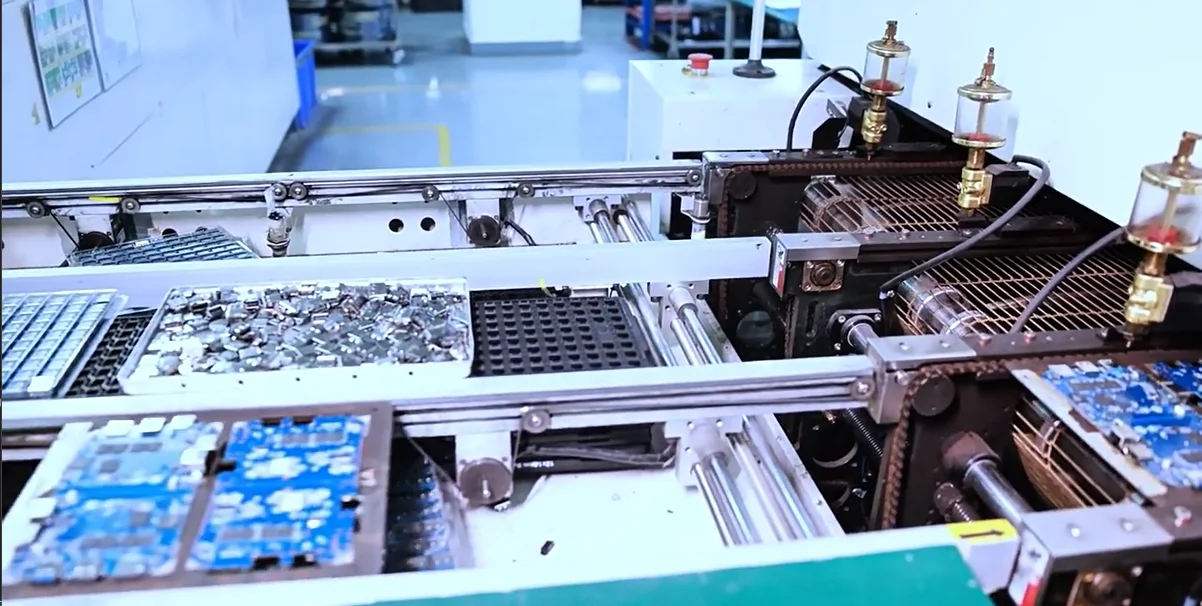
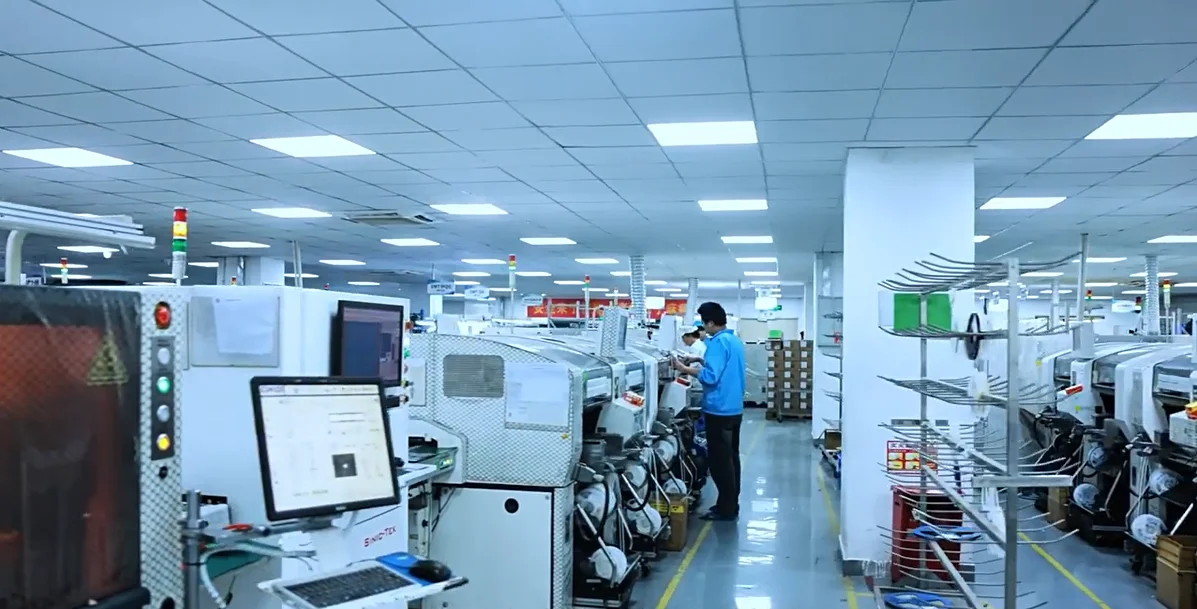
Quality production environment
✅Strictly control the quality of products
✅Strictly control the production process
Our product service purpose is:
To provide users with convenient and practical multimedia functions, so that everyone can easily watch online videos in the home environment, play simple games, network social, etc., enrich the user’s TV entertainment experience.
If you are satisfied with our products, please give us a five-star rating.








5 reviews for 2026 New Smart TV Box Q1MINI+ Dual UI Interface Android 16 RK 3518 Google Assistant HD 8K Video Media Player Set-Top-Box
There are no reviews yet.