
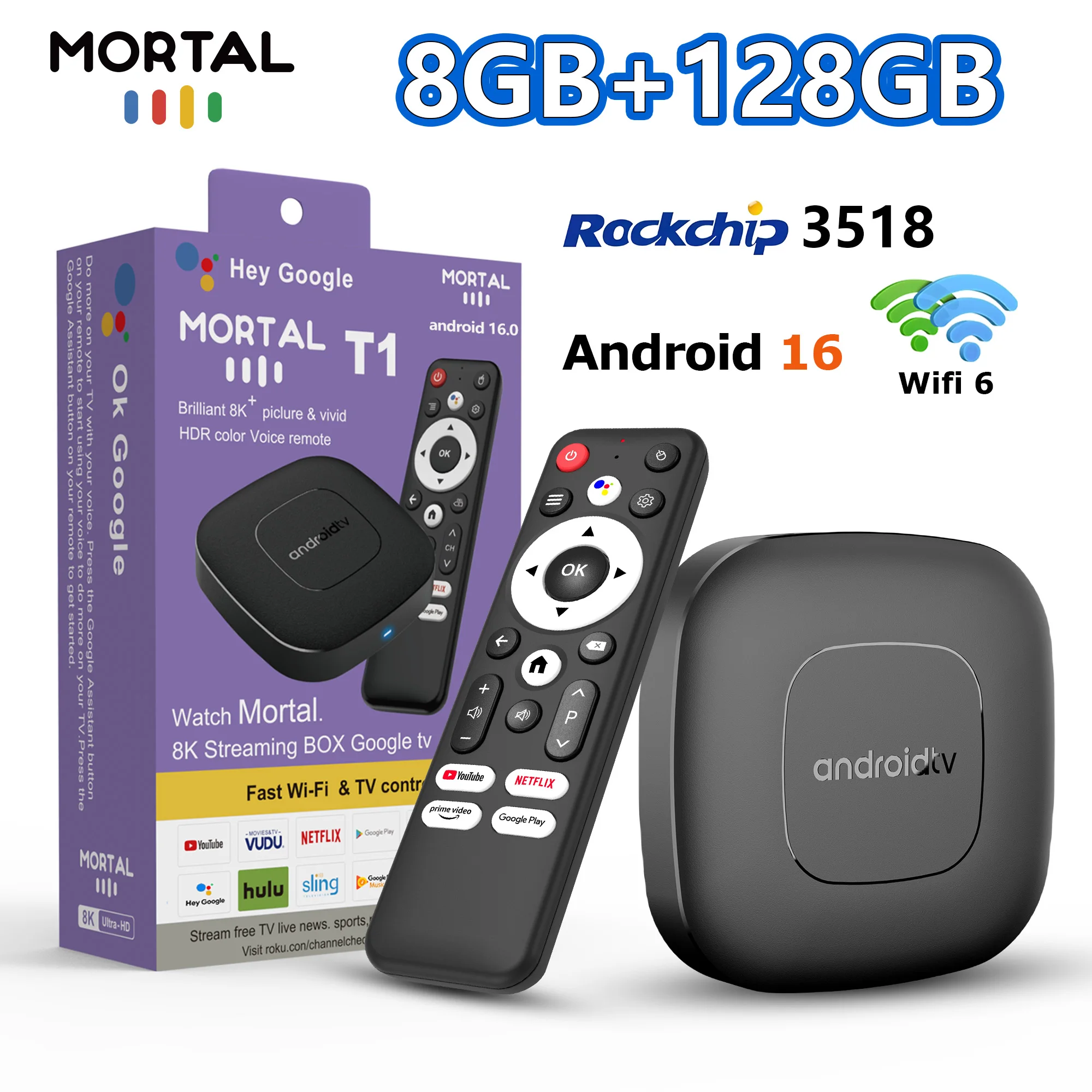

Description
- Voltage range: USB (5-20V DC)
- High-concerned chemical: None
- Supported Internet Services: Prime video,NETFLIX,Google TV,hulu,YouTube,Free Sat/Free View,Explore 3D
- Remote controller included: Yes
- Voice assistant built-in: Yes
- Category: Set Top Box
- Max Output: 8K @ 30 Hz
- USB Ports: 1x USB 3.0
- Power Source: DC
- Inbox adaptor: Yes
- Ethernet: 100M
- Wireless: Yes
- Internal Storage: 16GB eMMC,128GB eMMC
- Memory: 2 G DDR3,8 G DDR3
- Bluetooth: 5.0
- Video Output: HDMI-Compatible 2.0
- OS: Android
- GPU: Mali-450 MP2
- Brand Name: MORTAL
- CPU: RK3518 Quad-Core 64bit Cortex-A53
- Origin: Mainland China
- Power Source: DC
- Power (W): DC 5V,2A
- Certification: CE
- Remote Control: Included
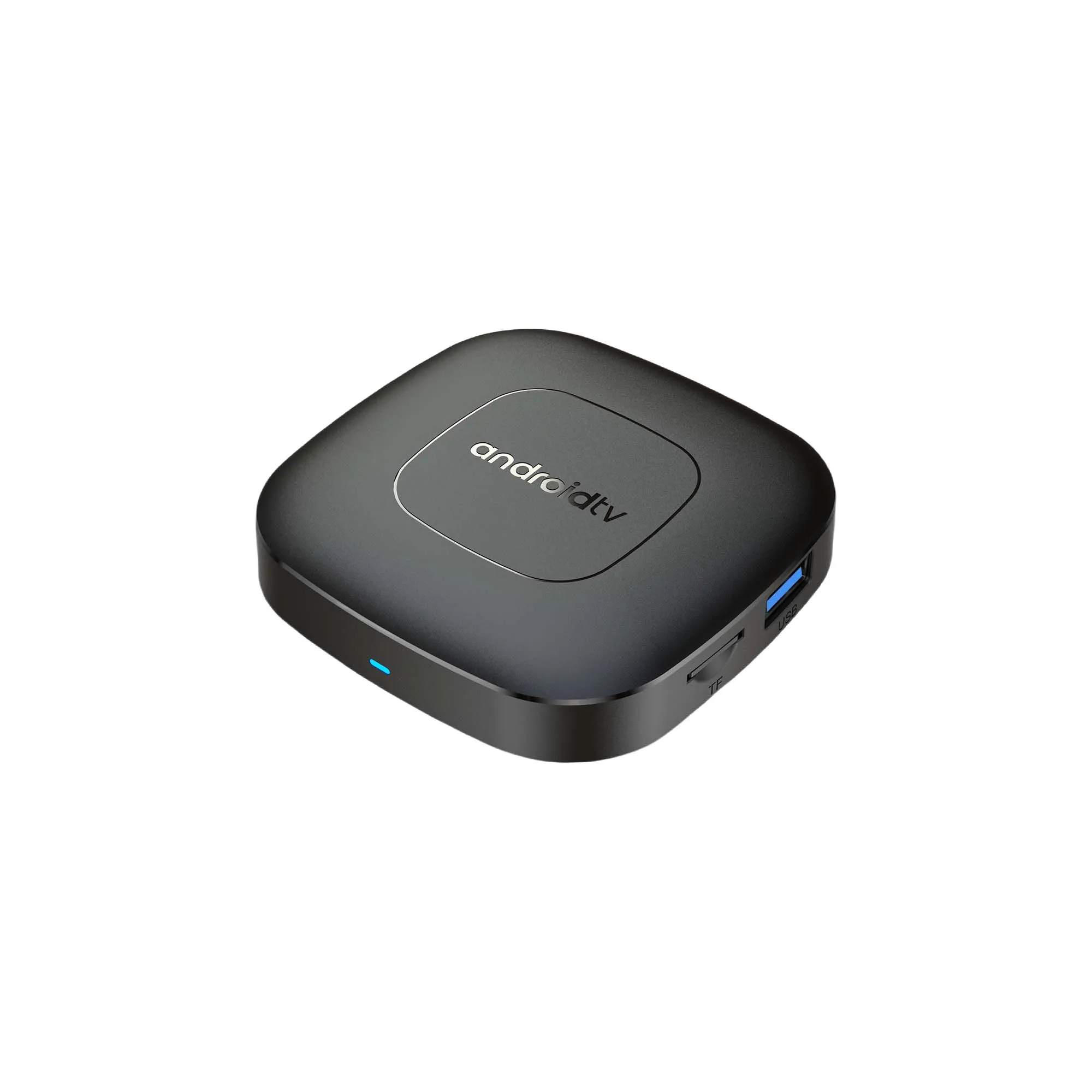
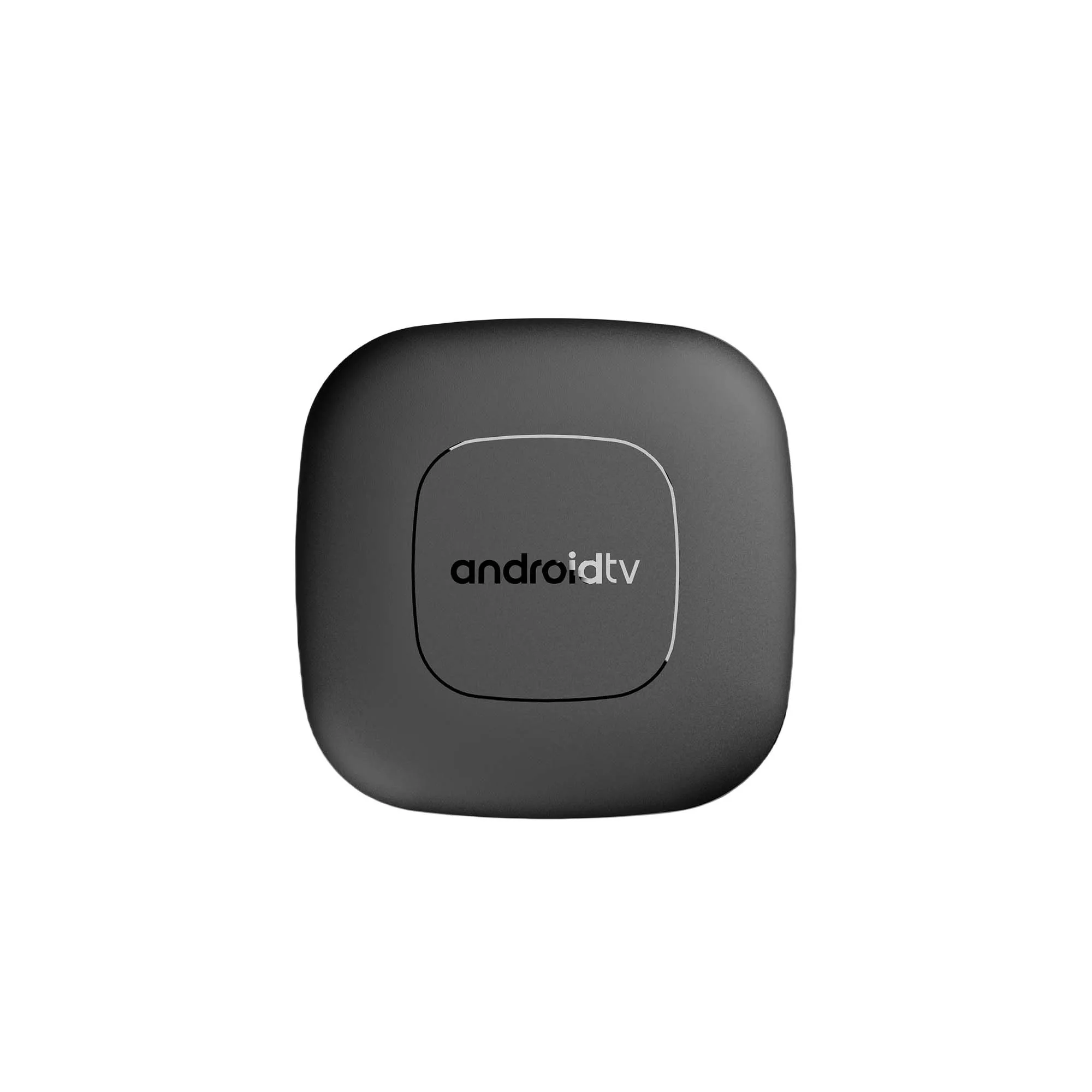
2025 mortal T1 Android16 Smart Home Theater TV Box Rockchip RK3518 Support Bluetooth5.4 Google Assistant Streaming Player WiFi 6
Feature
CPU: Rockchip RK3518 Quad Core Cortex A53
GPU: Mali-450 MP2
FLASH: 16GB/128GB
SDRAM: 2GB/8GB
Power Supply: DC 5V/2A
OS: Android 16.0
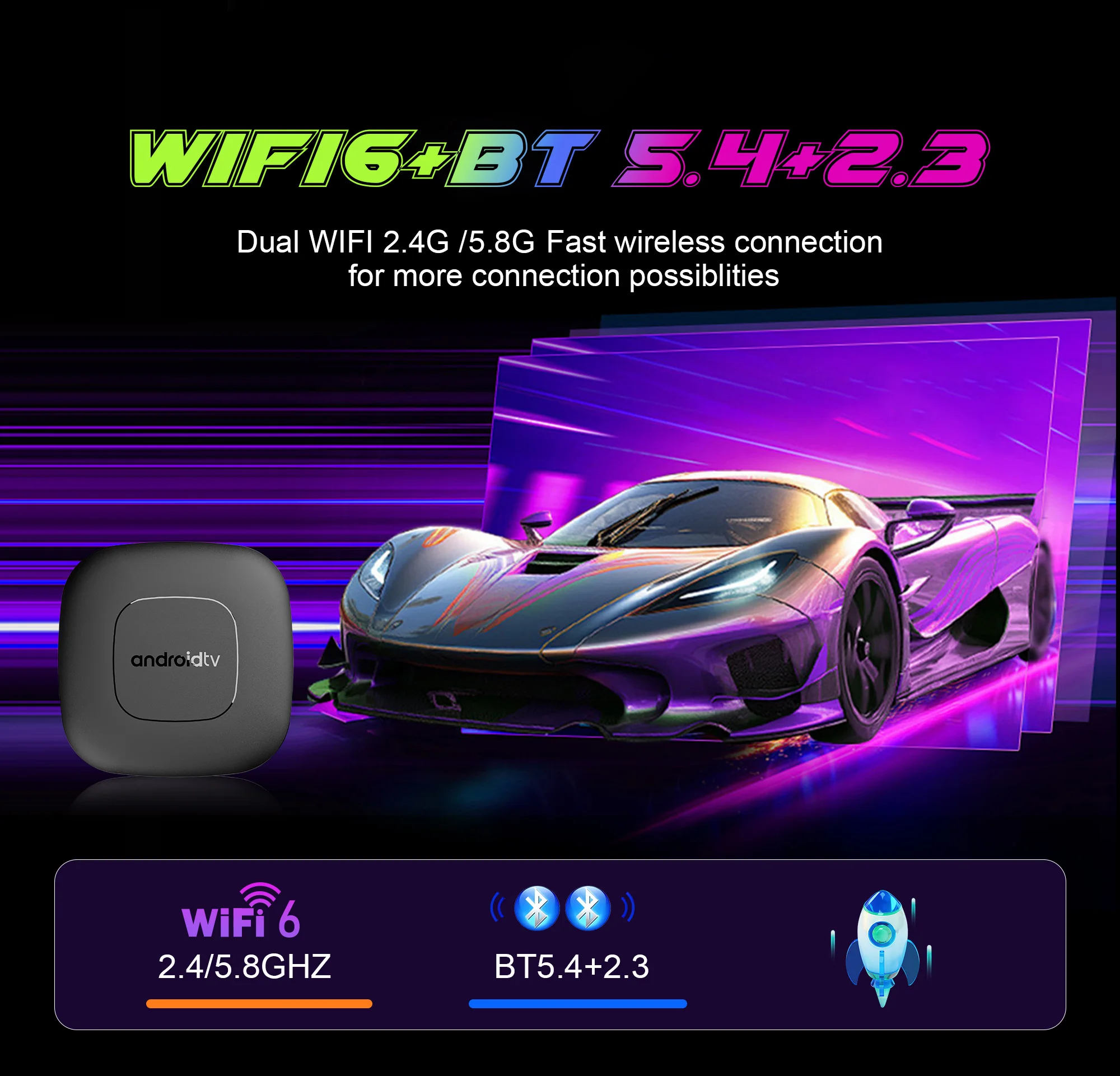
WIFI: WiFi 6 + BT5.2
Support: 100M Ethernet
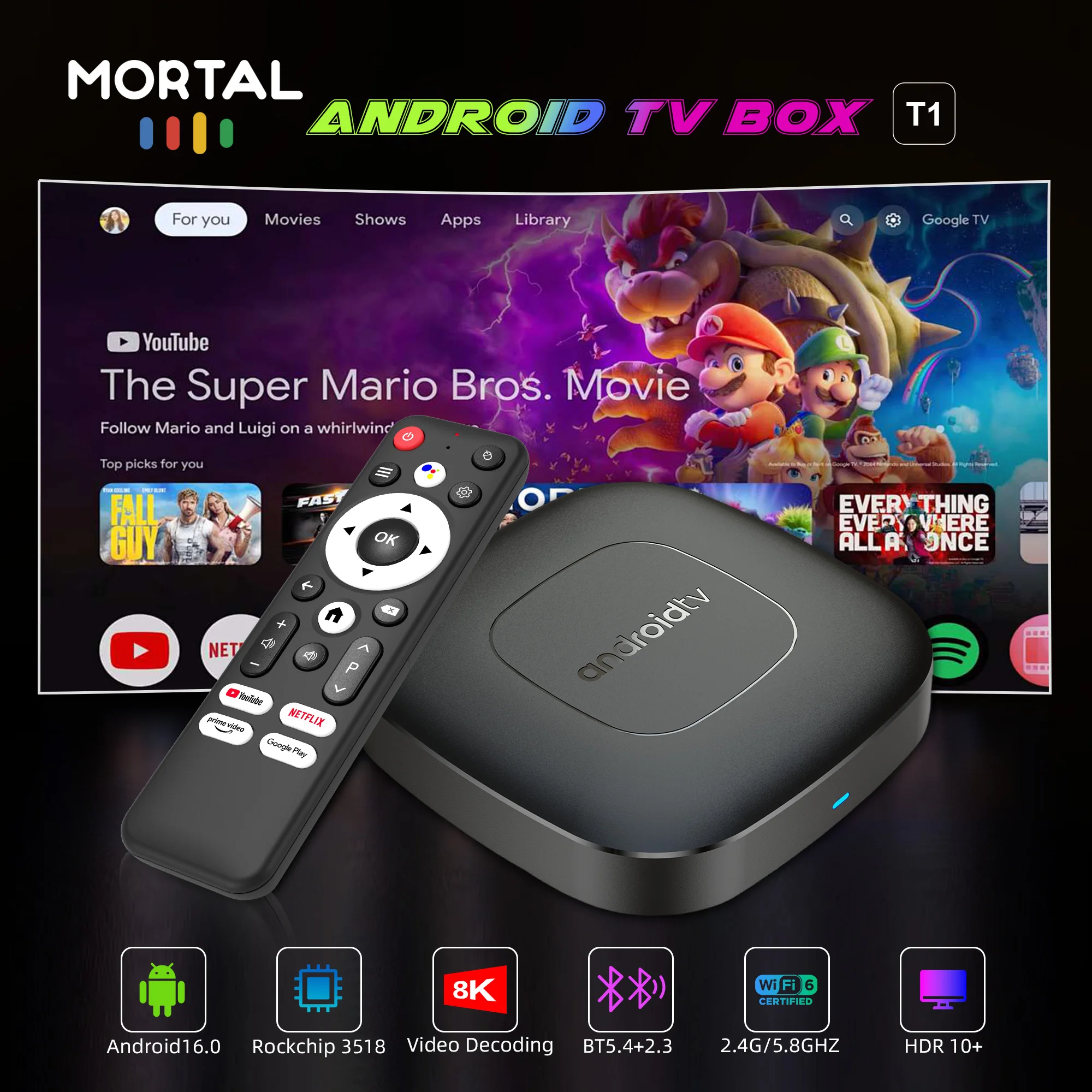
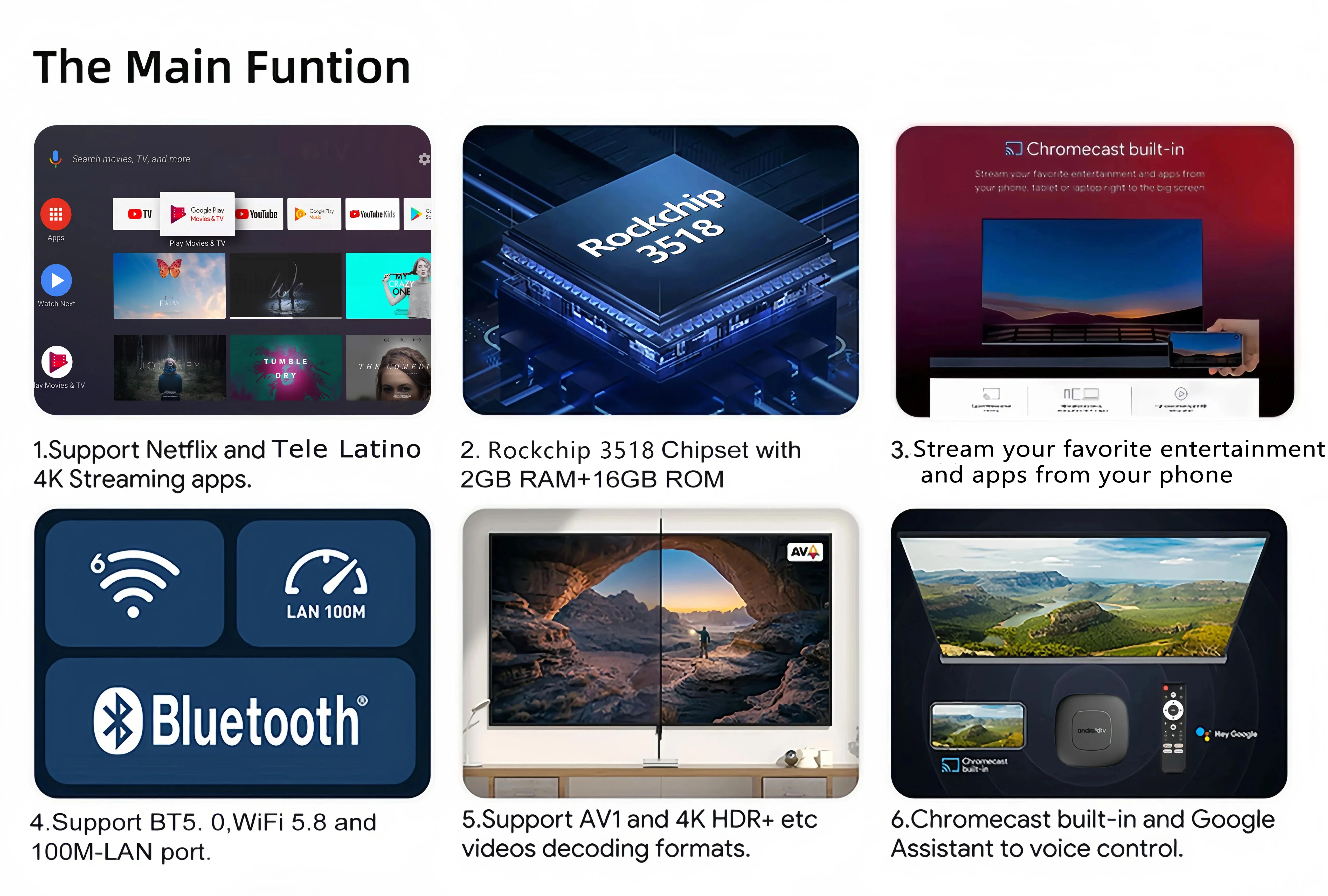
Rockchip RK3518
The android tv box powered by the strongest RK3518 in the chipset series Quad Core Cortex A53, Mali 450 MP2 CPU. 2+16 Flash to 8+128GB.
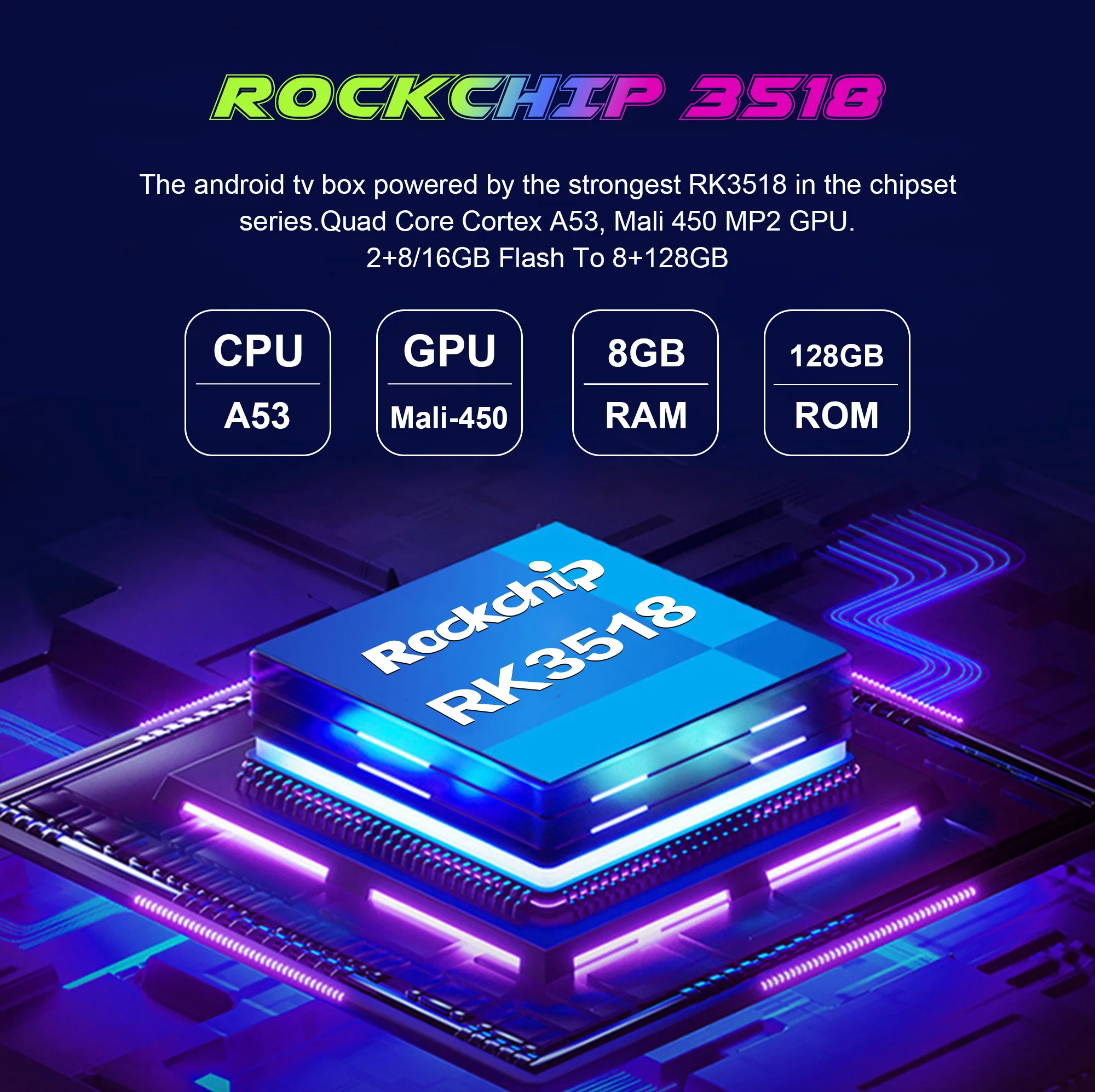
Android 16.0
Higher quality output, Powerful graphics processor, Stable performance
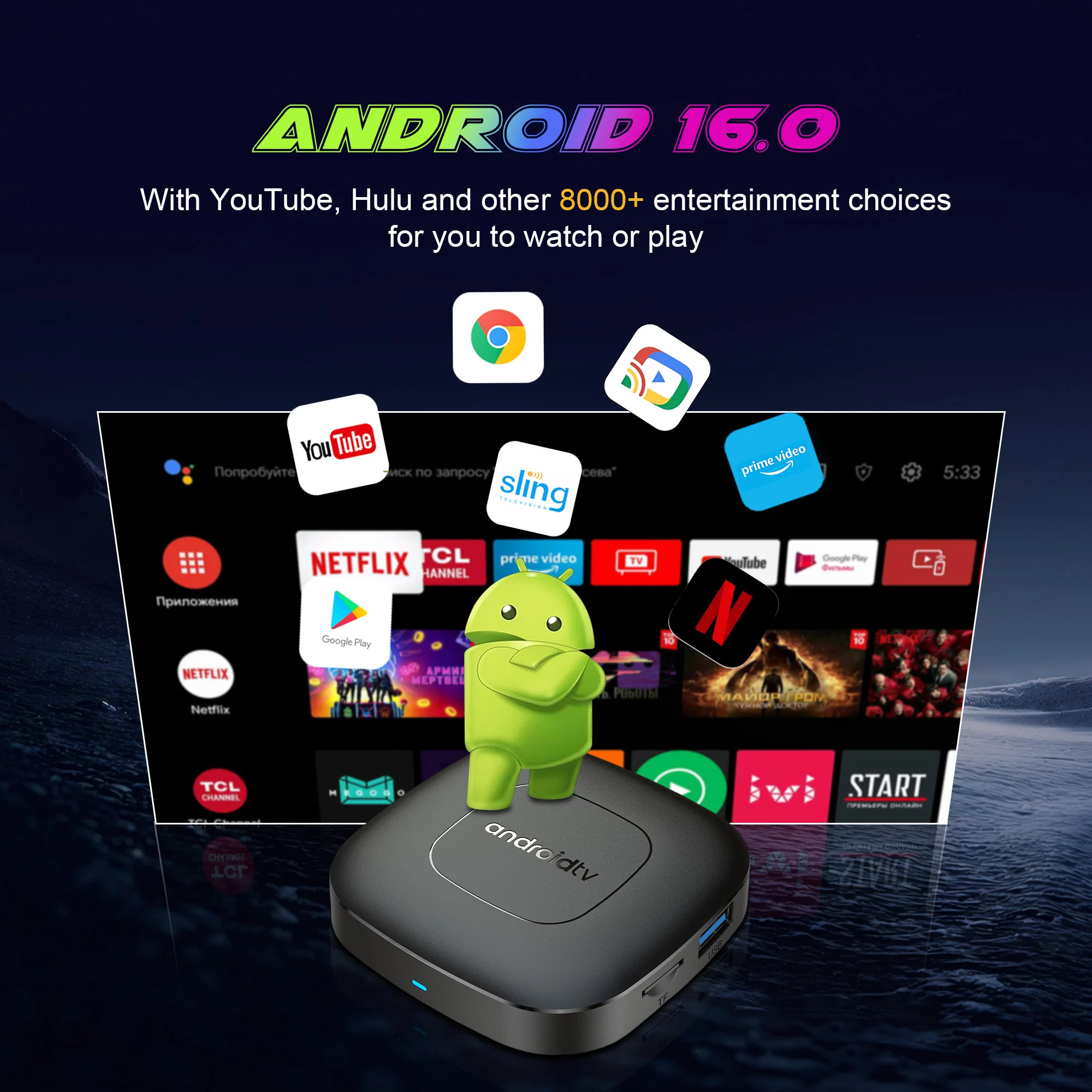
Dual band WiFi
2.4G and 5.8G dual band WiFi, with good compatibility, fast network speed, and smoother performance
Product Features
Powerful Performance, Smooth Operation: Equipped with RK3518 quad-core Cortex-A53 processor, up to 1.5GHz, built-in Mali-450 MP2 GPU, supports hardware 3D graphics acceleration, easily copes with the needs of high-definition video playback, games, etc.
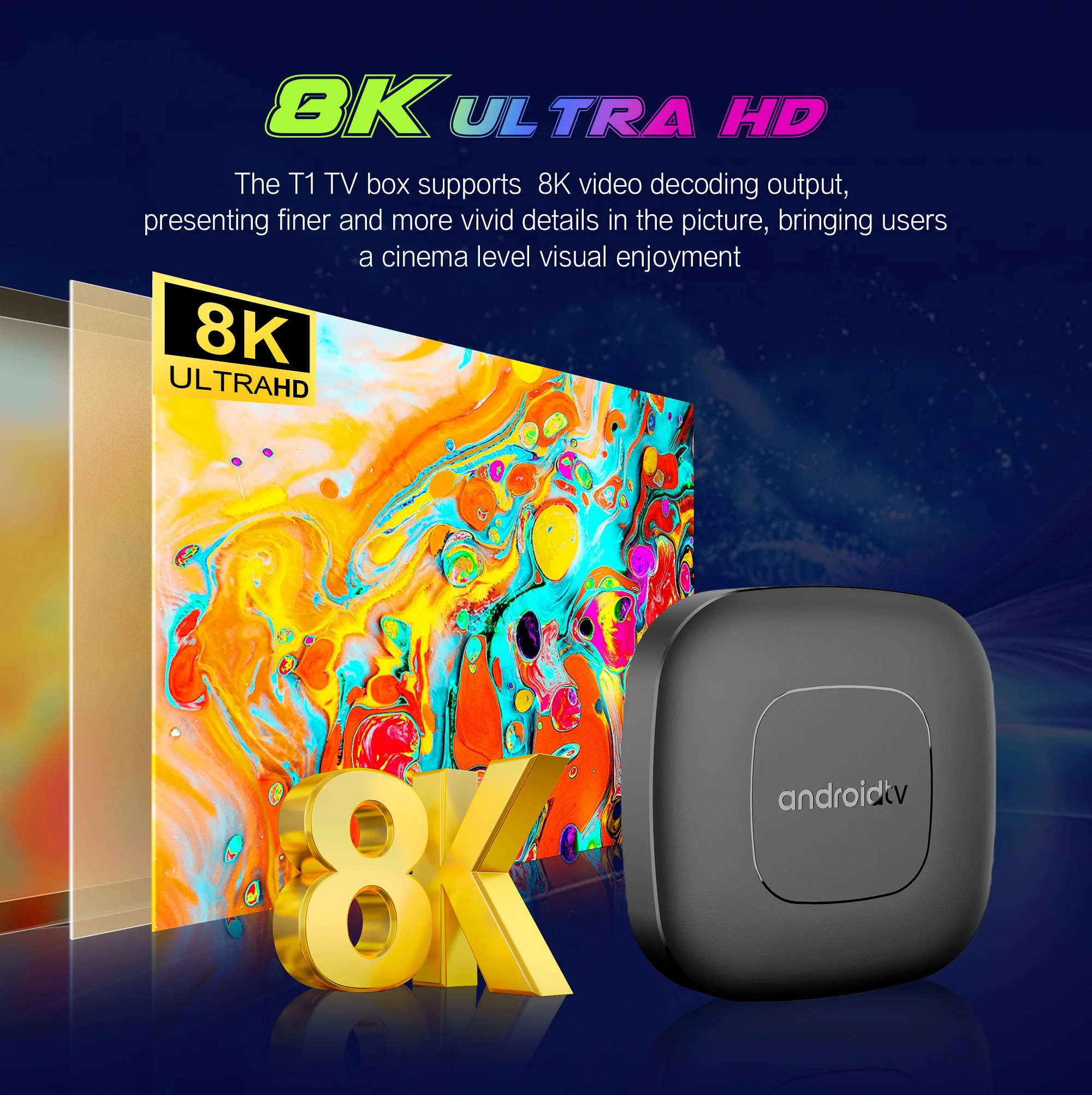
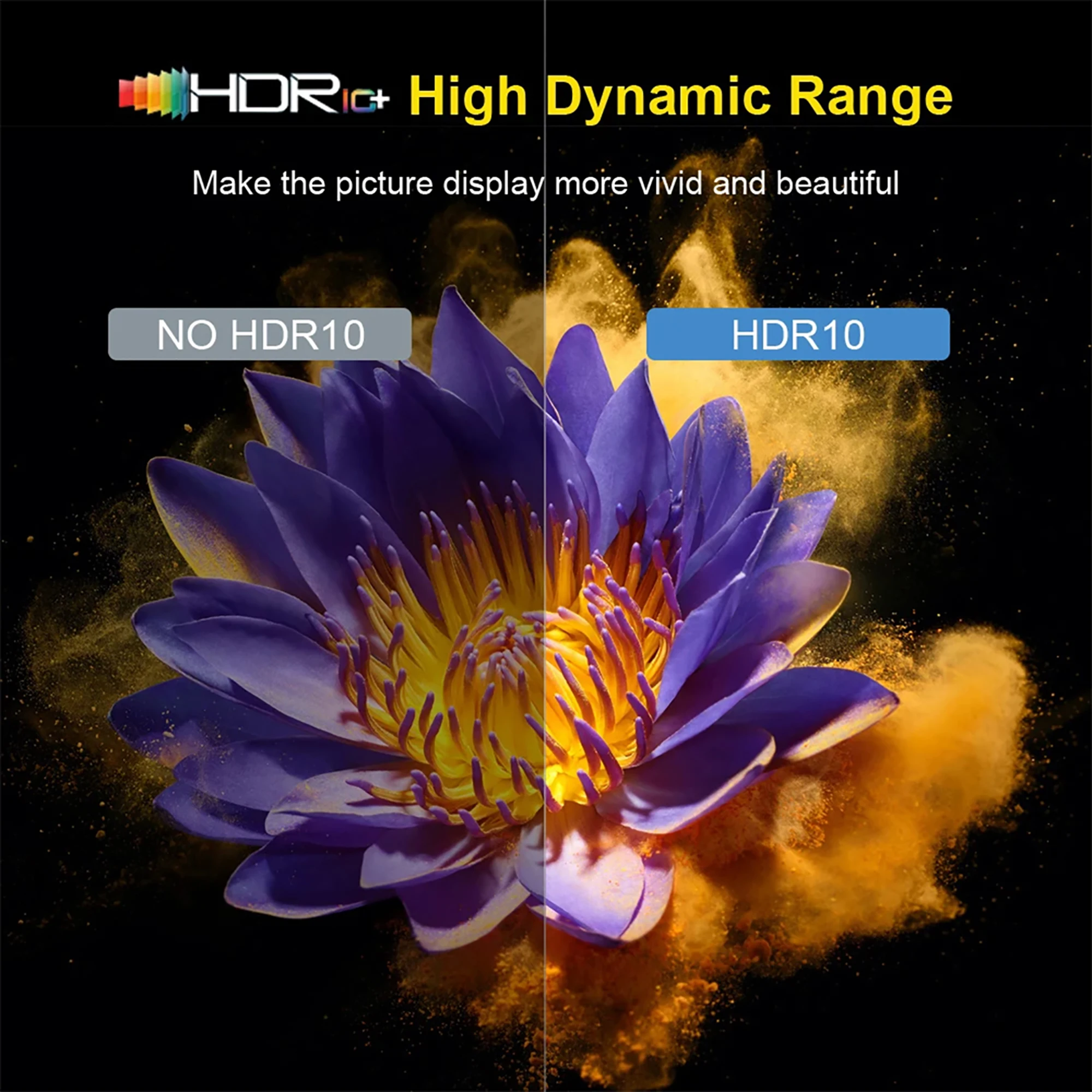
High-Definition Picture Quality, Delicate and Realistic: Supports 8K@60fps high-definition video decoding, equipped with HDR technology, presents delicate and realistic picture quality effects, allowing you to enjoy cinema-level viewing experience at home.
Rich Functions, Multi-faceted Applications: Runs on the Android TV 14.0 operating system, compatible with a large number of applications and games, meeting your various entertainment needs. Supports 2.4G/5G dual-band WiFi, stable network connection, supports Bluetooth 5.2, can connect peripherals.
Playing Games: Supports hardware 3D graphics acceleration, making the game picture more smooth and realistic.
Browsing the Web: Built-in Chrome browser, browse the web anytime, anywhere.
Using Applications: Compatible with a large number of applications, meeting your various entertainment needs.
8K Video Decoding
Powerful video decoding function ,higher definition, more realistic image effection.

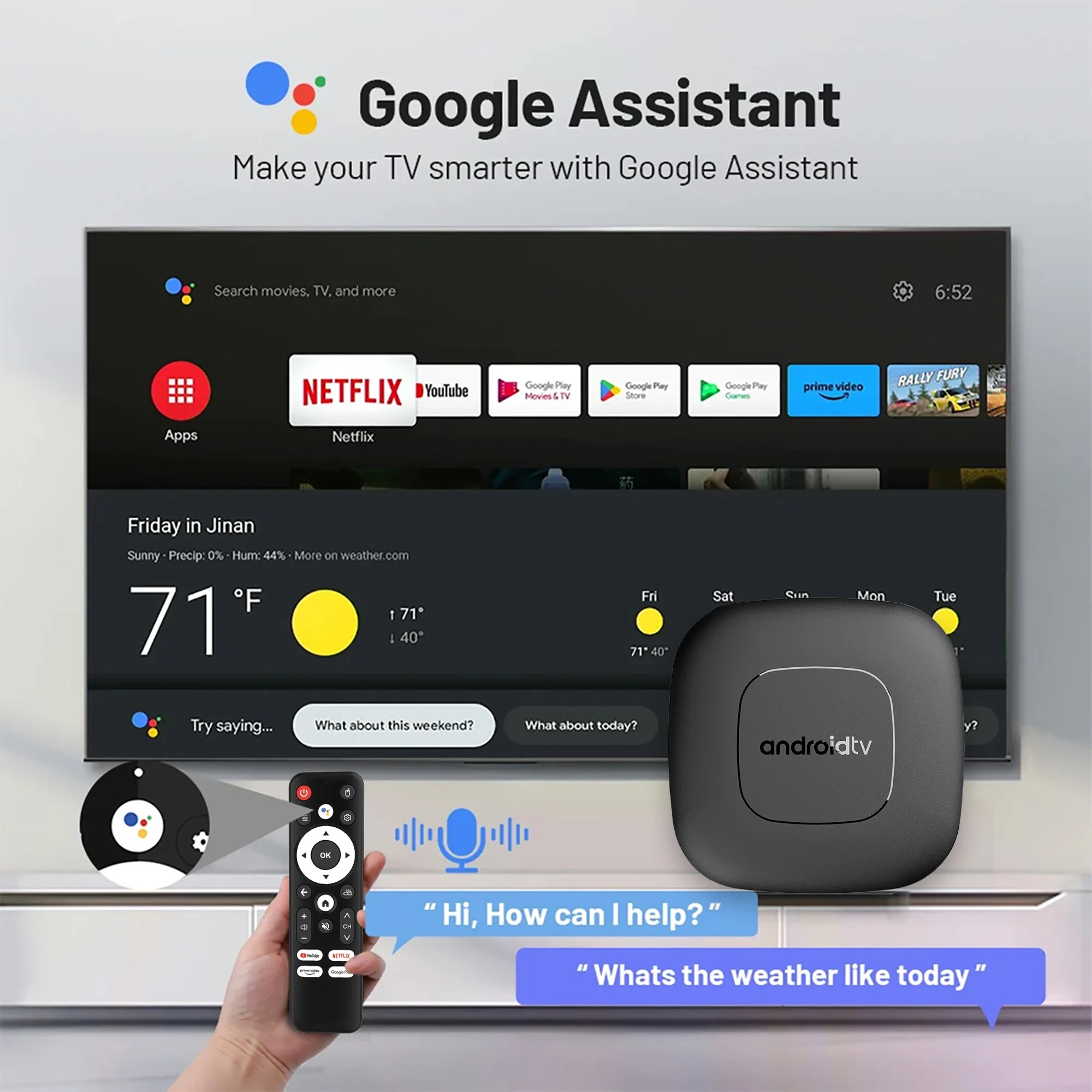
Smart Voice Control
One click voice operation, say what you want
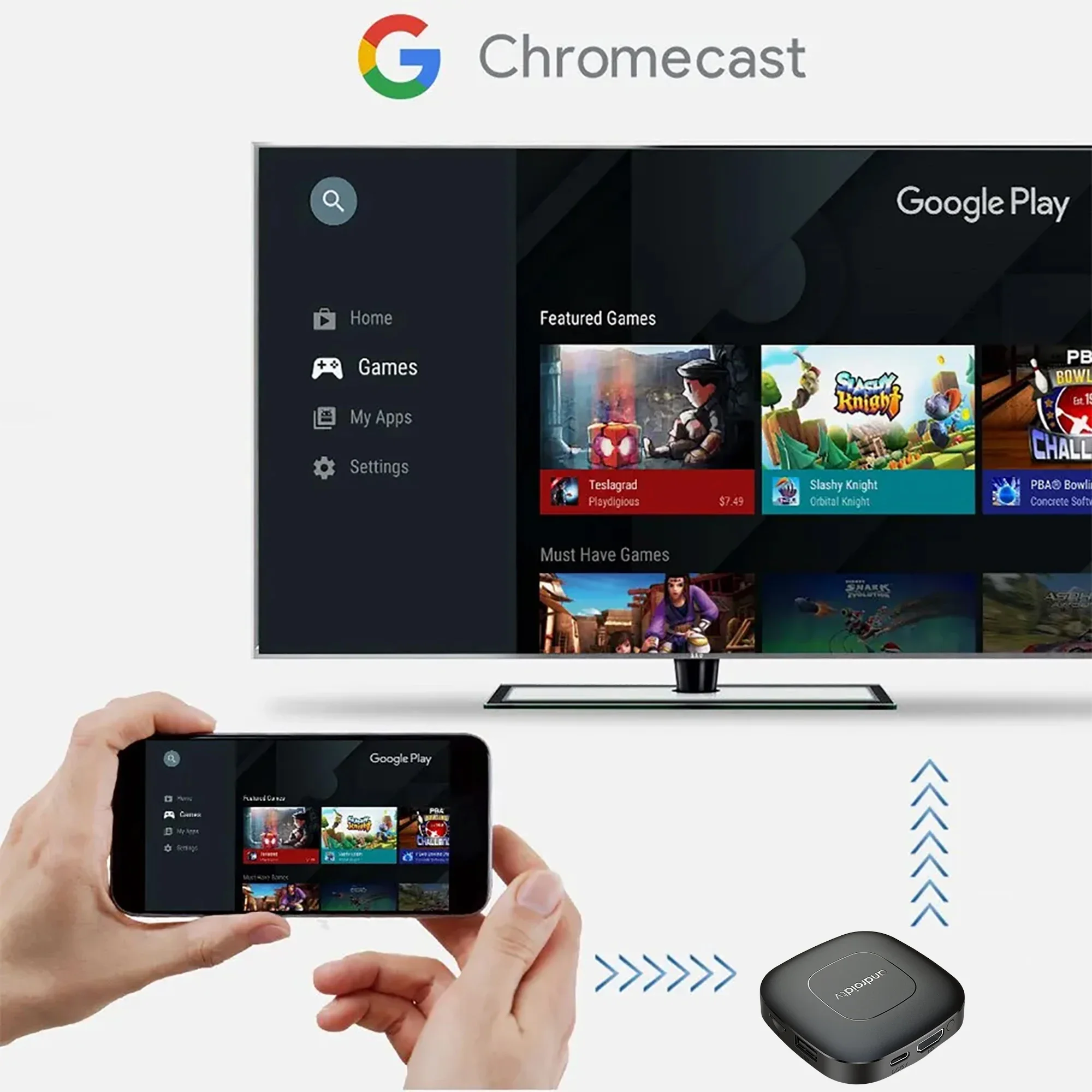
Multi Screen Sharing
Easily share the small screen to the large screen. You can play games and watch You can play games and watch
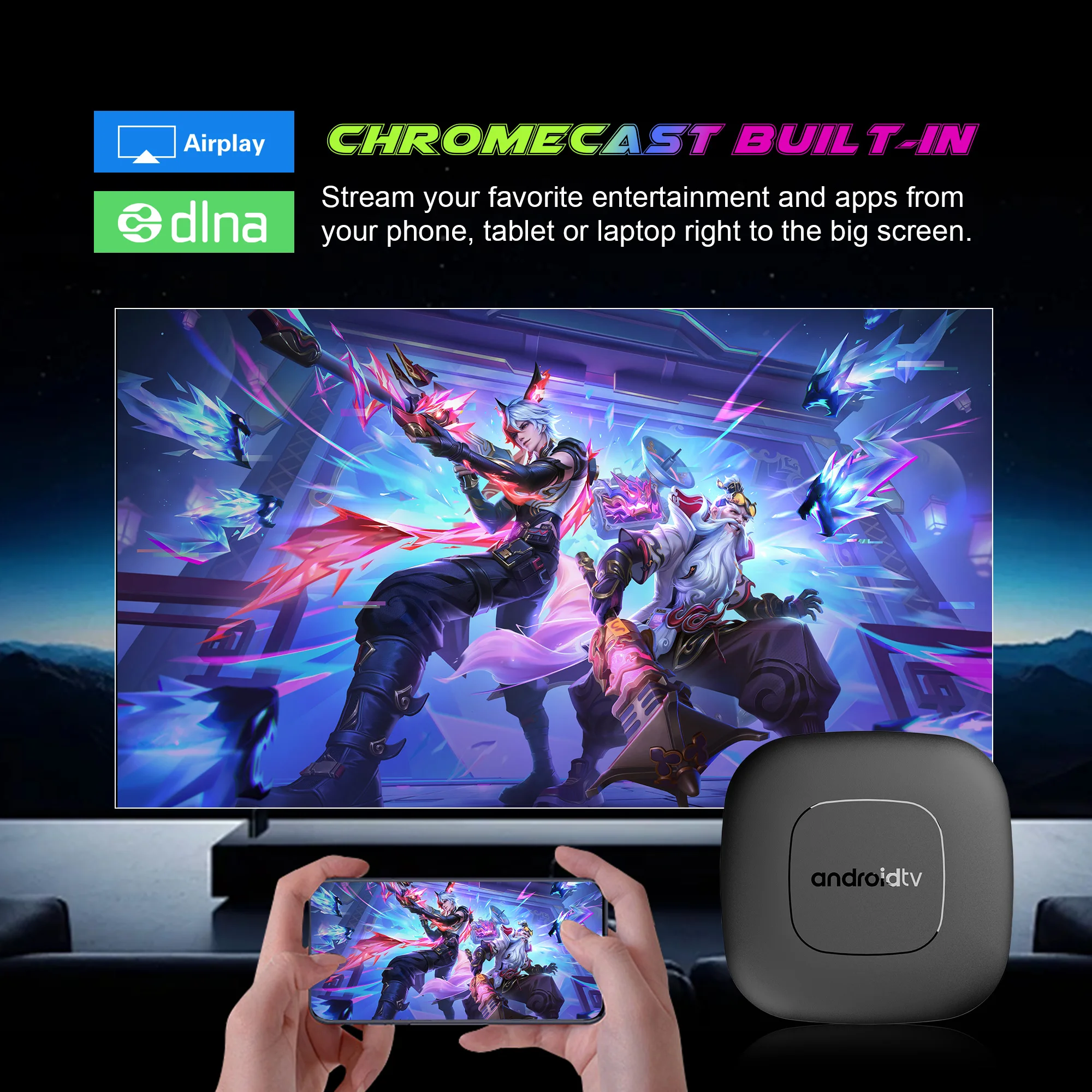
Multi Screen Sharing
Easily share the small screen to the large screen. You can play games and watch You can play games and watch
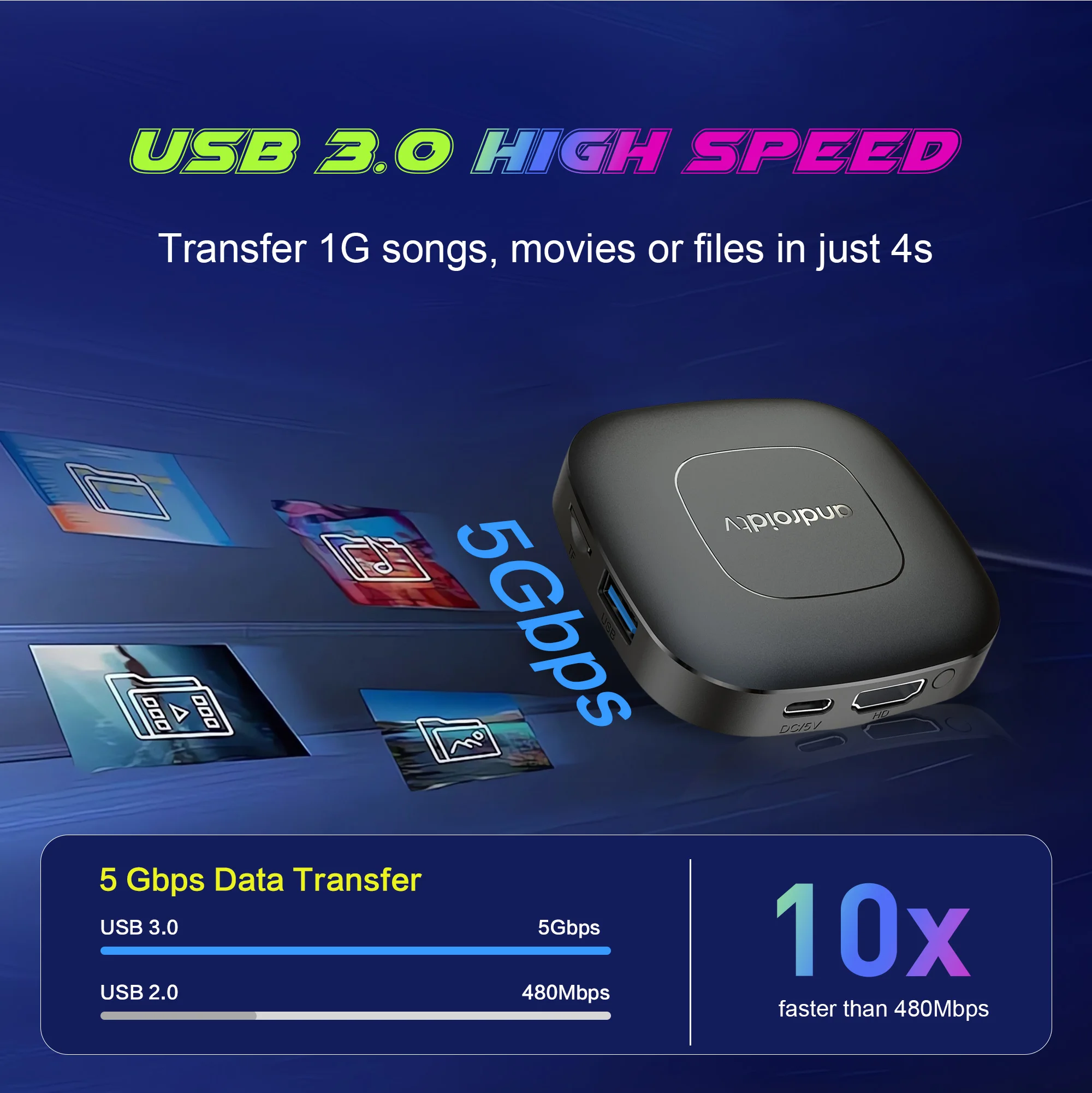
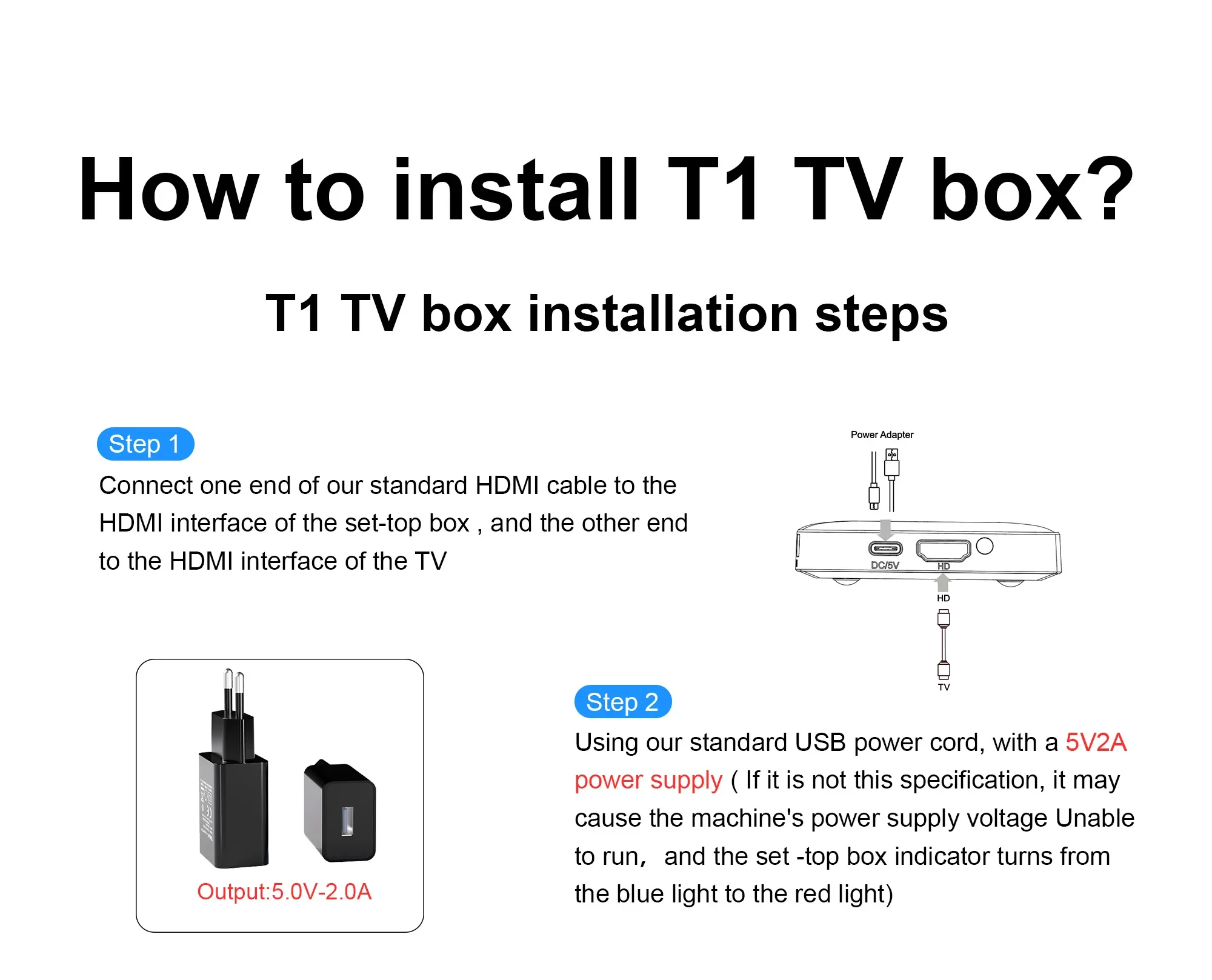
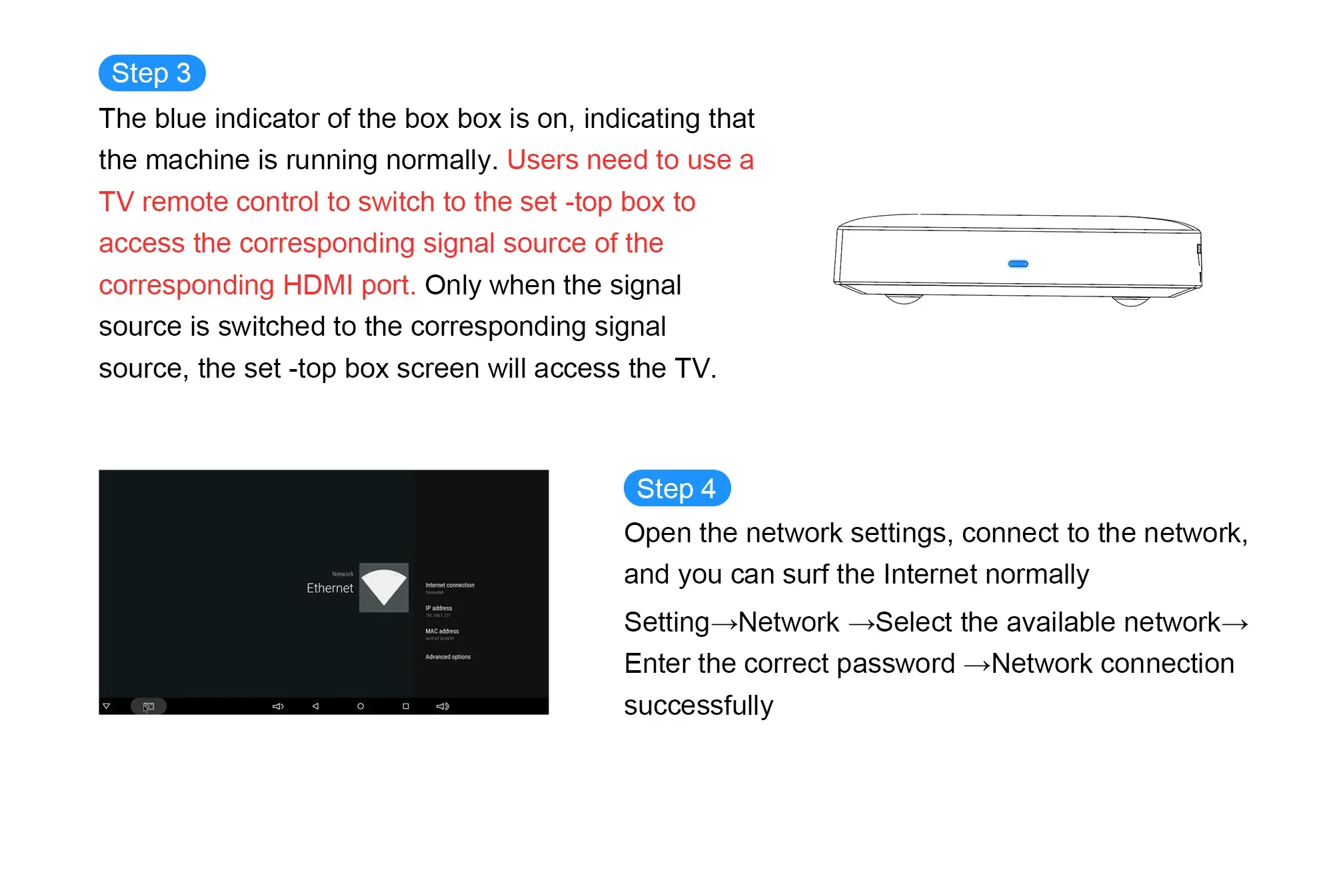
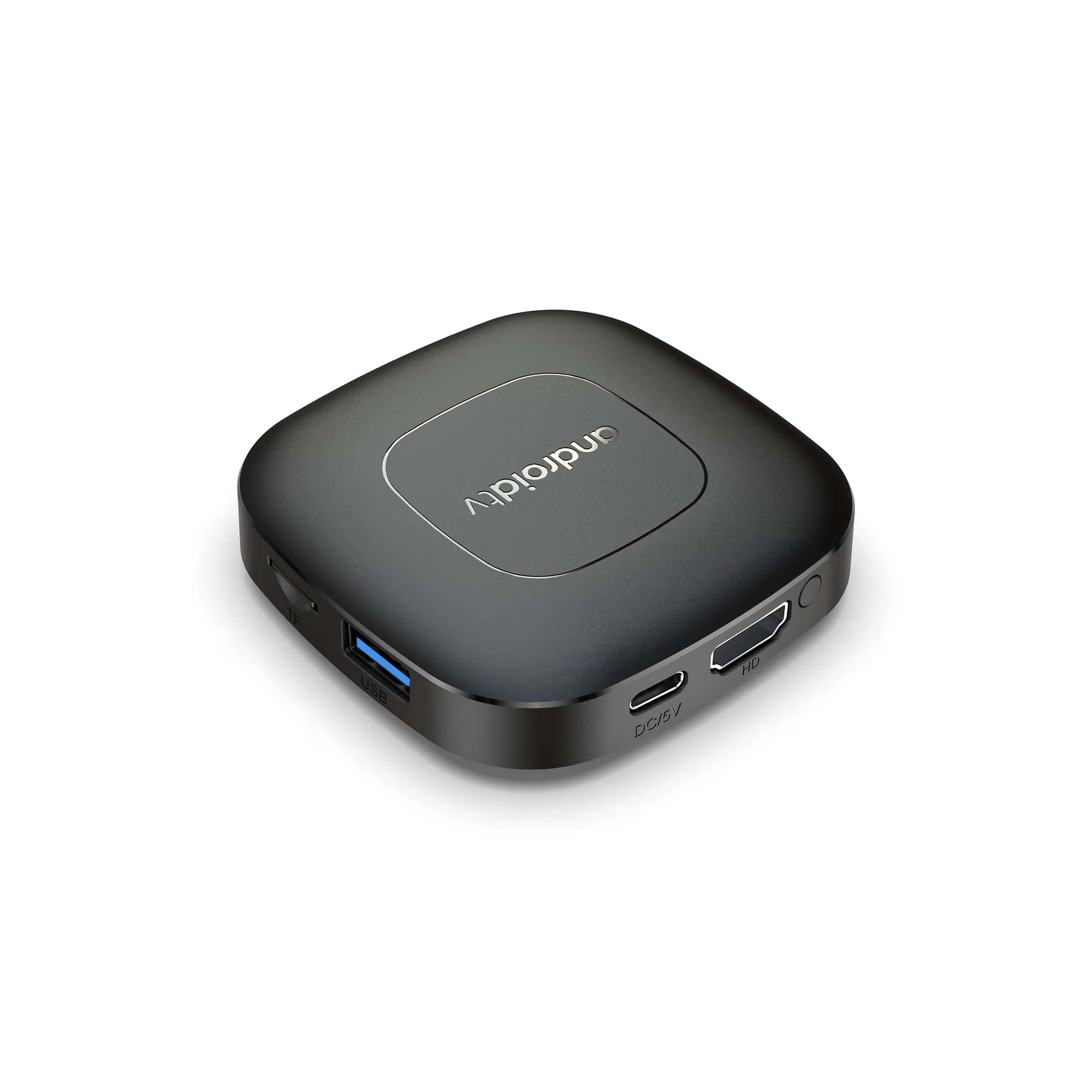
Rich interface simple connection
Small interface big effect, can meet various entertainment needs
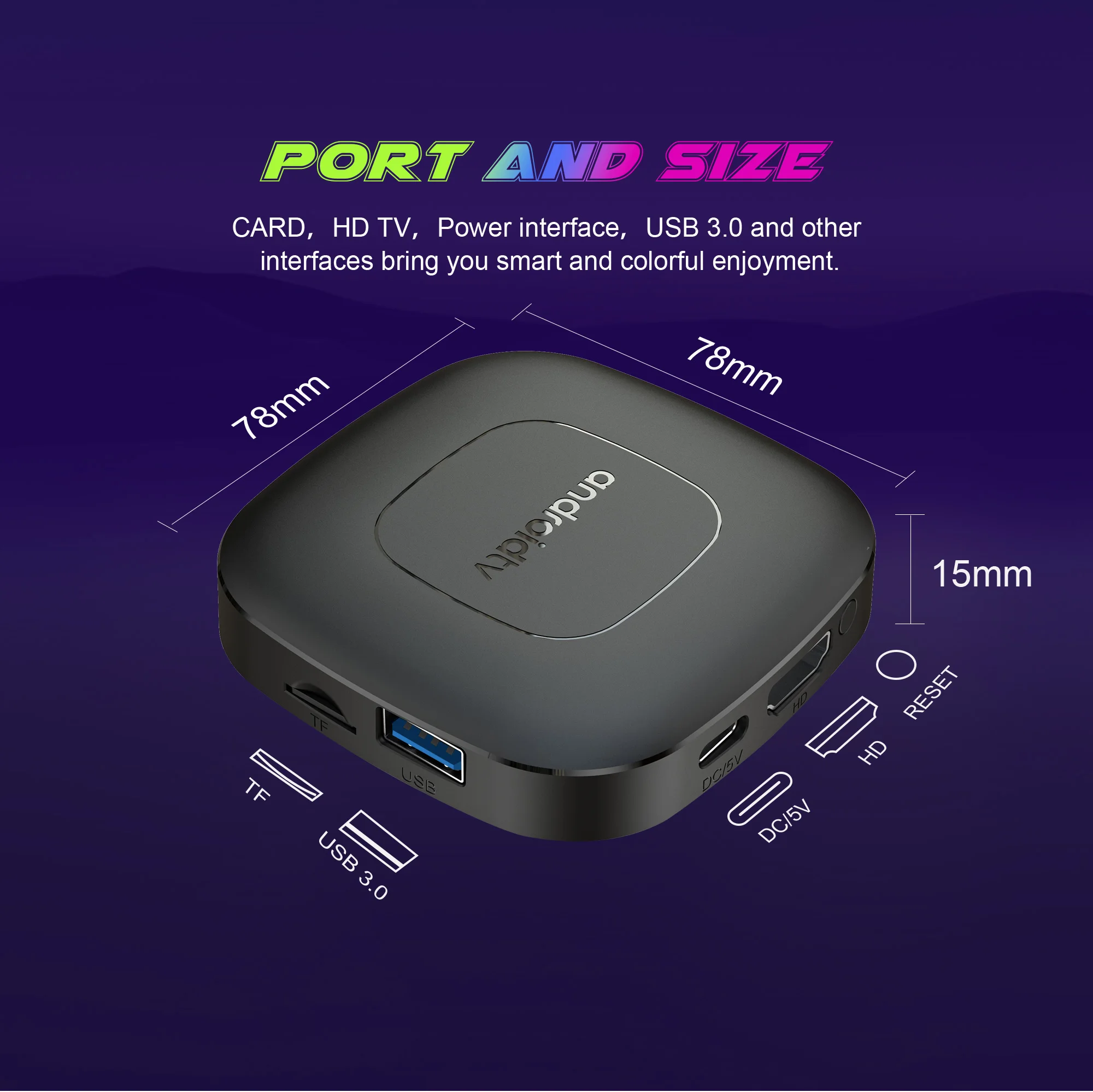
Package Include:
HDMI Cable*1
Remote Control*1
USB Charger*1
User Manual*1
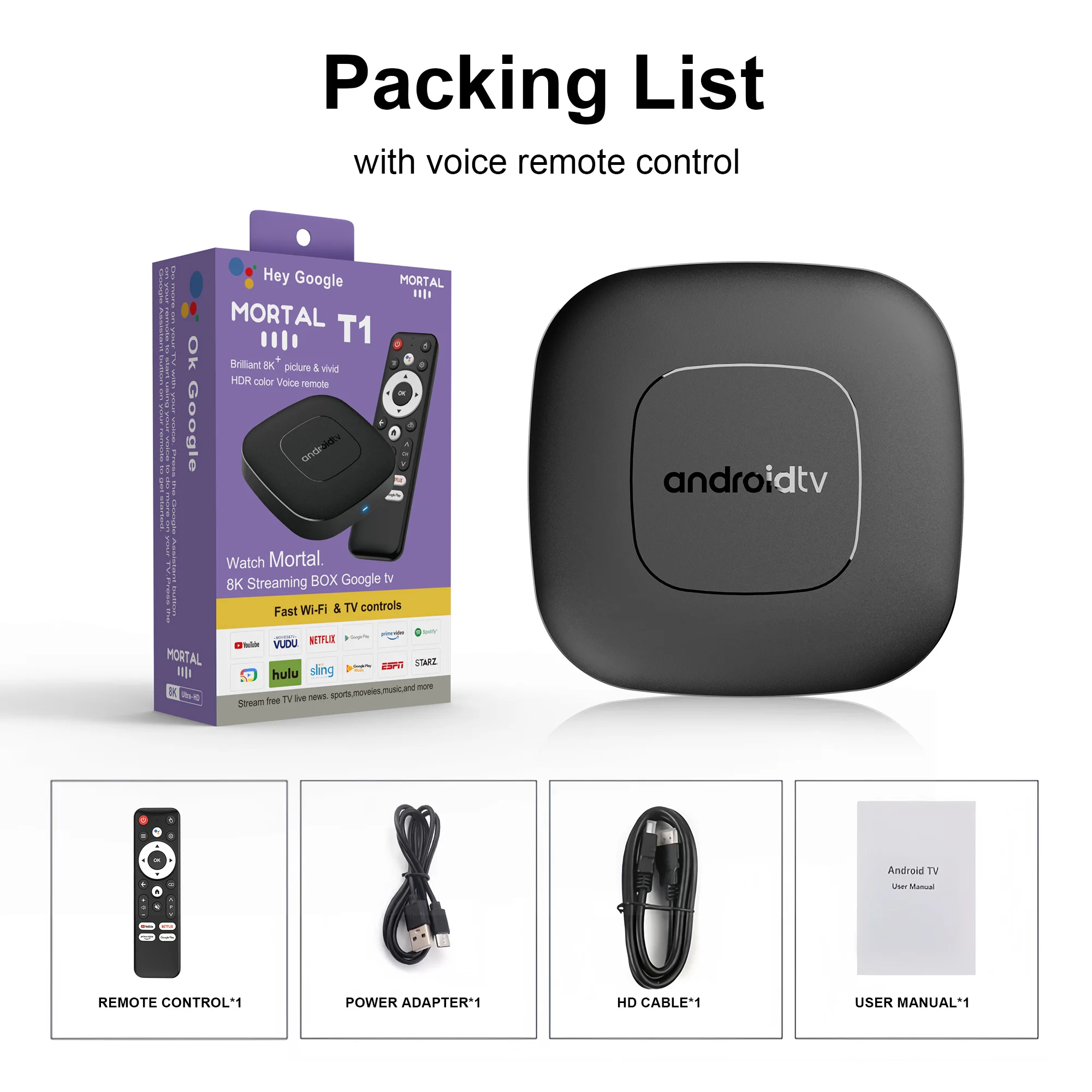
How to use Google Voice Assistant,? How to use Bluetooth voice remote, microphone?
Step 1: Tap the voice button and release it.
Step 2: Wait until the voice input pop-up box appears in the lower right corner of the TV, then long press the voice button and input voice commands at the same time (press and hold the voice button and speak into the microphone).
Step 3: After the voice command is input, release the voice button (release the voice button after speaking).
Step 4: The machine will automatically perform corresponding actions based on the voice command.
Netflix usage tutorial:
1. After connecting to WiFi, open the APP, find the black Netflix software, and click to open
2. After clicking to open Netflix, the login interface will appear. Click the mouse switch button on the remote control to switch the remote control to mouse mode, and click the login button of the software
3. Click the mouse button again to switch the remote control to remote control mode, enter the account password to log in
4. Use the mouse mode of the remote control to click the video to be played










5 reviews for 2025 mortal T1 Android16 Smart Home Theater TV Box Rockchip RK3518 Support Bluetooth5.4 Google Assistant Streaming Player WiFi 6