

Description
- High-concerned chemical: None
- Wi-Fi Frequency: 5GHz
- Picture Format: BMP,JPEG
- Video Format: AVI,DivX,MKV,DAT,VOB,MPG,MPEG,MOV,MP4,RM,RMVB,WMV
- Wi-Fi Range: 10m
- Antenna Type: Internal
- Transmission distance: 50m
- Decode Ability: 1080P (Full-HD)
- Type: High Definition
- Connectors: HDMI-Compatible
- Operation System: Android
- Model Number: Q8
- Hard Disk Capacity: < 100GB
- Recording: No
- Brand Name: MORTAL
- Origin: Mainland China
- Item Type: TV stick
- Function: Multiple-Input Single-Output
- Certification: CE,FCC,RoHS
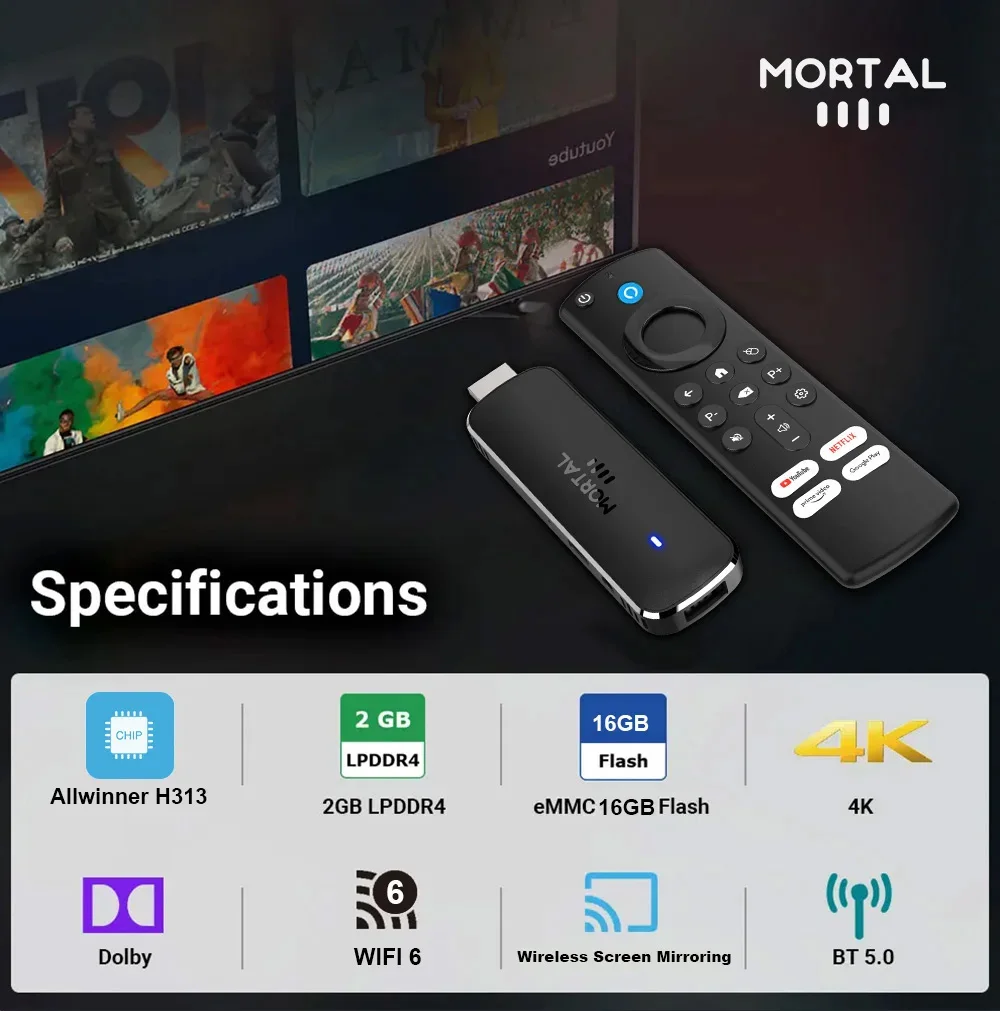
- Resolution: 4K
- Remote Control: Included
- Built-in Speaker: NO
- Built-in battery: NO
Without speaker
Without battery
After purchasing, please read the FAQ at the end of the details page to avoid disputes.
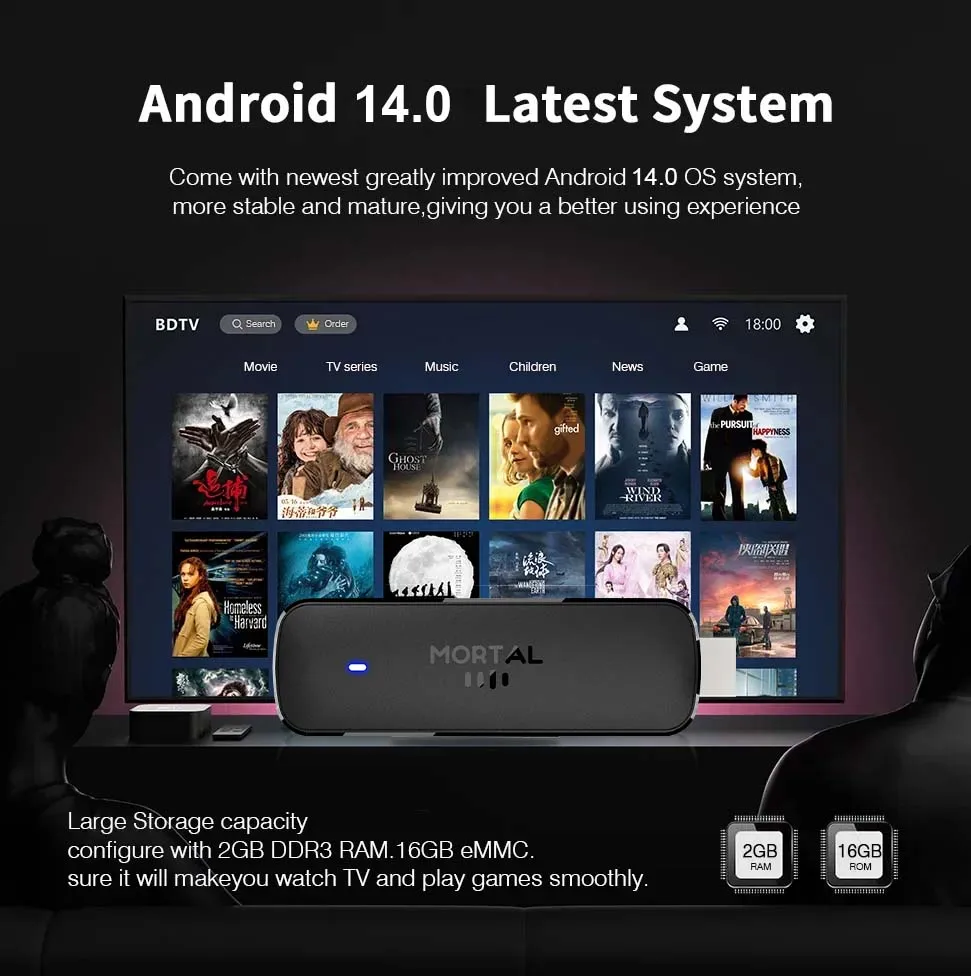
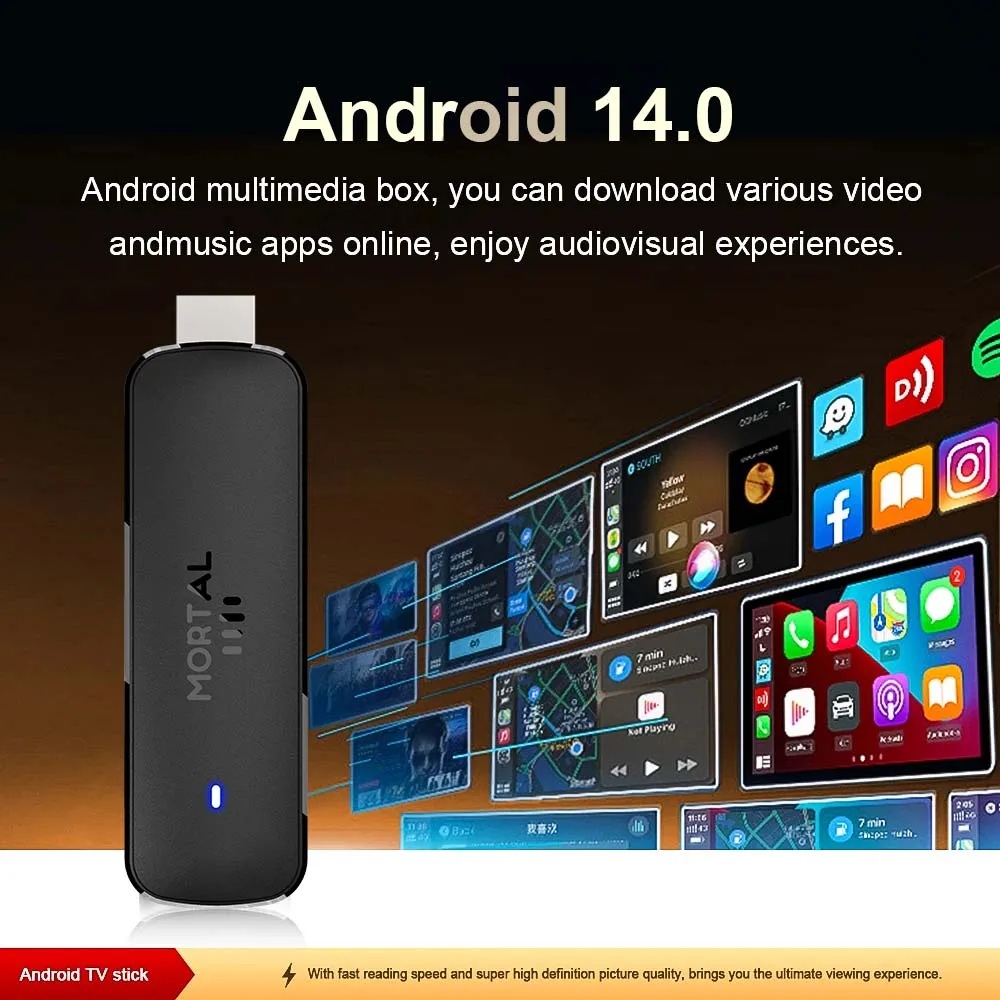
Android14.0 Latest system, enhanced protection of user privacy.
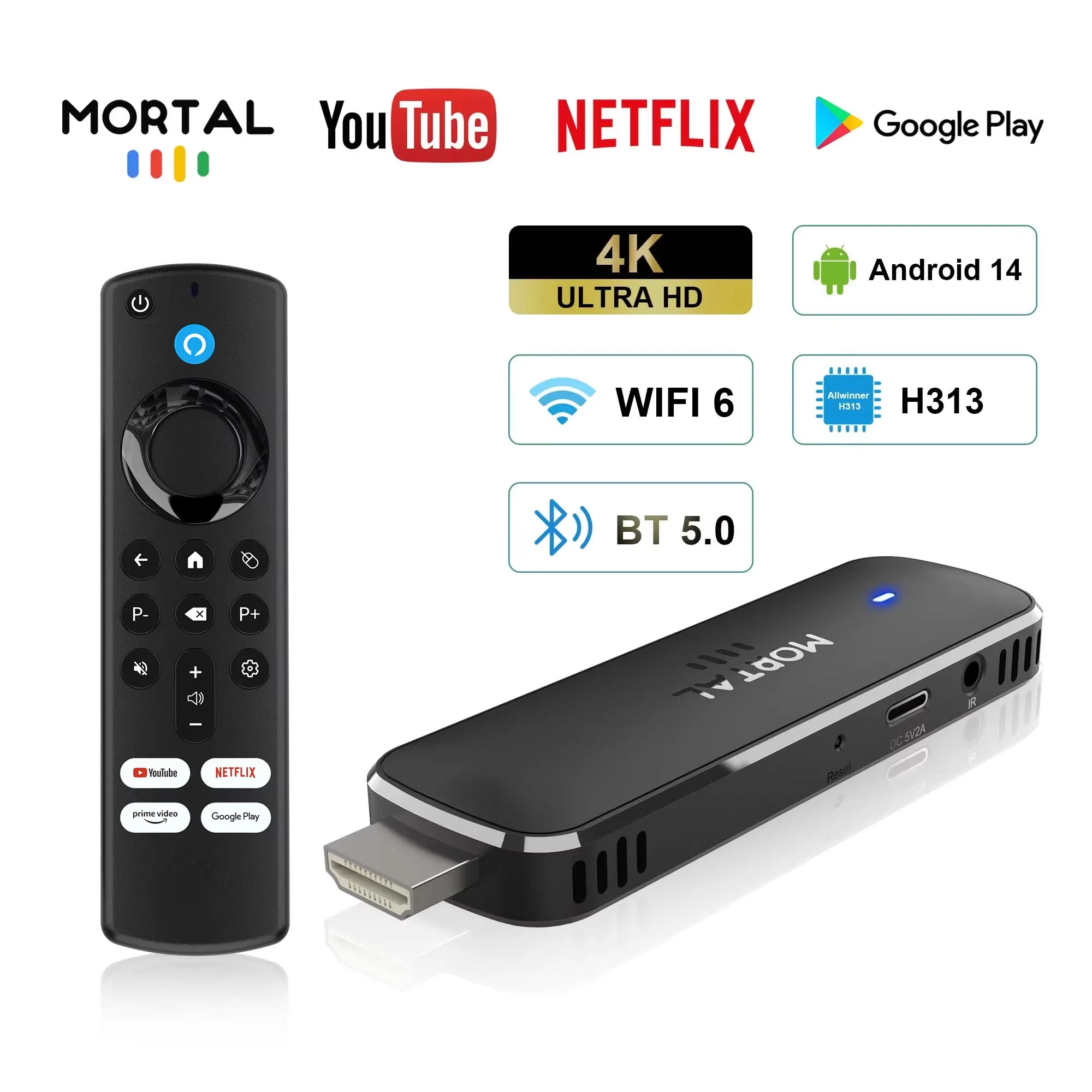
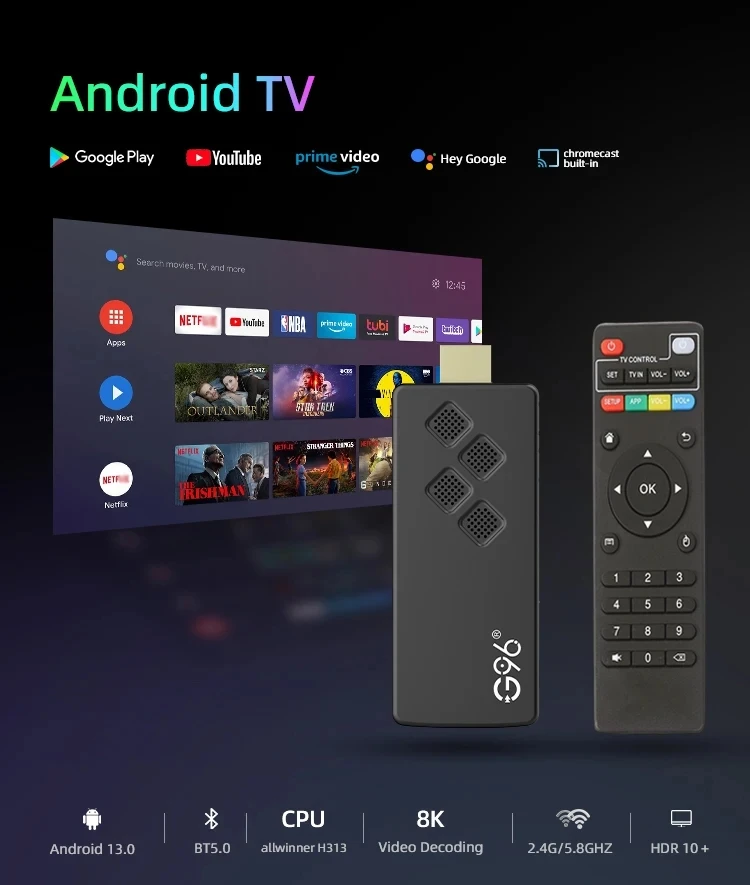
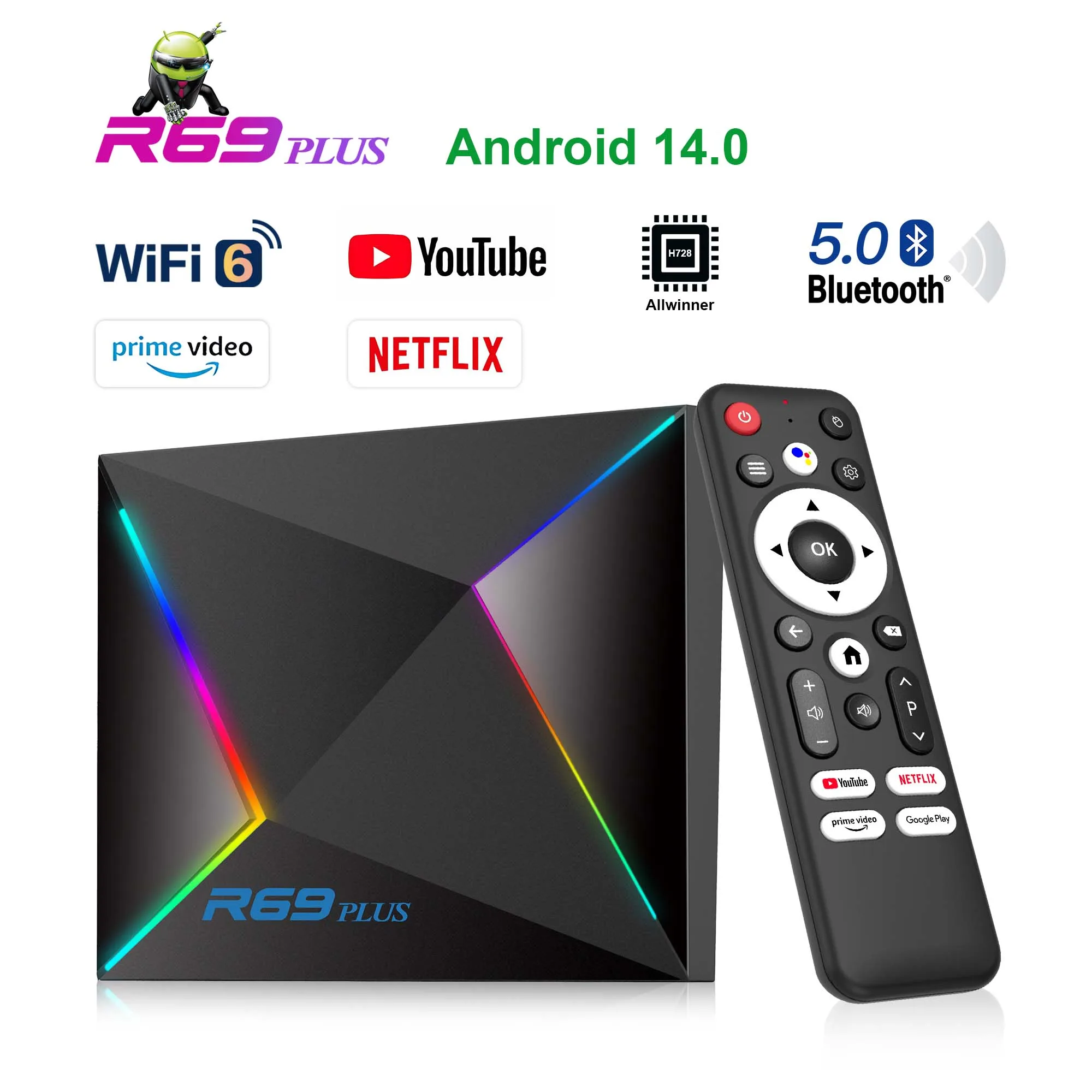
Q8 Android TV stick 4K is equipped with an upgraded Android TV 14.0 operating system, providing powerful features and exciting 4K content. The enhanced Android TV 14.0 ensures wide compatibility, allowing you to easily install many of your favorite apps.
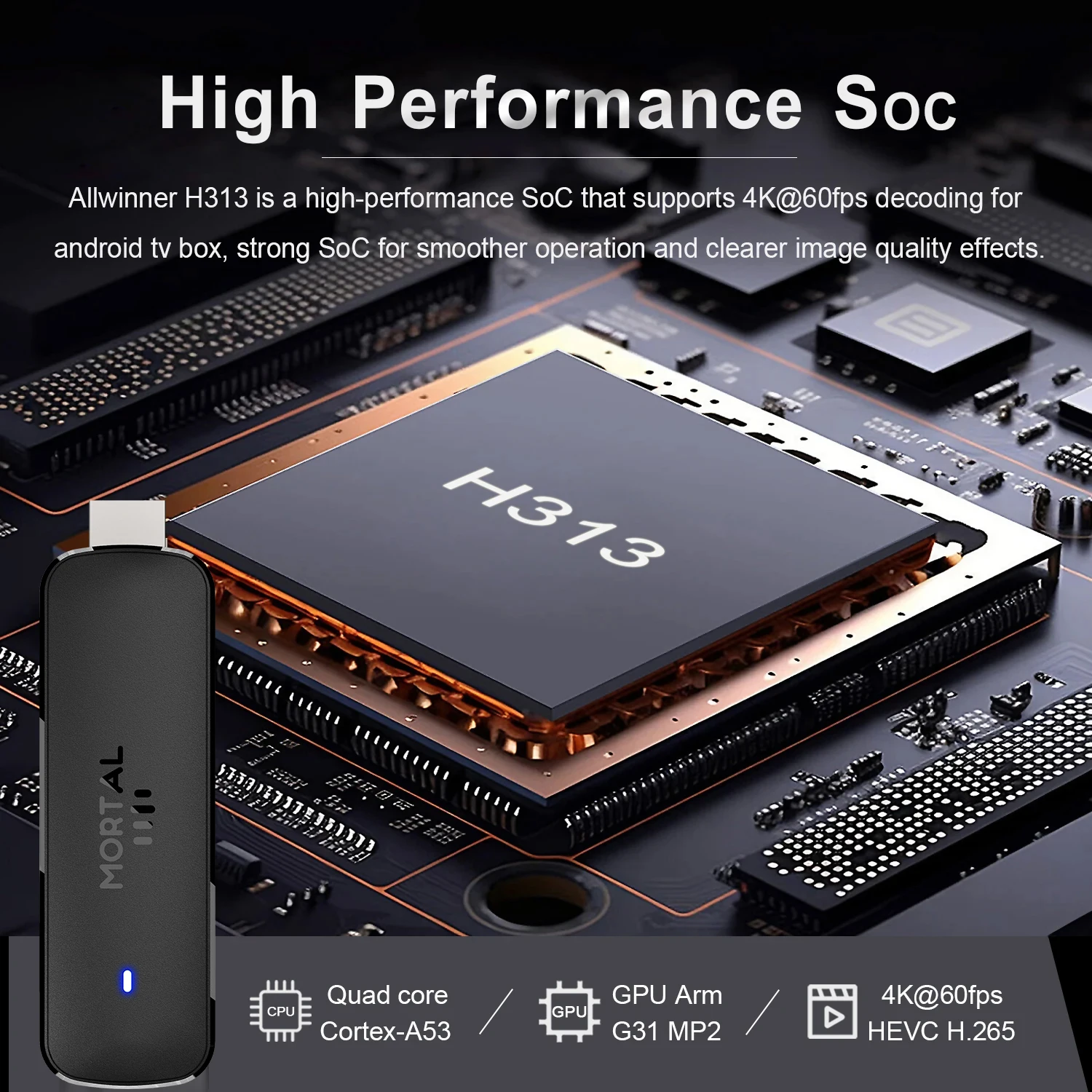
Allwinner H313
Strong SoC for smoother operation and clearer image quality effects.
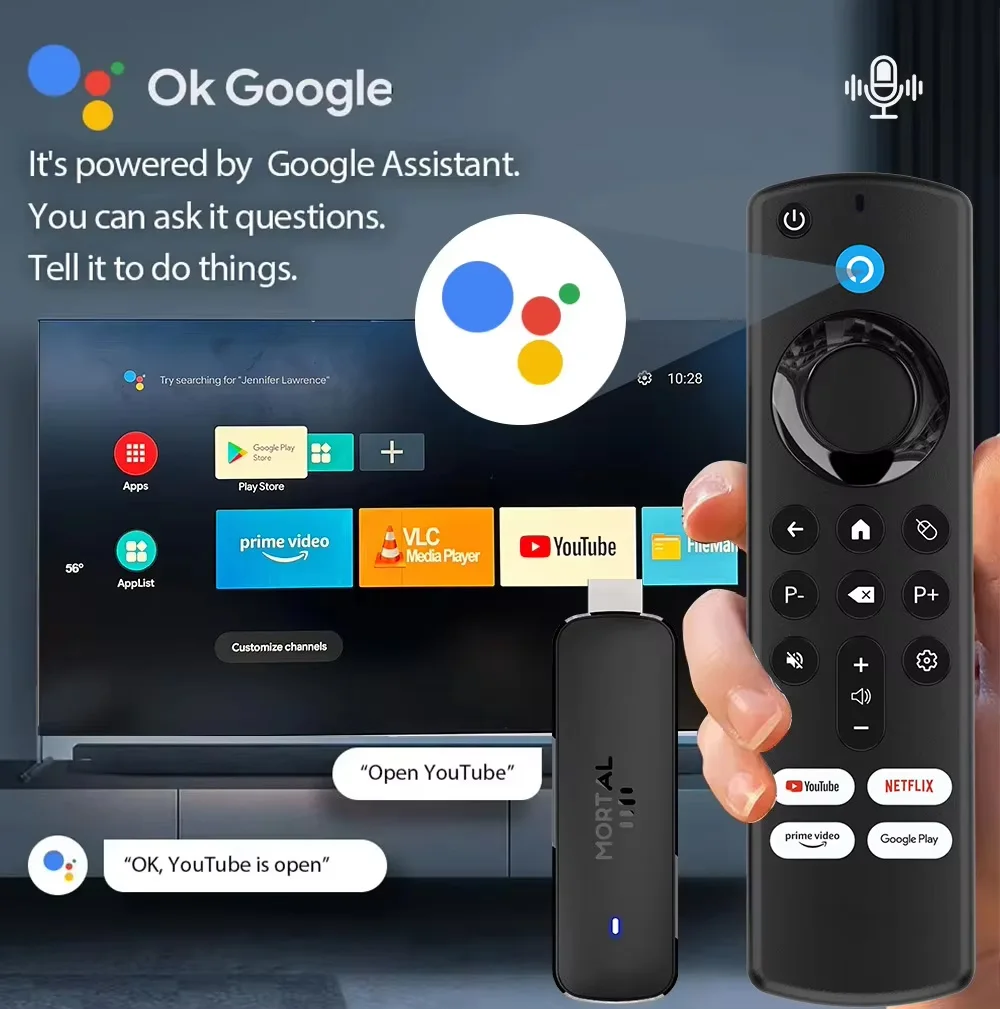
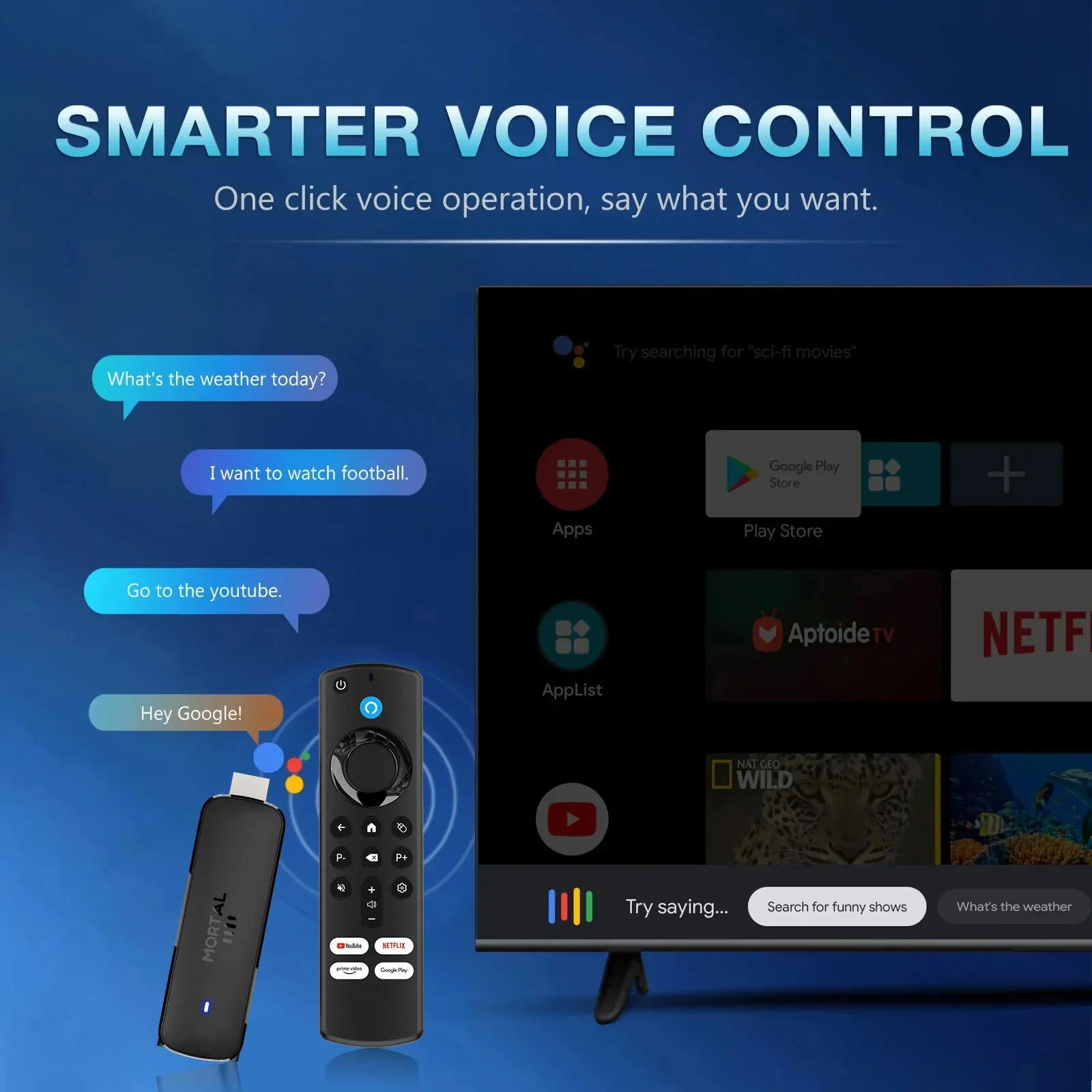
Google Voice Assistant brings you more convenience.
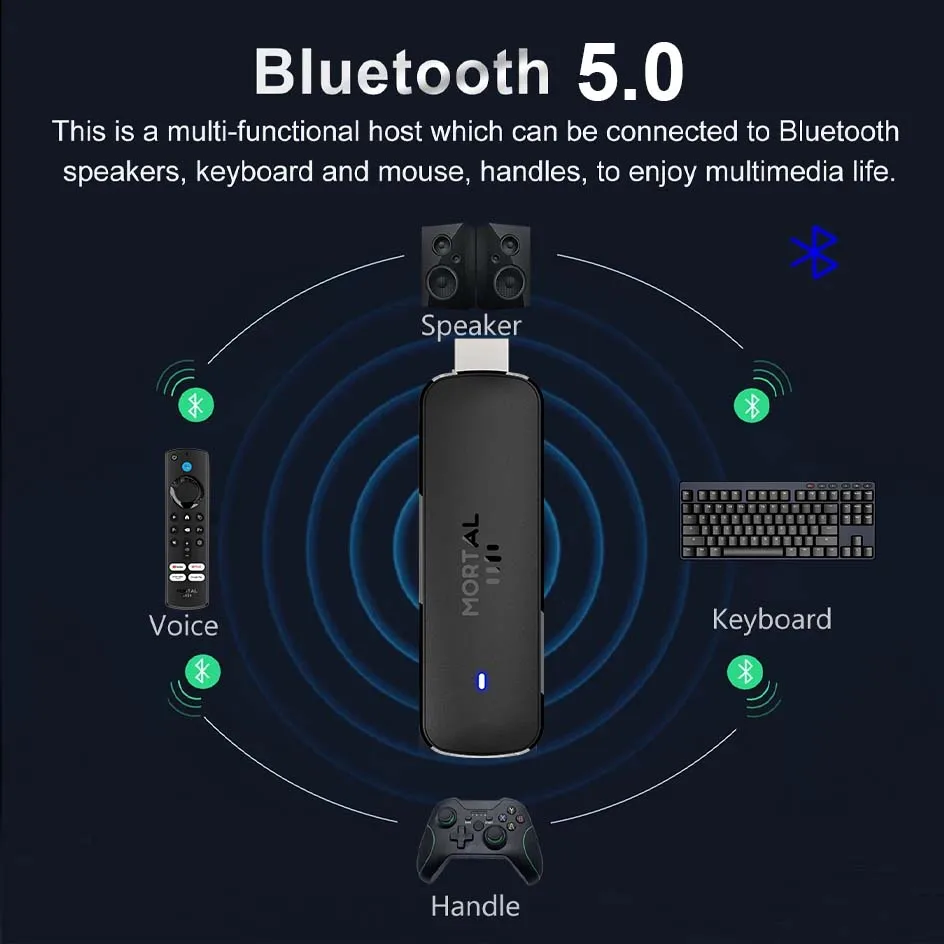
Q8 Android TV Stick comes with an improved Bluetooth remote control. Unlike ordinary infrared remote controls, the latest Bluetooth remote control doesn’t require focused aiming for each click. You can navigate directly to the application list or open some supported applications with one click, which is quite convenient.
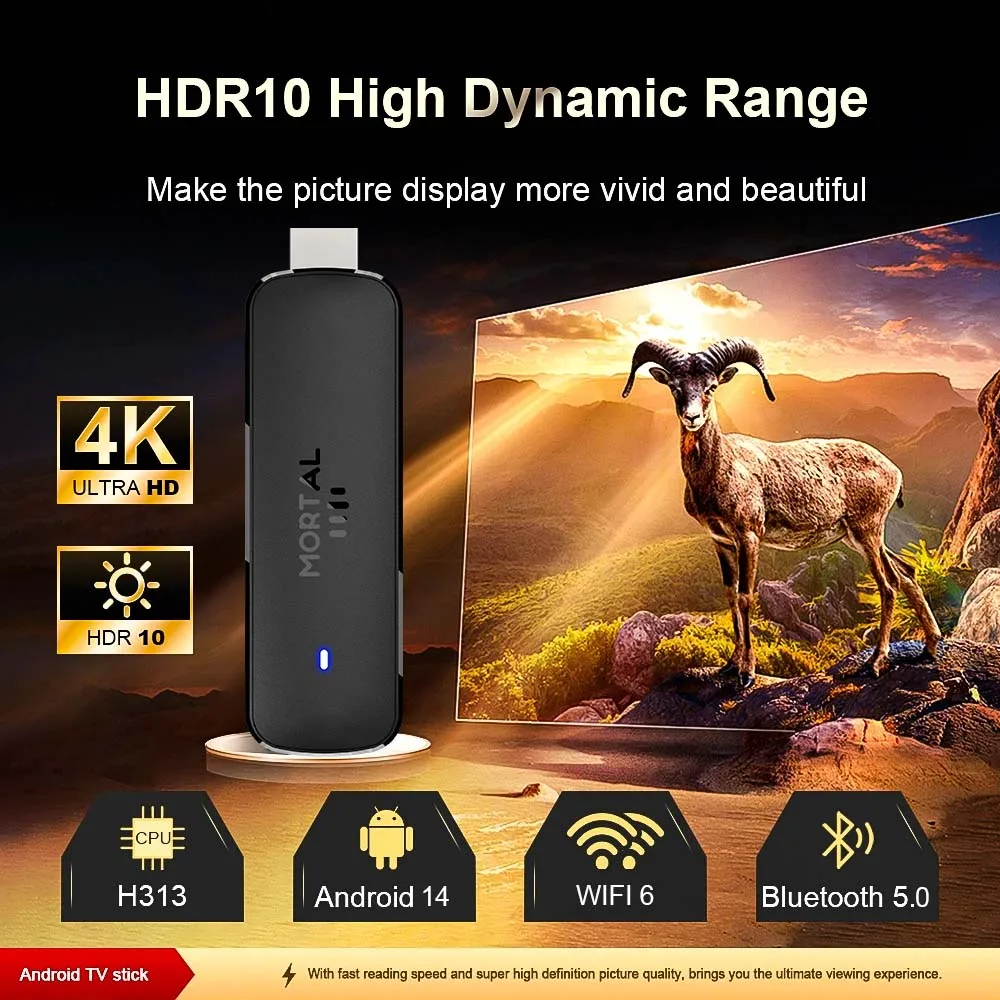
HDR10+High Dynamic Range Make the picture display more vivid and beautiful.
Q8 Android TV stick 4K supports 4K Ultra HD and HDR 10. You will get accurate, clear and vivid pictures. And on top of all that, you also have the ability to cast content straight from your phone.
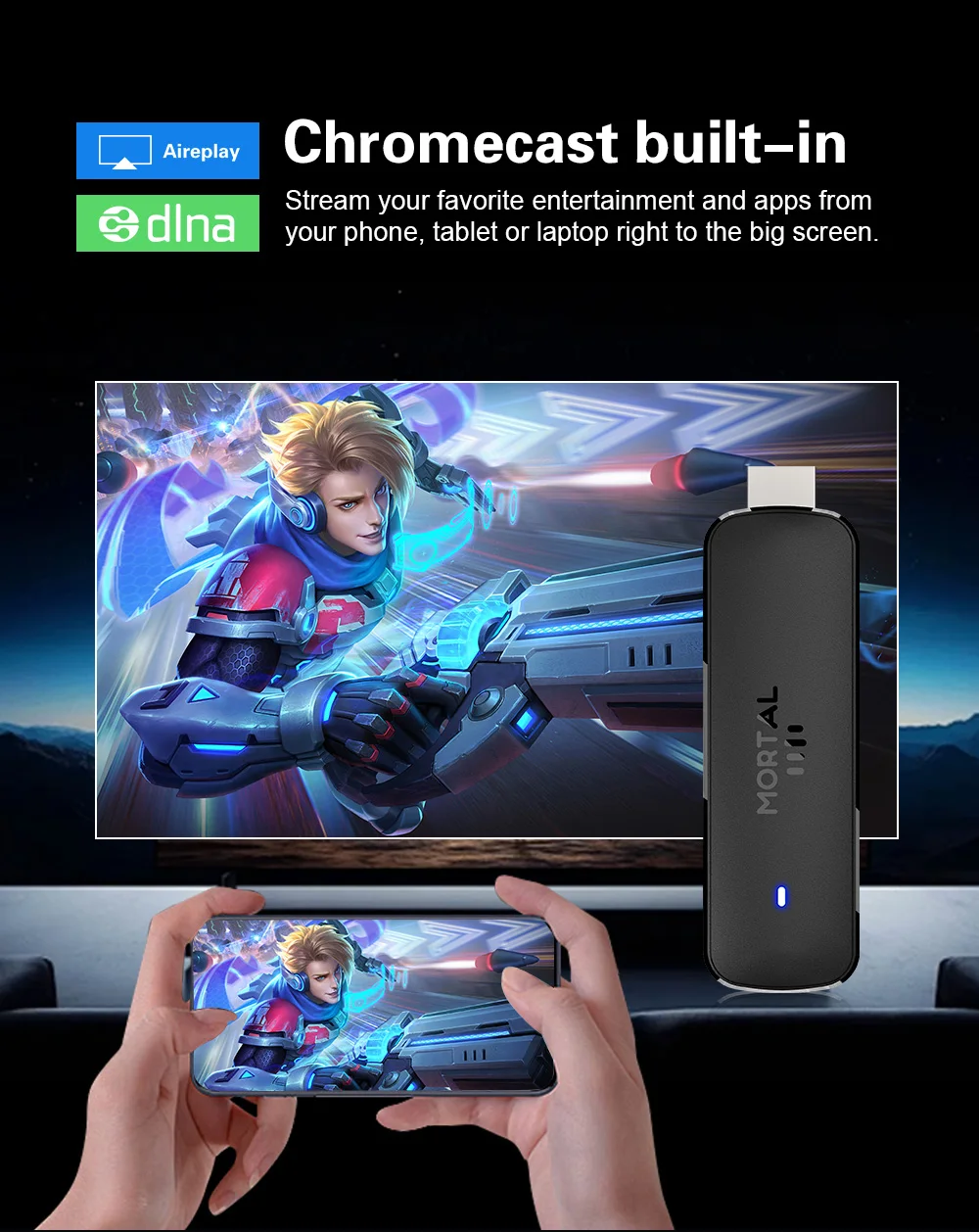
Chromecast built-in
Easily share the small screen to the large screen.You can play games and watch You can play games and watch
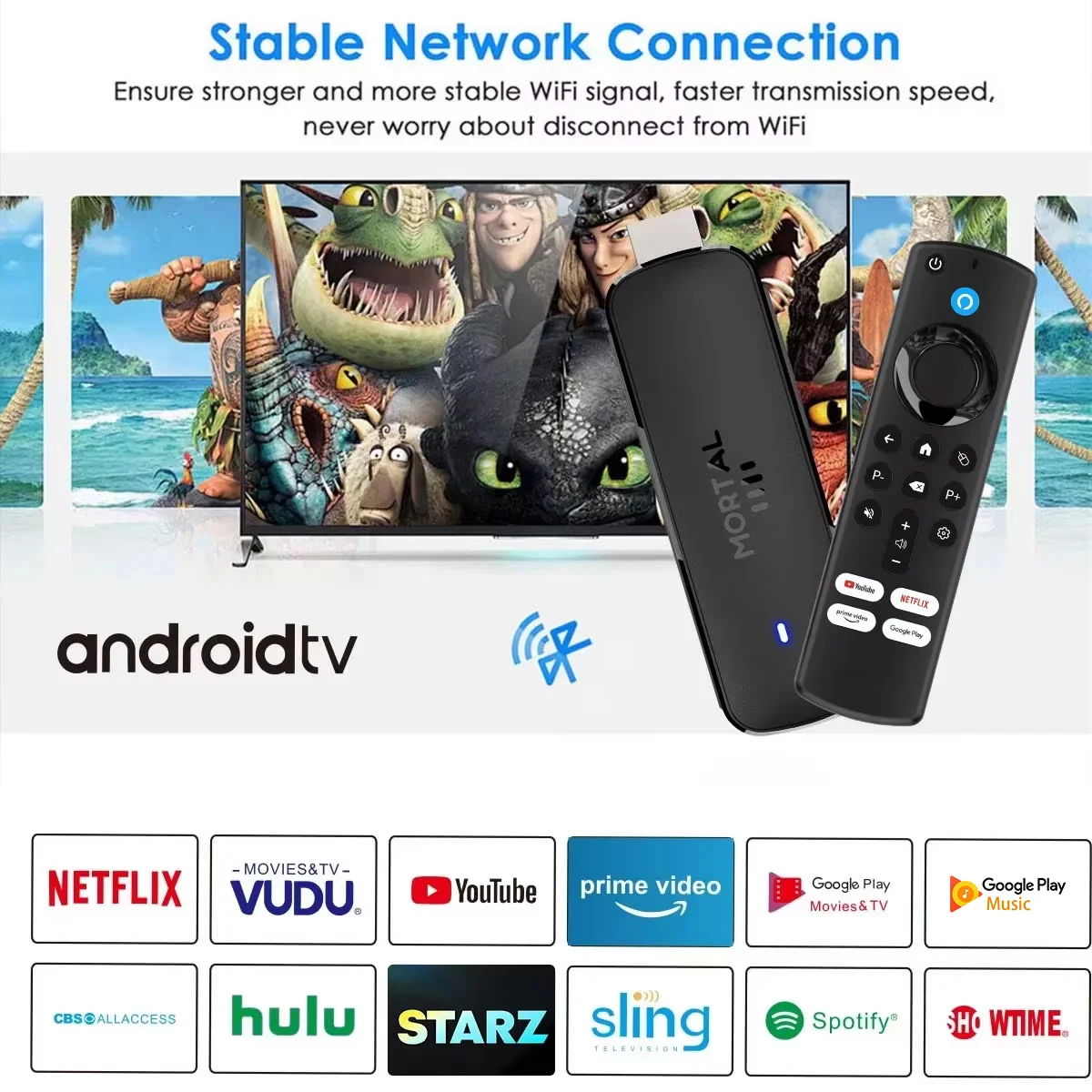
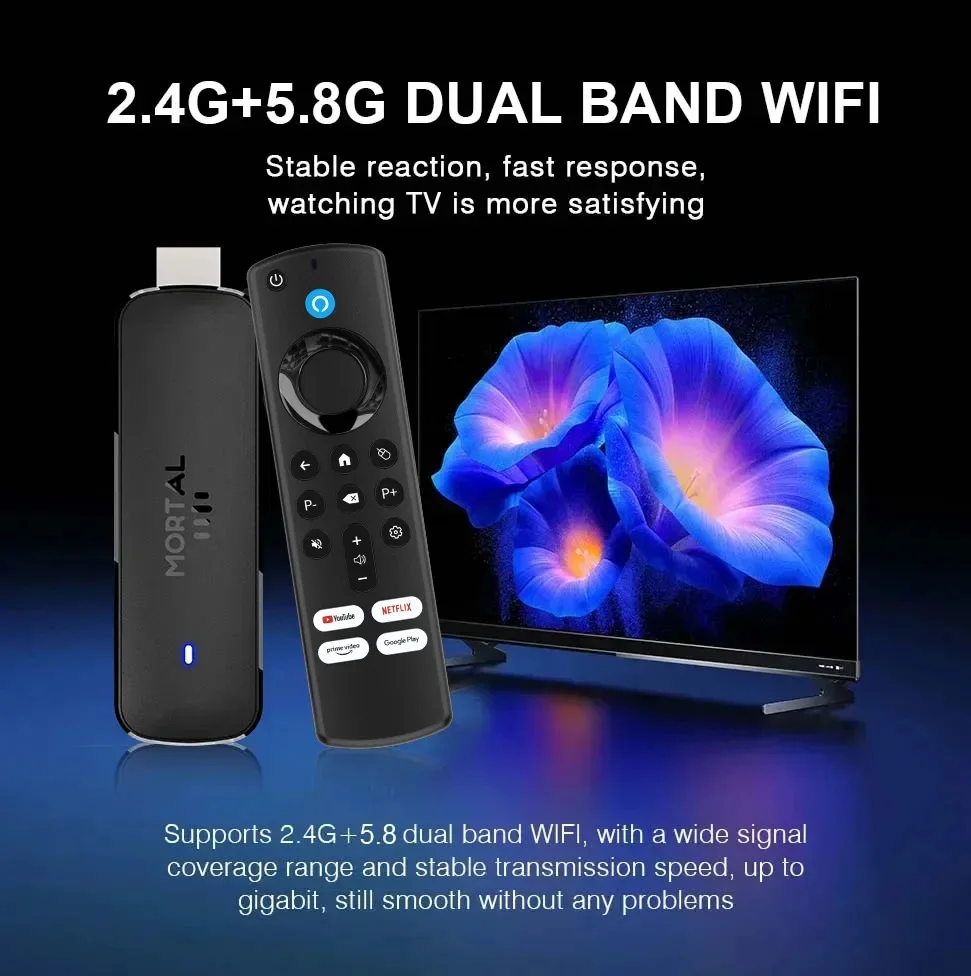
WiFi6 is more stable.
2.4G and 5.8G dual band WiFi,WiFi6 ,ith good compatibility, fast network speed, and smoother performance
Frequently Asked Questions
How to install Q8 TV Stick?
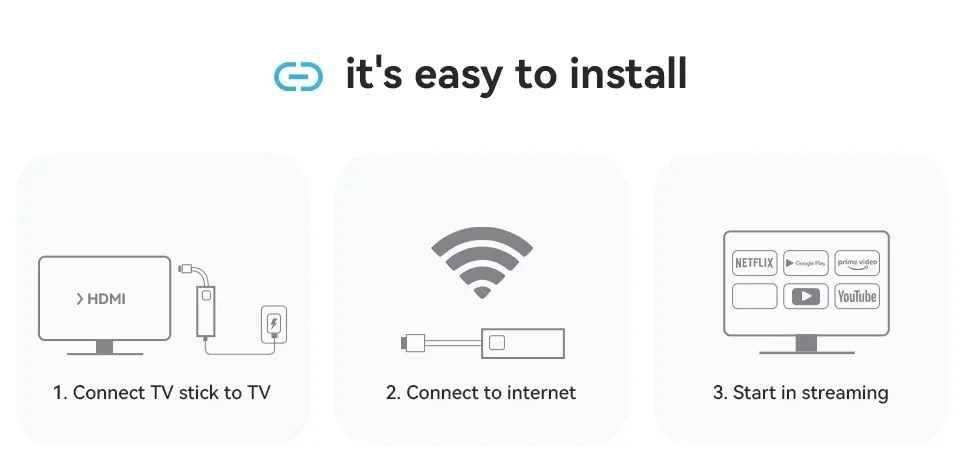
1: Connect one end of our standard HDMI cable to the HDMI port of the TV Stick, and the other end to the HDMI port of the TV
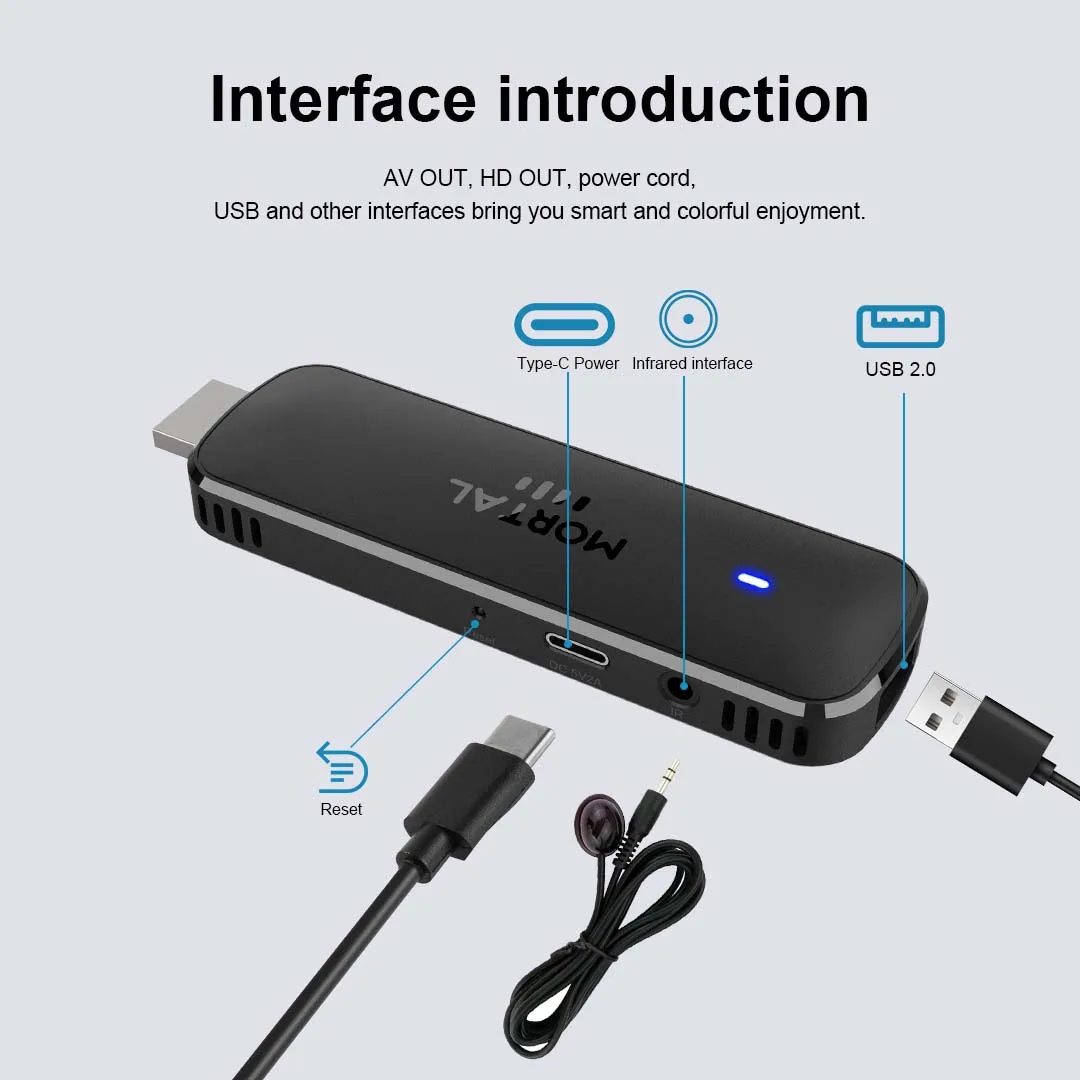
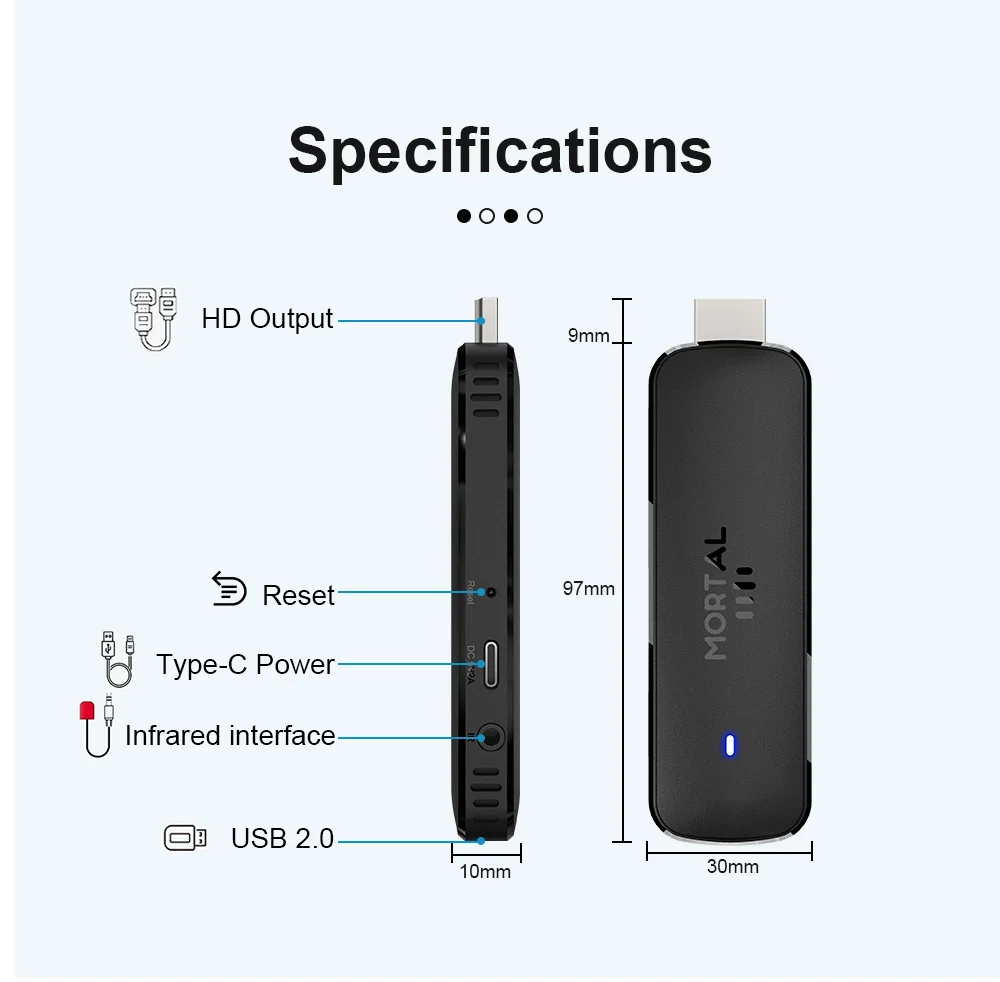
2: Use a 5V, 2A power plug to connect the TV Stick to the power supply, and insert the TV Stick into the infrared signal receiving cable
3: Open the network settings, connect to the network, and you can surf the Internet normally.
Please be sure to connect the HD cable to the TV Stick first, and then connect the power adapter to the TV Stick.
Incorrect connection may cause problems such as screen freeze, distortion, and insufficient signal.
How to use Netflix?
1. After connecting to WiFi, open the APP, find the black screen Netflix software, and click to open
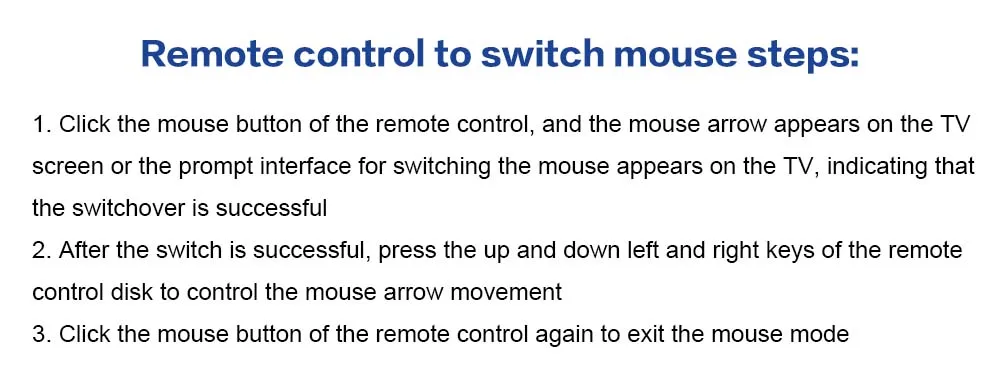
2. After clicking to open Netflix, the login interface will appear. Click the mouse switch button on the remote control to switch the remote control to mouse mode, and click the login button of the software
3. Click the mouse button again to switch the remote control to remote control mode, enter the account and password to log in
4. Use the mouse mode of the remote control to click the video to play
If the signal receiving light of the TV stick flashes, the TV screen turns on in a loop
This is because the power you connected to the machine is less than 5V, 2A, please use a 5V, 2A power adapter to power the machine
The voice remote control Bluetooth pairing interface appears on the TV stick, and the remote control does not respond
1. If you purchased an infrared remote control combination, the pairing interface will appear. Just press the return button on the remote control to exit the pairing interface. After exiting, you can use the remote control normally
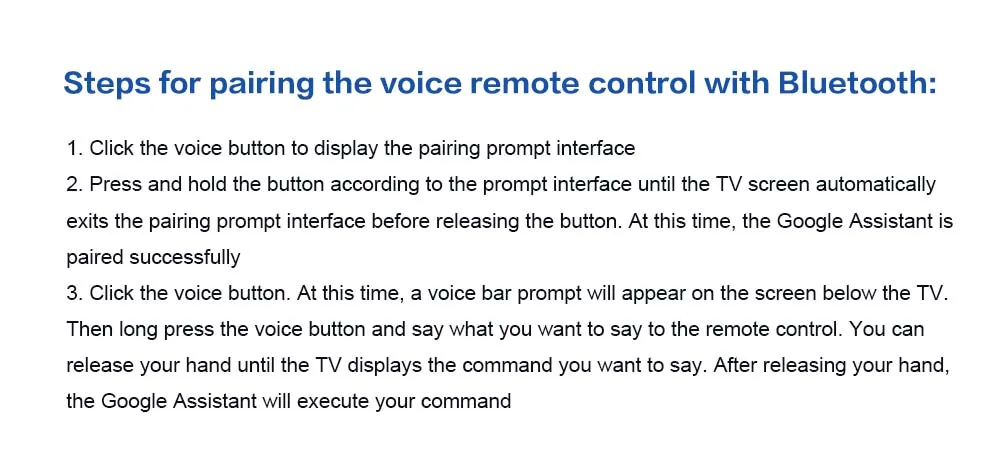
2. If you purchased a voice remote control combination, the pairing interface will appear. You need to perform Bluetooth pairing according to the interface prompts: press and hold the remote control button at the same time. When the pairing interface automatically exits, it means that the pairing is successful. Release the button after the pairing is successful.
The remote control cannot navigate on some applications
For most Android TV sticks, using the remote control to navigate on some applications is a common problem because these applications are mainly provided for tablets and mobile phones with touch screen settings or mice. You can connect a mouse or wireless keyboard to control it, or click the mouse button on the remote control to switch the remote control mode to mouse mode
If your TV stick needs to be restarted after using it for a period of time
It may be that some applications you installed are incompatible, or some data is damaged. It is recommended that you perform “factory reset” in the settings.
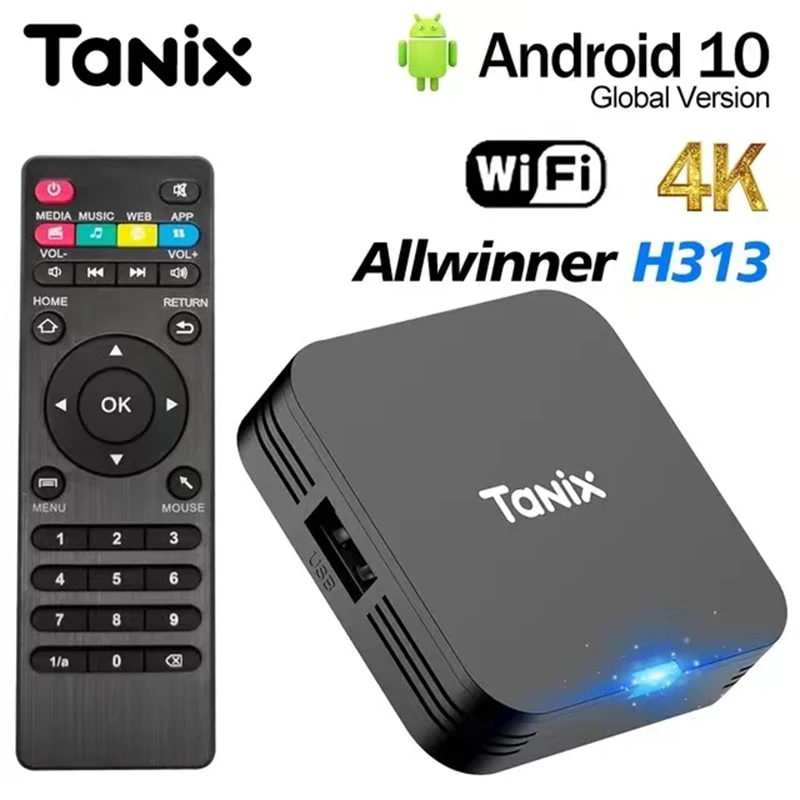
You may also want to see the other TV BOX in our store,
this is the store’s other hot sales, you can refer to choose.
Click on the product image and you will be taken to the details page
https://www.aliexpress.com/item/3256807056386231.html?gatewayAdapt=4itemAdapt
4K Video Decoding
Powerful video decoding function ,higher definition,more realistic image effection.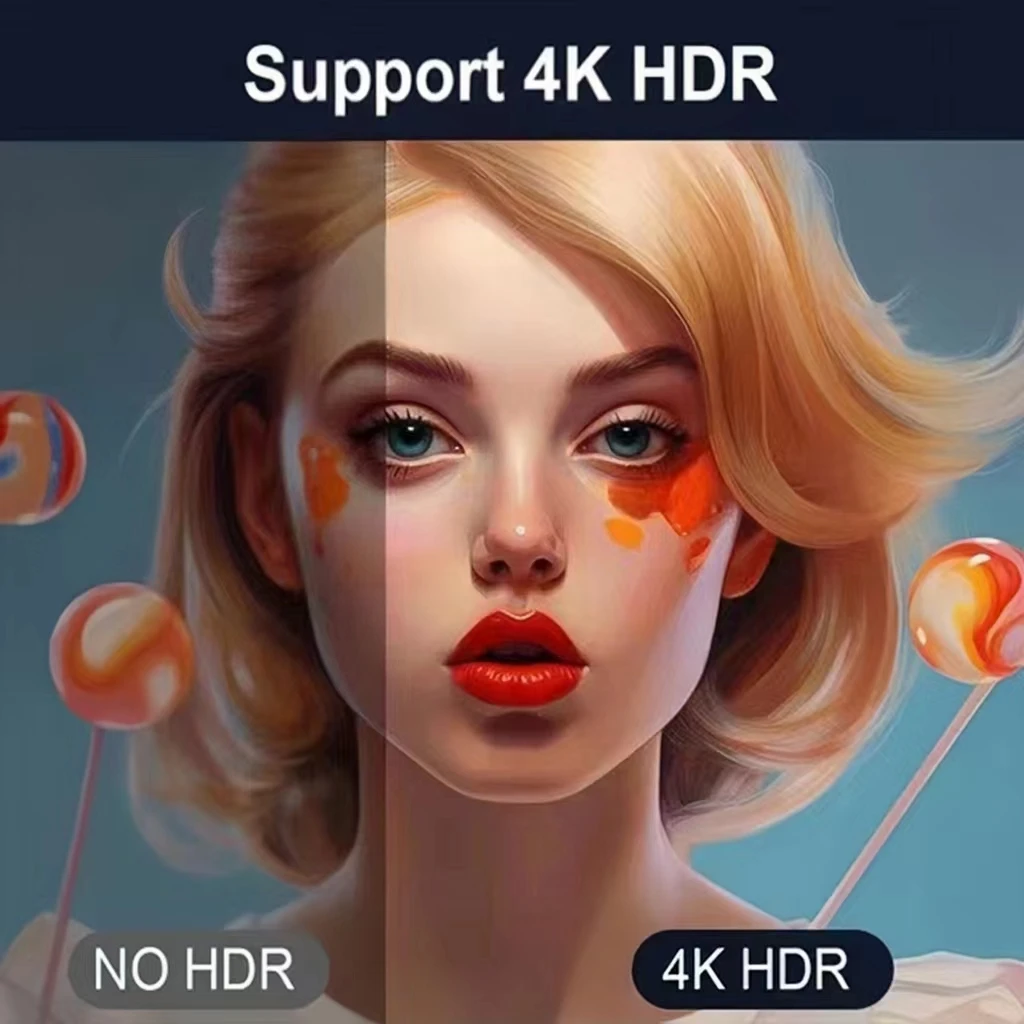



5 reviews for Mortal Q8 WIFI6 BT5.0 Google Voice Assistant AllwinnerH313 Android 14 Portable Android FireTV Stick Smart Streaming Media Player